
What it does
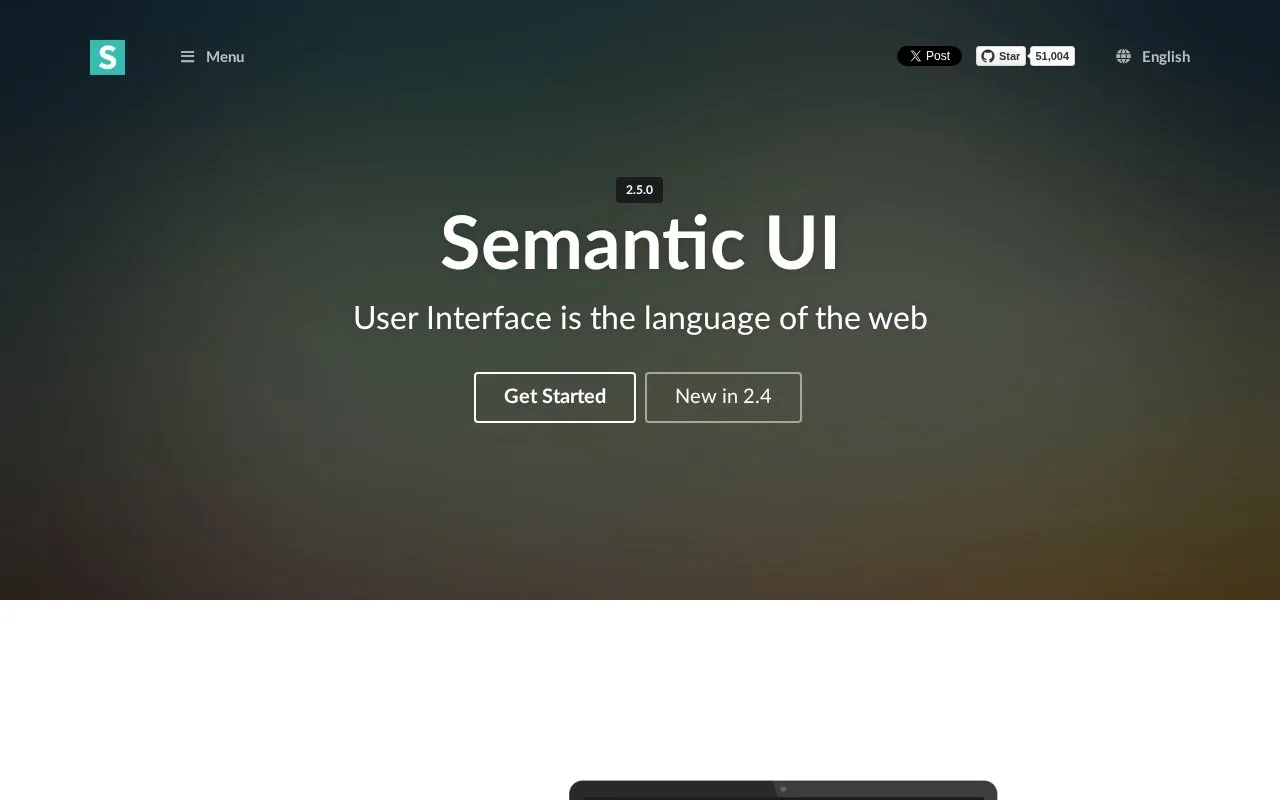
Semantic UI is a frontend framework organizing interface elements, collections and interactive modules. It uses descriptive class relationships and configurable behaviors to connect markup with component presentation.
Semantic UI uses readable classes to connect markup with interface concepts, from buttons and menus to interactive modules. The default-theme files are available in the lighter semantic-ui-css package or as a ZIP. Its full package uses Gulp to build customised CSS and JavaScript, with jQuery included in the page for the interactive modules.
A selection dropdown can start from a select element or from matching HTML with a hidden input. Initialize it with .dropdown(), then use settings to supply options, placeholder text or a maximum number of selections. set selected adds values, while set exactly replaces the current selection. Visible labels and submitted values can differ through data-text and data-value.
The framework is free under MIT and package downloads need no account. With a multiple-selection dropdown built around a hidden input, selected values are submitted as a delimited string; the default delimiter is a comma. Account for that output format when connecting it to a form.
Strengths
- Readable class relationships connect markup with interface concepts.
- The framework documents visual elements and configurable interactive modules.
- Dropdown settings distinguish labels, submitted values and selection limits.
Watch out for
- Interactive modules use jQuery; the full theme-building workflow uses Gulp.
- Multiple selections in a hidden input use a delimited string that the application must handle.
Best for
- Teams evaluating a descriptive component vocabulary for web interfaces
Sources
- Semantic UI (Oct 27, 2026)
- Getting Started | Semantic UI (Oct 27, 2026)
- Dropdown | Semantic UI (Oct 27, 2026)