
What it does
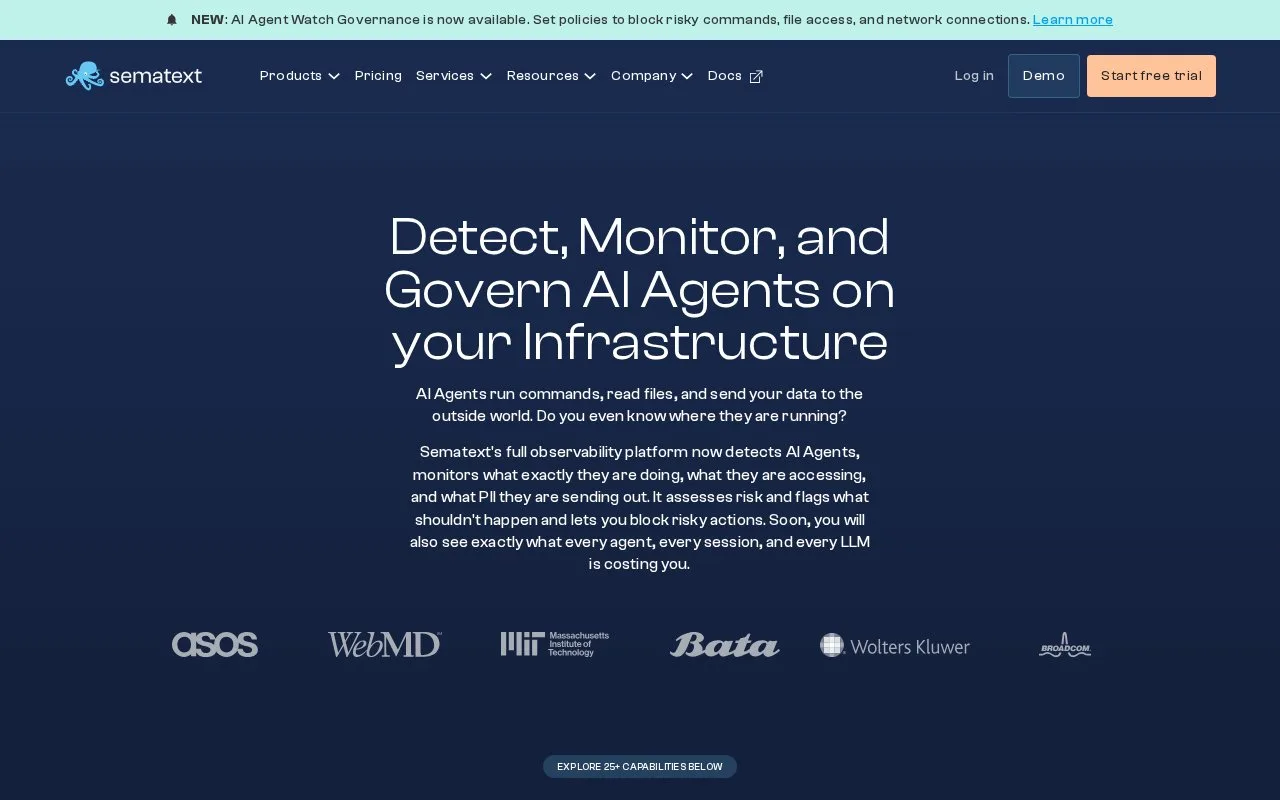
Sematext Cloud is a hosted observability service with separate products for infrastructure monitoring, logs, tracing, service monitoring, and synthetic checks. A team creates an app for the kind of data it wants, installs the documented agent or connects an integration, then uses reports, filters, alerts, and correlation to inspect what arrives. The vendor operates the monitoring service; the customer still provisions the monitored systems and installs or configures collectors where needed.
Sematext Cloud is organized around monitoring apps rather than one universal agent switch. The infrastructure quick start starts by creating an Infrastructure Monitoring App, choosing a name and plan, then installing the Sematext Agent for the selected environment. Once metrics arrive, the interface can filter and correlate them with events and logs. A Monitoring App follows a similar pattern but begins with a supported integration, and the documentation says it can create an infrastructure app if one is not already present.
That distinction helps choose an initial signal: use the infrastructure app for host-level metrics, then add an integration for a service or use a separate Logs or Tracing app when those inputs are needed. Alerts and anomaly detection can flag conditions in the collected data. The operator then inspects the relevant metrics, logs, events, or traces to understand what changed; an alert by itself is not a diagnosis or a repair.
This listing is for the hosted Sematext Cloud service. Its agent runs in the customer's environment and ships data to Sematext, so adopting it does not remove the need to manage access to hosts, integrations, or data collection. The pricing page describes a 14-day trial and separate products with usage-based or per-monitor pricing. A real total depends on which apps and data volumes a team uses, so the advertised starting points should not be treated as a workload quote.
Strengths
- The documented onboarding flow ties each monitoring app to a named data source and its matching agent or integration.
- Infrastructure metrics can be filtered and correlated with events and logs in the same hosted service.
- The product lineup covers logs, infrastructure, tracing, service monitoring, and synthetic checks without treating each module as a separate vendor.
Watch out for
- Getting useful infrastructure data requires creating an app and installing or configuring the relevant agent or integration in the monitored environment.
- Plans are selected per product or monitor, so teams using several data types need to estimate each part of their usage.
Best for
- Operations teams that want hosted infrastructure metrics alongside log and trace investigation workflows.
- Service owners who prefer to start with one agent-backed monitoring app and add integrations as needed.
Sources
- Sematext | IT System Monitoring Tools for DevOps (Oct 25, 2026)
- Sematext Monitoring Quick Start (Oct 25, 2026)
- Alert Rules - Sematext Documentation (Oct 25, 2026)
- Pricing (Oct 25, 2026)
- Terms of Service (Oct 25, 2026)