
What it does
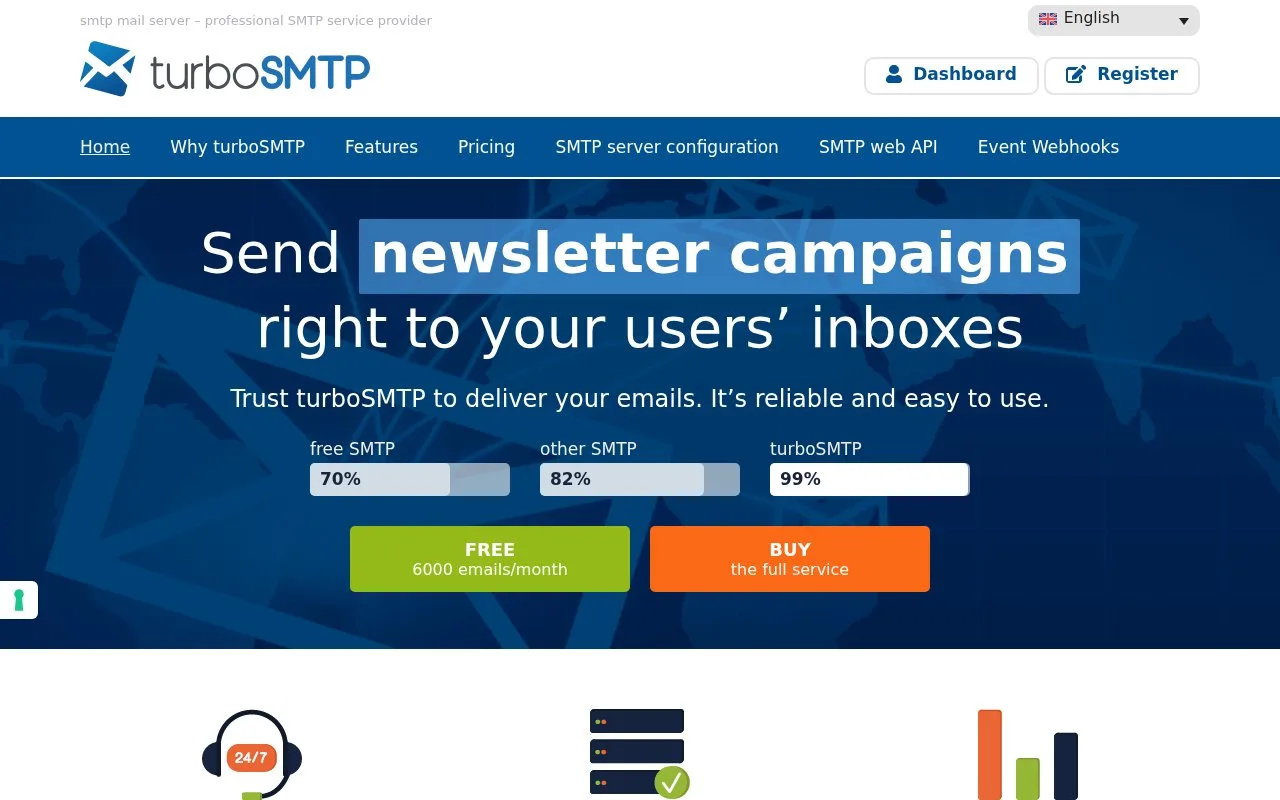
turboSMTP sends application and newsletter email through SMTP or an API, with an account dashboard for message tracking. It offers monthly subscriptions and prepaid credits; the Free offer allows 200 daily emails for the first six months.
Use the Statistics view to investigate a particular message rather than treating the campaign total as the whole delivery record. Its recipient list includes the subject, sender, destination, server receipt time and a status such as Queued, Delivered, Bounce or Dropped. For a customer-notification workflow, those fields provide a place to trace the relevant destination and message.
Bounce notifications have a separate choice. In Settings, Notifications, disabling Bounces management sends the notifications directly to the account's inbox instead of leaving turboSMTP to manage them. Decide which route the team will monitor before connecting the sending application.
Recurring plans renew automatically. The documented cancellation deadline is at least fifteen days before the billing date; later requests may result in another billing cycle. Prepaid sending is also offered.
The current pricing offers these starting options:
| Option | Price | Sending allowance |
|---|---|---|
| Free | EUR 0 | 200 emails daily for the first six months |
| Basic, monthly billing | EUR 14.95 per month | 15,000 emails per month |
| Prepaid pack | EUR 49 | 50,000 emails, expiring after one year |
Create the sending credentials inside the account: open Settings, Integrations, then Edit in the API Keys block. Choose Create API Key, select the permitted services and generate the key. Copy the Consumer Secret at this point because it is shown only once. The Consumer Key and Secret serve as the SMTP username and password; access can also be restricted to selected IP addresses.
Strengths
- Recipient records include message identity, receipt time and status
- Bounce notification handling is configurable
Watch out for
- A cancellation request within fifteen days of billing may incur another cycle
Best for
- Application owners and email teams tracing individual relay messages
Sources
- turboSMTP mail server - Professional SMTP Service Provider (Oct 26, 2026)
- TurboSMTP - Knowledgebase - 17. How do I keep track of sent emails? (Oct 26, 2026)
- TurboSMTP - Knowledgebase - 31. How can I get notified of my bounce? (Oct 26, 2026)
- TurboSMTP - Knowledgebase - 15. What if I want to cancel my monthly plan? (Oct 26, 2026)
- turboSMTP pricing (Oct 27, 2026)
- Creating and using API keys with turboSMTP (Oct 27, 2026)