
What it does
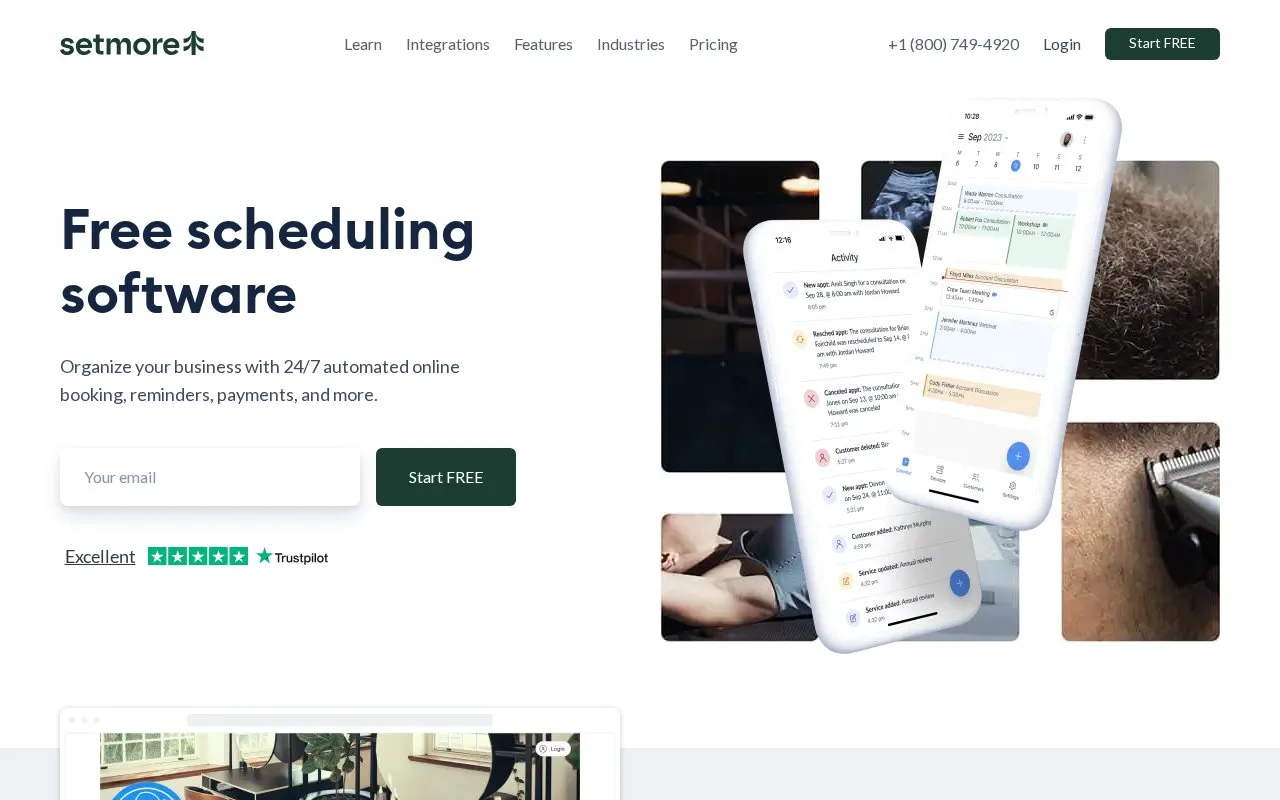
Setmore gives service businesses an appointment calendar and a public booking page. Customers can self-book, receive confirmations and reminders, and pay through connected payment providers. The service also documents Google Calendar synchronization and integrations for video meetings, social profiles, and CRM workflows.
Use the booking page as the front door
Setmore’s documented setup begins with a booking page that displays services and current availability. A business can share the page on its own site or social channels, and each reservation appears in its calendar. The page describes email or text reminders, online payments through providers such as Stripe, Square, or PayPal, and video-meeting links using Zoom or Google Meet.
A solo consultant could share a booking link for paid consultations; a small clinic could use it to let clients pick from available appointment times. Setmore advertises a free plan for up to four users, with paid options for additional capabilities. The official overview presents the free tier and integrations, so teams should compare the current limits rather than assume every feature is included.
The page lists Windows, macOS, Android, and iOS apps. I did not create an account, connect Google Calendar, or verify how a particular payment integration behaves.
Strengths
- A public booking page supports self-service appointments and can be linked from websites and social profiles.
- The official page lists Google Calendar sync and integrations for video meetings and payments.
- The site advertises a free plan for up to four users.
Watch out for
- Payment processing and some features depend on third-party connections or plan level.
- Calendar sync requires configuring an integration.
Best for
- Small service businesses sharing a branded appointment page
- Consultants taking online or video-call bookings
Sources
- Setmore | Free Online Appointment Scheduling Software (Oct 25, 2026)