
What it does
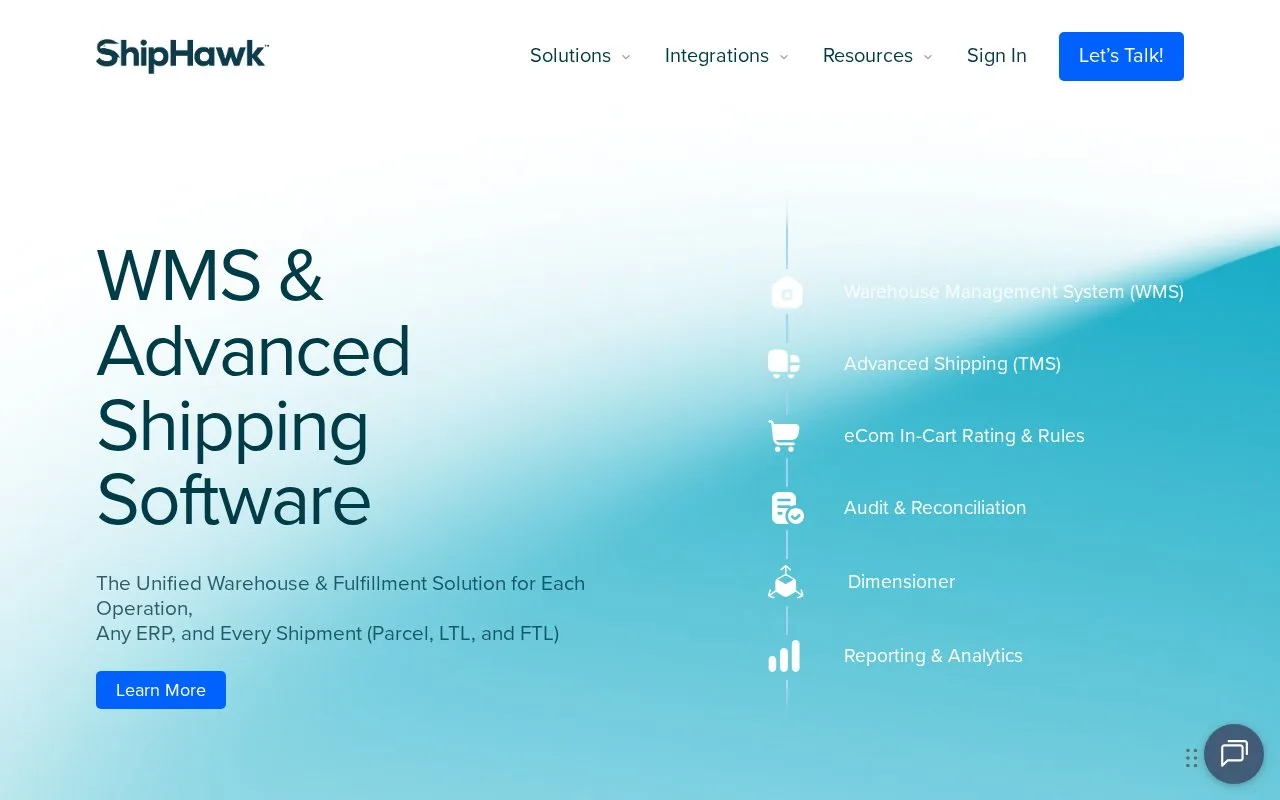
ShipHawk combines warehouse and shipping operations around incoming commerce orders, covering receiving, picking, packing and carrier selection. Operators use a ShipHawk account. Subscription scope, transaction allowances and fees are set in the service order.
ShipHawk groups unreleased orders by product-code family, carrier service, size, zone or customer priority. Groups keep updating until release to a picker. Batch, cluster, wave and consolidation strategies handle different order mixes.
For a missing item, record a short pick showing the available quantity; an alternate bin can be suggested when stock exists elsewhere. Cycle counts can also be included in picking routes.
For an Amazon Shipping connection, sign in and open Settings > Integrations. Select Amazon Shipping, enter the regional Marketplace ID and authorize the connection in Amazon's popup. Then add Amazon Shipping under Settings > Carriers. Generate a shipment from Orders, select the carrier/service, calculate its rate and choose Save & Fulfill by Amazon. Print Label produces the label; the tracking number opens shipment progress. With multiple warehouses, the sender address must match the warehouse registered in Amazon Shipper Central.
The service order sets the subscription and transaction allowances. Parcel, freight and address-validation overages are billed monthly.
Strengths
- Connectors cover systems including NetSuite, Acumatica and Microsoft Dynamics
- Carrier accounts can be assigned to a particular warehouse
Watch out for
- Extra connectors or reimplementation can add recurring and setup fees
Best for
- Commerce warehouses connecting fulfillment to their business-management software
Sources
- ShipHawk WMS and Advanced Shipping Software (Oct 27, 2026)
- Order Release and Pick Optimization (Oct 27, 2026)
- ShipHawk Terms and Conditions (Oct 27, 2026)
- Amazon Shipping for ShipHawk TMS Setup Guide (Oct 27, 2026)