
What it does
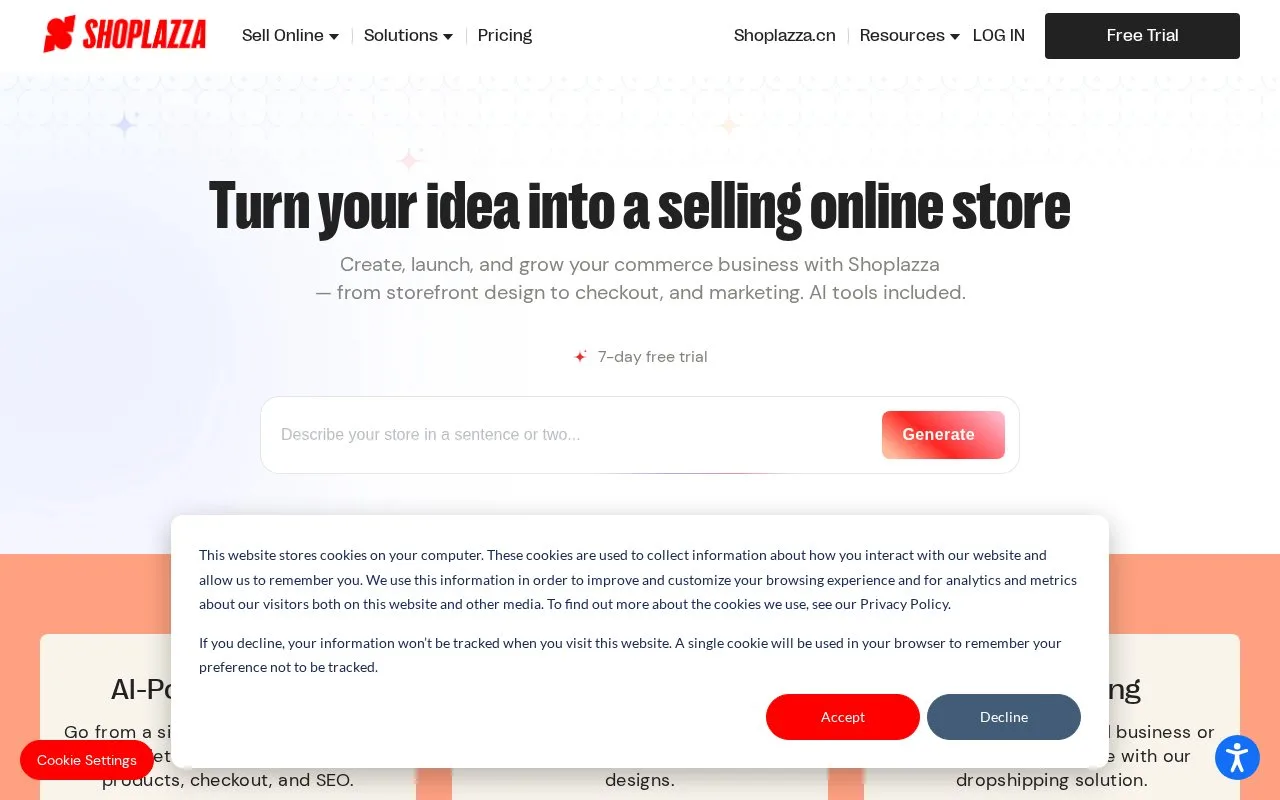
Shoplazza combines storefront design, checkout, product and inventory management with fulfilment integrations. A no-signup AI preview and a seven-day platform trial help merchants prepare a store. Publishing and operating it require a paid plan.
Shoplazza separates a generated storefront preview from running a shop. The AI preview needs no signup; the full platform trial lasts seven days. For store administration, register with Google or email. The email route uses a verification code, and the account can be created before setting up the store.
Add a product ready for sale
Open Products > All products and choose Create product. Enter its details and decide whether Published should make it active. Set the shipping and tax choices, then choose Next for media and variants. The first image becomes the cover; drag images to change their order and add useful ALT descriptions.
Create the required size or colour variants and enter prices, weights, SKUs and stock. Inventory tracking adjusts quantities for purchases and returns. Enable Sell When Out of Stock only if the business can fulfil those orders. Save the finished product.
For an existing listing, use its pen icon under All Products, make the changes and save. Recheck the displayed options after editing a multi-variant item.
Running costs
| Plan | Monthly subscription | Monthly equivalent, billed annually | Staff accounts | Listed transaction fee |
|---|---|---|---|---|
| Basic | USD 39 | USD 29.25 | 3 | 2% |
| Advanced | USD 105 | USD 78.75 | 5 | 1% |
| Pro | USD 399 | USD 299.25 | 15 | 0.5% |
Hosting and unlimited product listings are included. Pro adds B2B wholesale and Avalara tax calculation.
Supplier-connected businesses can use supported dropshipping apps, while social integrations synchronize product catalogues. A migration plugin provides another starting route. Review imported products, navigation and checkout around the actual catalogue before launch. Payment-provider eligibility and supplier terms still depend on the selected connection.
Strengths
- A no-signup preview shows a proposed storefront before account setup
- Variant stock tracking and fulfilment integrations connect the catalogue with operations
Watch out for
- Publishing and operating a store require a paid plan
- Supplier and payment connections need supported integrations and applicable merchant eligibility
Best for
- Merchants planning a hosted store with supplier-connected fulfilment
Sources
- AI-Powered Website Builder & All-in-One Ecommerce Platform | Shoplazza (Oct 25, 2026)
- Shoplazza subscription pricing and trial scope (Oct 27, 2026)
- Add and update Shoplazza products (Oct 27, 2026)
- Create a Shoplazza merchant account (Oct 27, 2026)