
What it does
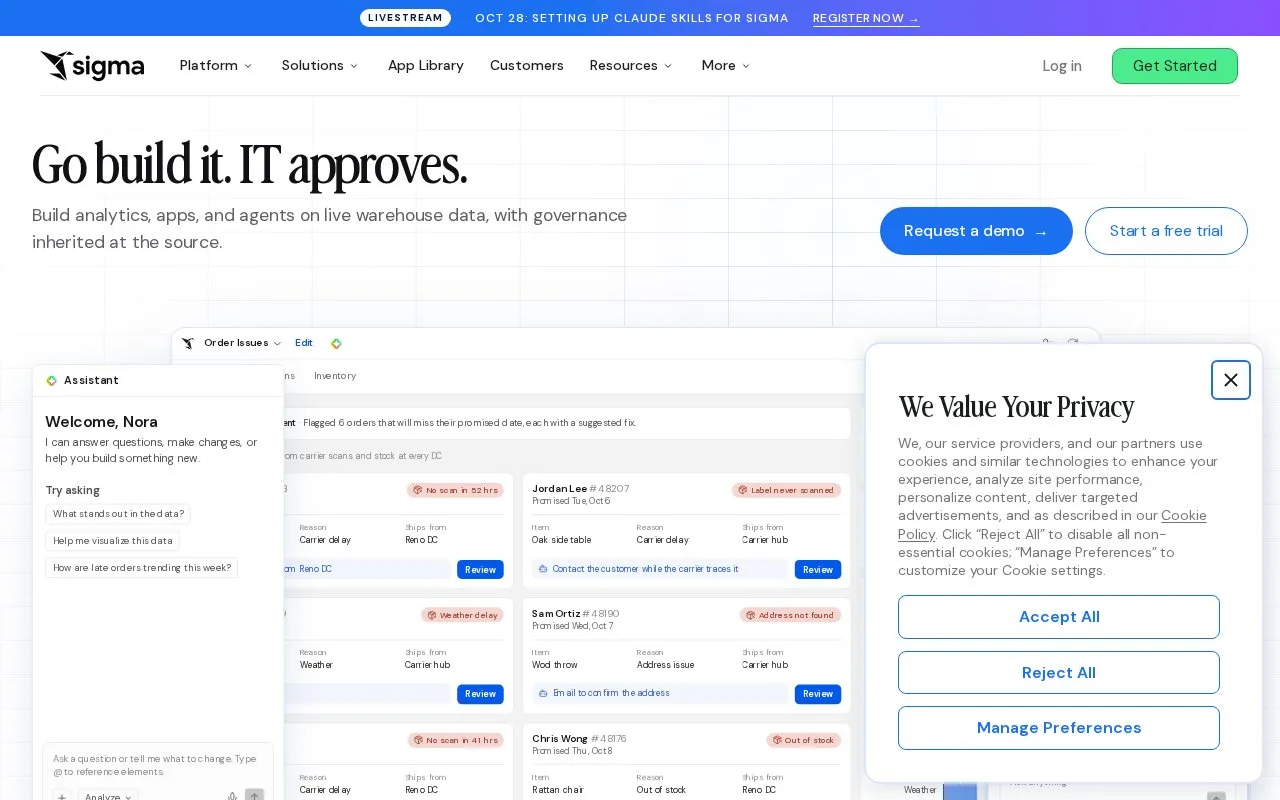
Sigma combines spreadsheet-style exploration, dashboards, reports and data applications over connected warehouse data. Input tables and actions let colleagues contribute data and act from a workbook.
Sigma's workbook can be a report for one colleague and an application for another. The licence depends on the permissions each account type enables.
| Licence | Examples of permitted work |
|---|---|
| View | Filter and drill into workbooks; download PDF or PNG results |
| Act | Use input tables and actions; export data and schedule reports |
| Analyze | Perform deeper exploration and calculations |
| Build | Create workbooks, models and applications with SQL, Python and actions |
The highest-tier permission determines the account type's billed tier. Someone who only filters a report therefore has different requirements from someone who edits an input table or builds its model. Sigma's account team supplies commercial pricing.
The seven-day trial starts after an organization and user account are created. Submit the trial form, verify the email address, choose the organization's URL and hosting region, and create the user profile and password. The trial can use Sigma's sample connection or the team's own warehouse. Connecting a warehouse requires the relevant database permissions. When the trial ends, sales can arrange an extension or subscription.
Strengths
- Combines warehouse analysis with input-table and action workflows.
- Provides role-specific capabilities for readers, contributors and builders.
Watch out for
- Enabling a higher-tier permission can raise the account type's billed license tier.
Best for
- Teams combining warehouse reporting with controlled operational data workflows
Sources
- Sigma licence tiers, permissions and pricing route (Oct 27, 2026)
- Sigma organization and user trial setup (Oct 27, 2026)
- The AI runtime for business | Sigma (Oct 25, 2026)