
What it does
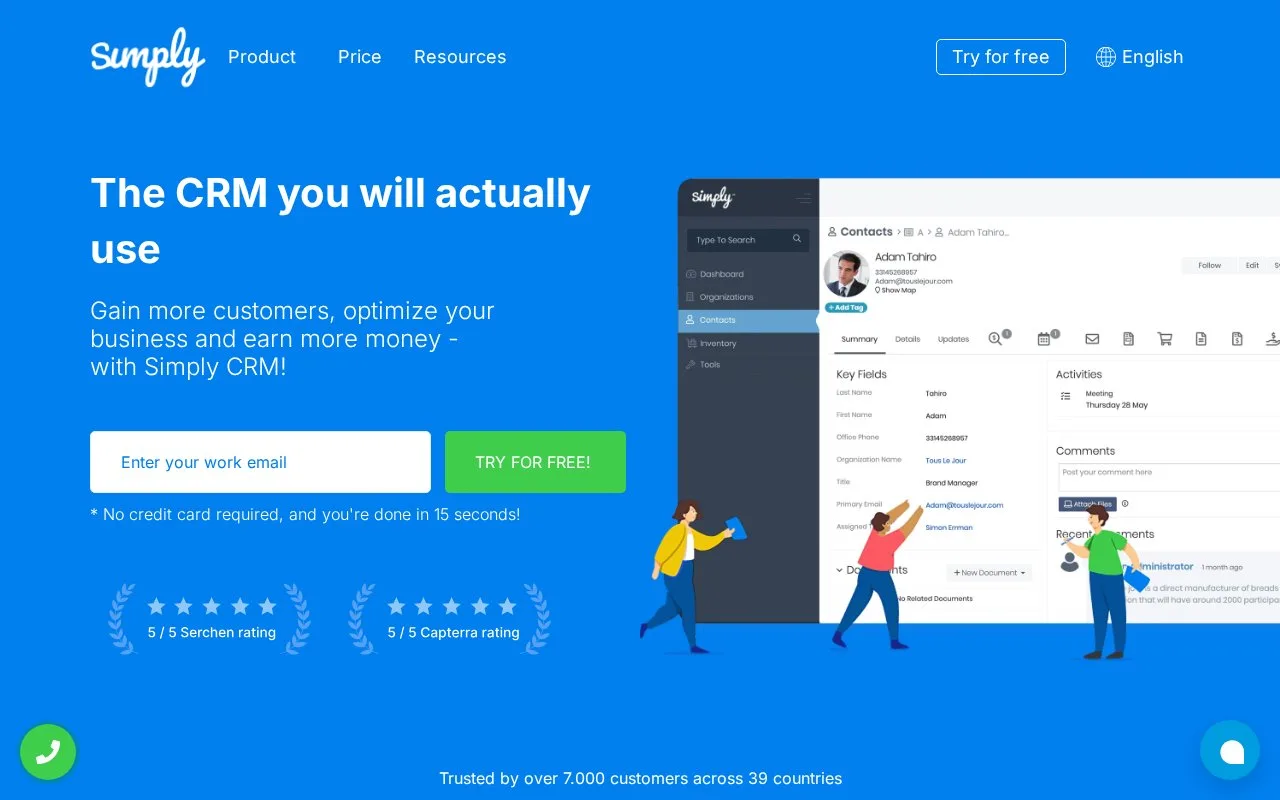
Simply CRM combines sales records with projects, support, quotes and invoicing. Workflows react to record updates and create tasks, events or other records. Paid per-user editions offer a no-card trial, with automation in Professional and additional integrations in Enterprise.
For a one-off lead follow-up, create a workflow triggered by record updates and choose Only first time conditions are met. Set the lead-status condition, then add Create Task with an assignee. Create Event is the separate action for an appointment. Every time conditions are met instead repeats the response to qualifying updates.
Workflows run as the instance owner; scheduled create and update actions use admin context. Their actions can therefore exceed the permissions of the person editing that record.
Annual subscriptions
| Edition | USD/user/month, billed annually | Selected scope |
|---|---|---|
| Starter | 15 | Contacts, leads and pipelines |
| Professional | 22 | Quotes, invoices, projects, support and workflows |
| Enterprise | 41 | Custom layouts, enterprise resource planning (ERP) connections and application programming interface (API) integrations |
Monthly payment is also offered, and prices exclude VAT. Try for free creates an account without a card. New customers receive two hours of help for setup or importing data.
Strengths
- Workflow recurrence can stop after the first qualifying event
- Tasks and events are separate configurable workflow actions
Watch out for
- Workflow actions can run with owner or admin rights beyond the triggering user's permissions
Best for
- Small sales teams automating record-based follow-up tasks
Sources
- Simply CRM pricing and account access (Oct 27, 2026)
- Simply CRM | Gain Customers - Optimize Your Business (Oct 25, 2026)
- How to create workflows – Support Simply (Oct 25, 2026)
- How to set a workflow action to create tasks or events – Support Simply (Oct 25, 2026)