
What it does
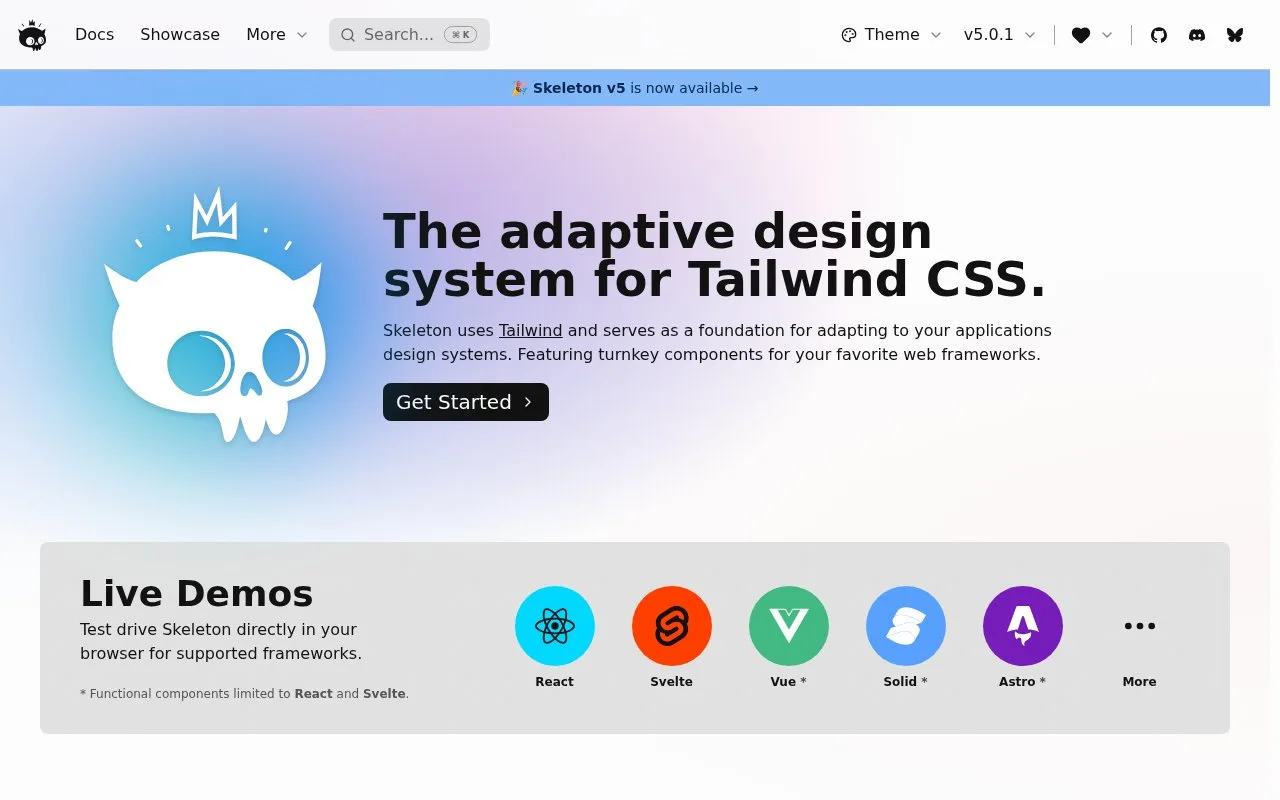
Skeleton combines Tailwind-based themes and visual components with interactive framework components. Its official site currently limits functional framework components to React and Svelte.
Skeleton separates Tailwind-based visual styling from components that manage interaction. Themes, typography and spacing work through CSS custom properties; functional components are available for React and Svelte. The installation guide provides separate routes for SvelteKit, Next.js, Vite and other setups.
For SvelteKit, create a project with the Svelte CLI, include Tailwind, then install @skeletonlabs/skeleton and @skeletonlabs/skeleton-svelte. Import Tailwind, both Skeleton packages and a theme into the global stylesheet. Set data-theme="cerberus" on the HTML element to activate the example theme, then start the development server. That guide requires SvelteKit 2, Svelte 5 and Tailwind 4 or later supported versions.
To make a custom palette, open Theme Generator, give the theme a unique name, switch to code and copy it into a CSS file. Import that file and select its name through data-theme. Multiple themes can be registered, but each increases the CSS bundle size.
The toolkit is free under MIT and local setup needs no account. Its installation guide currently rules out combining Skeleton with Flowbite React, Flowbite Svelte or daisyUI because their Tailwind class names and color settings overlap.
Strengths
- Themes, typography and spacing provide a shared visual foundation.
- The documentation distinguishes visual Tailwind components from interactive controls.
- The theme generator exports CSS that can be registered and switched by name.
Watch out for
- Functional framework components are currently limited to React and Svelte.
- The installation guide lists Flowbite React, Flowbite Svelte and daisyUI as incompatible.
Best for
- Teams designing themed Tailwind interfaces in supported frameworks
Sources
- Skeleton (Oct 27, 2026)
- Installation | Skeleton (Oct 27, 2026)
- SvelteKit installation | Skeleton (Oct 27, 2026)
- Themes | Skeleton (Oct 27, 2026)