
What it does
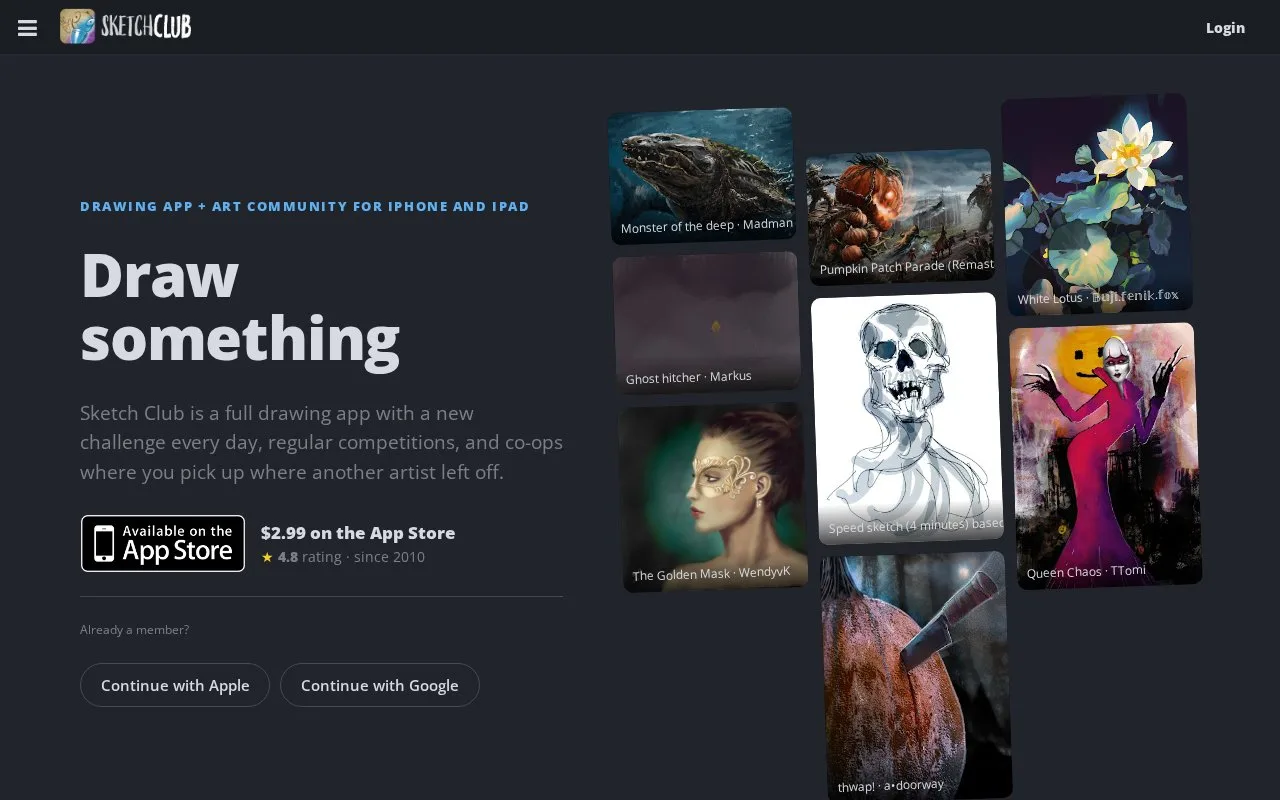
Sketch Club combines iPhone and iPad drawing tools with an art community. It includes brushes, vector and text tools, layered canvases, process recording and collaborative co-op sketches.
Start with New sketch in the local Gallery. Hold a saved thumbnail to rename, duplicate or organise it in a folder. The three-line toolbar button opens Actions, where you can save progress, resize the canvas or use Crop Center for cropping.
For a finished image, use the I/O export controls for PNG or JPG. To continue the drawing on another device, choose Export / Share and the .sketchClub format, then AirDrop it or save it to cloud storage. The Gallery also supports selecting several sketches for transfer.
To record a drawing, choose Begin in Actions' Recording group, then End when finished. The Video Export screen controls playback speed, music and saving to Photos. Community challenges and co-ops add prompts and shared drawings alongside these local tools.
The app is sold as a single purchase for iPhone and iPad.
Strengths
- Challenges provide recurring drawing exercises.
- Co-ops let artists continue one another’s sketches.
Watch out for
- Live broadcasting is limited to iPad; iPhone users can watch streams.
Best for
- Artists wanting regular prompts
- Collaborative mobile sketches
Sources
- Sketch Club: Official App Store listing (Oct 27, 2026)
- Sketch Club Gallery (Oct 27, 2026)
- Sketch Club Actions Panel (Oct 27, 2026)
- Sketch Club: Transfer Sketches (Oct 27, 2026)
- Sketch Club Video Recording (Oct 27, 2026)
- Sketch Club Community FAQ (Oct 27, 2026)