
What it does
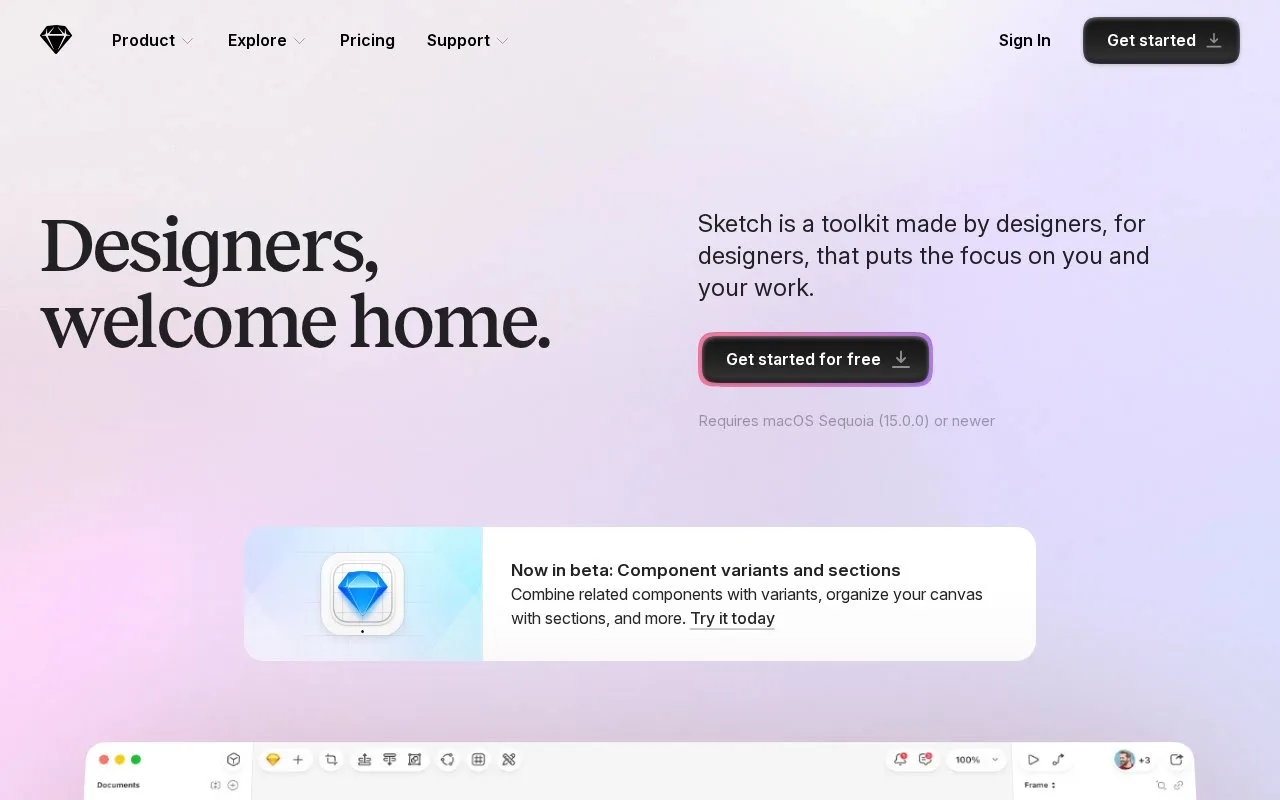
Sketch is a macOS design editor for vector interface work, reusable component libraries and prototypes. It supports local offline editing as well as real-time collaboration. You can buy a subscription with web sharing or a separate Mac-only licence; the general trial lasts 30 days.
What runs on your Mac
Stack layouts, nested frames and component libraries organize interface files. Smart Animate controls movement and timing, Overlays adds menus or dialogs, and prototype inputs include hover, press, drag and swipe. The editor currently requires macOS Sequoia 15 or newer. Browser and iPhone/iPad access is for reviewing designs and prototypes.
Subscription or Mac-only licence?
| Option | Published USD price | Included access |
|---|---|---|
| Standard | $12 per editor/month, billed yearly | Collaboration, unlimited documents and free viewers |
| Professional | $24 per editor/month, billed yearly | Standard plus permission groups and project archiving |
| Enterprise | $44 per editor/month, billed yearly | Additional administration and support |
| Mac-only licence | $120 per seat | Local editing, with one year of updates |
The Mac-only purchase excludes online sharing, collaboration and iOS previews. A subscription's free viewers can comment, inspect files and download handoff assets. Use Get started to download the Mac app; the 30-day trial needs no credit card. There is no general lasting free editor plan, although Sketch offers an education programme.
Strengths
- The editor supports offline local design work.
- Stack layouts, frames and reusable libraries help structure interface files.
Watch out for
- The design editor requires macOS Sequoia 15 or newer
- The Mac-only licence excludes collaboration, online sharing and iOS previews
Best for
- Mac-based interface designers who need local editing
Sources
- Sketch design and prototyping (Oct 27, 2026)
- Sketch pricing and licence options (Oct 27, 2026)