
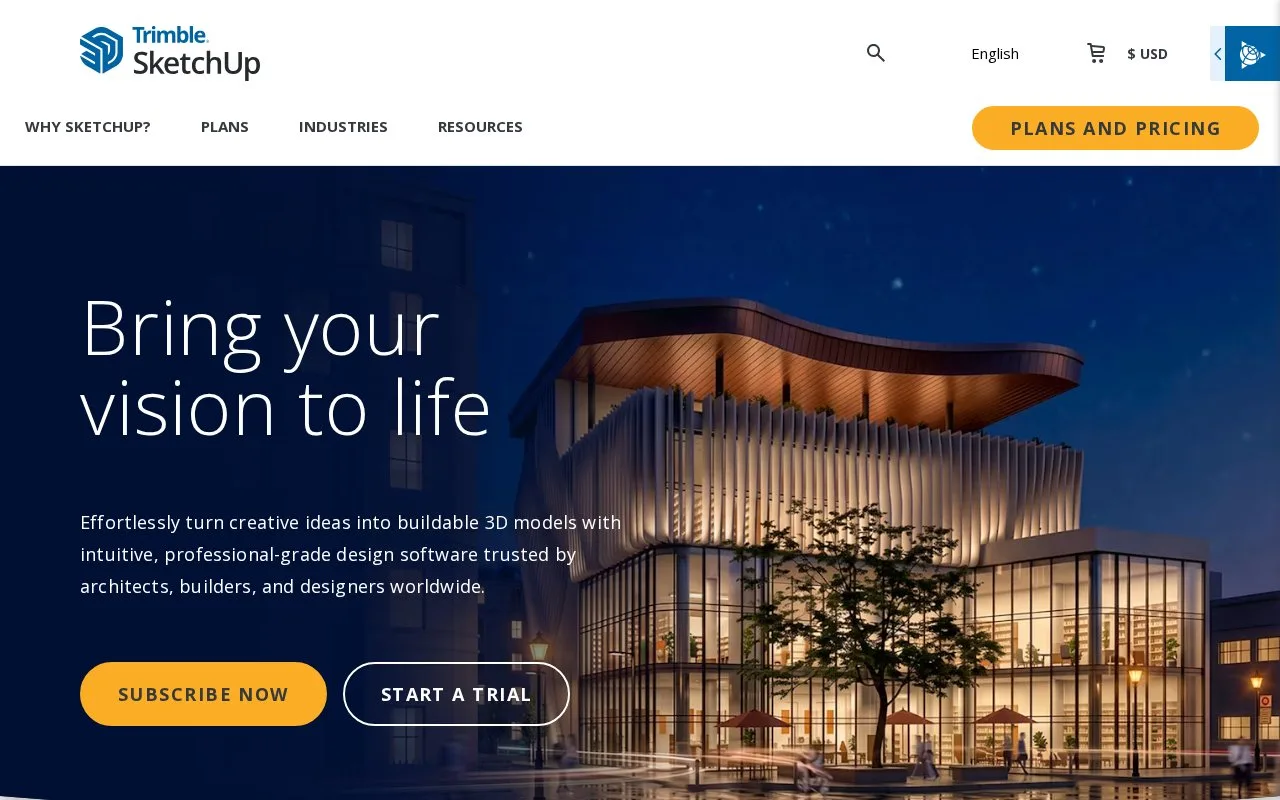
What it does
SketchUp combines 3D modelling with documentation, model libraries and cloud sharing for spatial design. The free browser version is restricted to non-commercial work; paid plans add iPad, desktop, LayOut and visualization tools. Access uses a Trimble ID.
Choose a SketchUp plan around the device and handoff you need. LayOut adds 2D design documentation, while Studio adds point-cloud and Revit workflows and advanced visualization. 3D Warehouse supplies models and materials, and Trimble Connect handles cloud sharing.
| Plan | Price shown in USD | Main boundary |
|---|---|---|
| Free | No subscription charge | Browser modelling for personal non-commercial use, 10 GB storage, no SketchUp support |
| Go | 10.75 per user/month, billed annually | Web and iPad, without the desktop modeller or LayOut |
| Pro | 33.25 per user/month, billed annually | Adds desktop modelling, LayOut and enhanced IFC/DWG compatibility |
| Studio | 71.58 per user/month, billed annually | Adds Revit import, point-cloud work and rendering outputs; Windows-only package |
Paid prices exclude tax and VAT. Free imports SKP, JPG and PNG and exports SKP, PNG and STL; broader workflow needs can require a paid plan. AI credits are also excluded from Free.
A Trimble ID is required. The first desktop launch opens Sign In in a browser; Web uses the same sign-in screen, while iPad starts with Get Started. A named seat can be used only by its assigned user and signed into on up to two devices at once.
Strengths
- Free offers browser modelling and 10 GB of cloud storage.
- Pro connects desktop models with LayOut documentation.
- Studio adds Revit and point-cloud workflows.
Watch out for
- Free is non-commercial and excludes direct SketchUp support.
- Go does not include desktop modelling or LayOut.
- Studio's advanced package is Windows-only.
Best for
- Building concepts
- Interior layouts
Sources
- SketchUp | Product and Plan Comparison (Oct 27, 2026)
- SketchUp Free (Oct 27, 2026)
- SketchUp Free | Help (Oct 27, 2026)
- Logging Into SketchUp (Oct 27, 2026)