
What it does
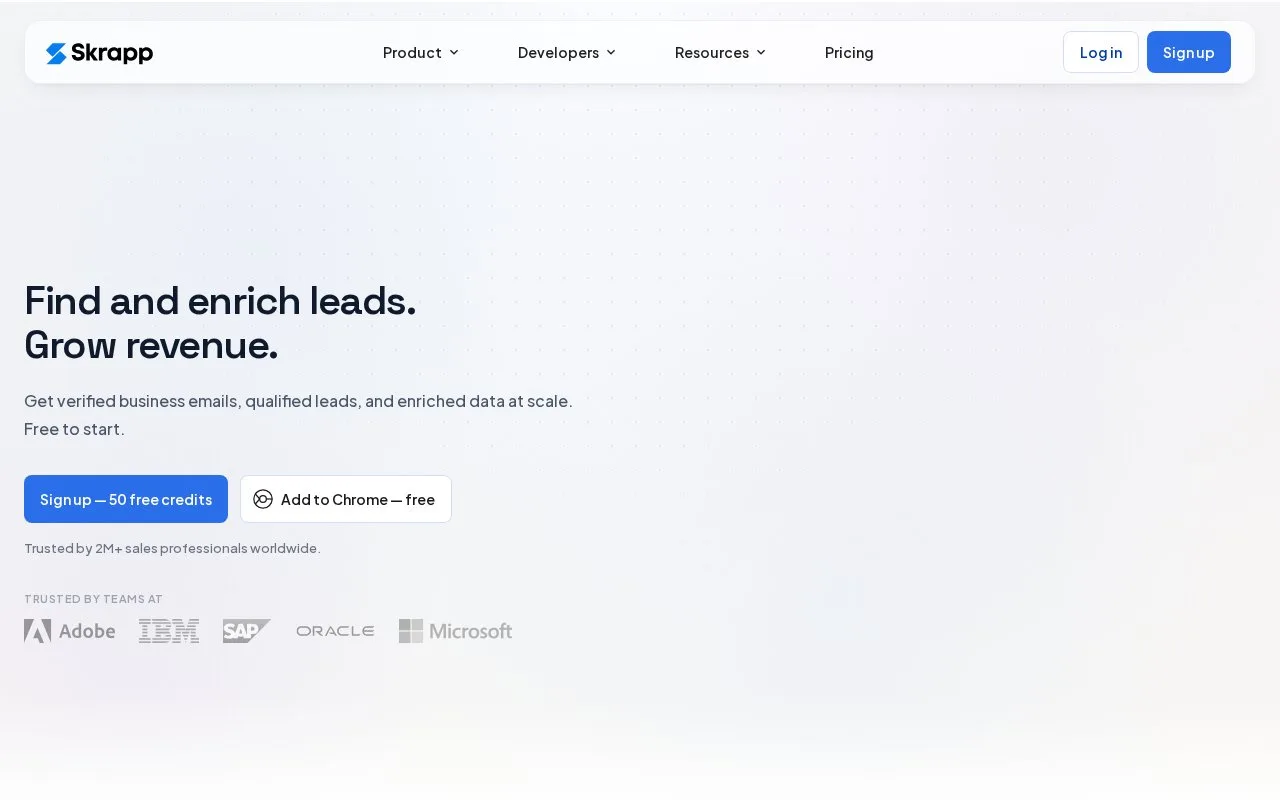
Skrapp finds professional emails from names, companies, websites and LinkedIn profiles. Results have verification statuses and can be organized in lists. Its Free plan includes 50 credits for one user; paid editions add exports, CRM syncing and larger team allowances.
A name and company can start an email search. Bulk tools and the extension handle a larger audience, after which the verification status helps determine which addresses to use. Valid confirms a mailbox differently from Catch-all, where the domain accepts mail without establishing the individual address.
Export the subset you need
On a paid edition, choose which statuses to include when exporting a list to CSV or Excel. This can keep a sales handoff limited to confirmed addresses rather than including every discovered result.
Credits and access
| Plan | Included users | Selected access |
|---|---|---|
| Free | 1 | 50 credits |
| Professional | 2 | List exports and CRM sync |
| Enterprise | 15 | API integration and SSO |
Use Get started free to register. Paid billing is monthly or annual.
A Valid or Catch-all result consumes a credit; Invalid and Unknown results do not. Existing data and lists remain accessible after credits run out, and extra credits can be purchased.
Strengths
- Name-and-company lookup supports research on known prospects
- List exports can be filtered by verification status
Watch out for
- Catch-all results consume credits without confirming the individual mailbox
- List exports and CRM sync require a paid edition
Best for
- Sales researchers preparing email lists with explicit status filtering
Sources
- Skrapp pricing and account access (Oct 27, 2026)
- Skrapp.io | Find Emails & B2B Leads from LinkedIn (Oct 25, 2026)
- Download a Single List – Skrapp.io Help Center (Oct 25, 2026)
- Email Verification Statuses – Skrapp.io Help Center (Oct 25, 2026)