
What it does
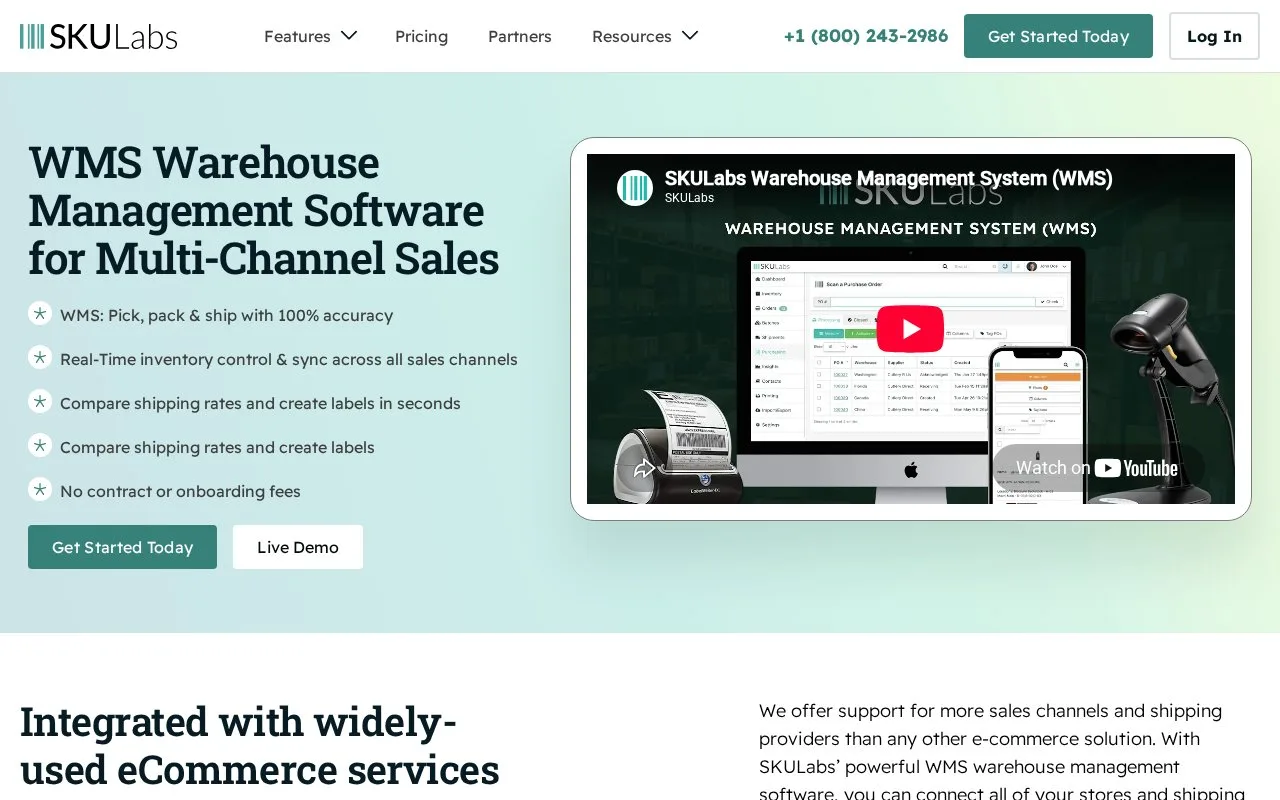
SKULabs combines multichannel inventory, purchasing, picking and shipping. Its guided batch mode groups orders while keeping each order's items in a separate labeled bin. Merchants choose a monthly plan and sign in, then connect channels, carriers and team members through the setup wizard.
Print bin labels from Printing > Bins and attach one to each order's bin. Start a batch from the Batch page or selected orders. In guided picking, scan the highlighted item until its required quantity is reached, then scan its destination bin. One item may be needed by several orders, so watch which bin the guide requests.
For separate warehouses, create batch types restricted to the relevant stores. In Settings > Change batch settings, Batch ship applies stock checks; Bulk ship can bypass them. These are separate modes even when both process several orders.
| Monthly plan | Included orders | Included users |
|---|---|---|
| Starter | 1,000 | 3 |
| Basic | 2,500 | 4 |
| Growth | 6,000 | 6 |
| Pro | 15,000 | 8 |
| Enterprise | 50,000 | 12 |
| Ultimate | Custom quote | Agreed scope |
Channels, warehouses and SKUs have their own allowances; extra usage can add charges. SKULabs advertises a 30-day money-back guarantee. Its zero software label fee for USPS, UPS and FedEx does not cover carrier postage.
Strengths
- Guided picking pairs item scans with the correct order bin
- Warehouse-specific batch types can keep workloads separate
Watch out for
- Bulk ship can bypass stock-availability checks
- Extra users and capacity can increase the monthly bill
Best for
- Multichannel warehouses picking overlapping products for several orders
Sources
- WMS Warehouse Management Software for Multi-Channel Sales (Oct 26, 2026)
- SKULabs plans and pricing (Oct 27, 2026)
- How can I start using the Batch feature? (Oct 27, 2026)
- How to troubleshoot batch shipping issues (Oct 27, 2026)
- Getting started with SKULabs (Oct 27, 2026)