What it does
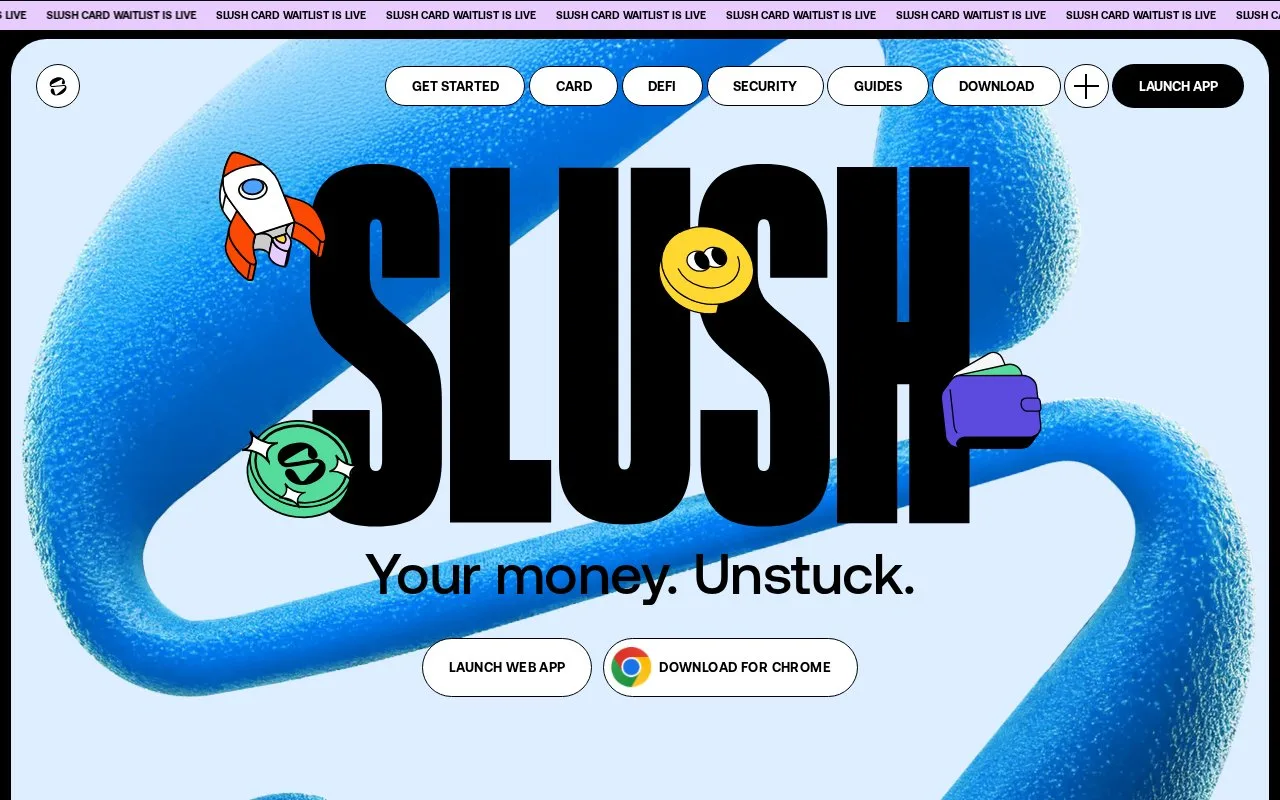
Slush is a free Sui wallet available on the web, in browser extensions and on iOS and Android. It handles tokens, collectibles and Sui applications, with optional profile syncing by phone or email.
Slush Profile can bring account names, connected apps and preferences to another device. Linking a phone number or email is optional; the wallet can continue operating without it.
To enable syncing, open Profile, Authentication and add a phone number or email. Confirm the six-digit code. On another device, choose Get started and sign in with the same contact method. The accounts appear locked: each still needs its own phrase, private key or social login before it can authorize transactions. Profile syncing does not back up the signing secrets.
Choose the account type with that distinction in mind. A Passphrase Account has a twelve-word backup available through Current Account, Manage Accounts and export passphrase. A social-login account relies on its login provider and has no ordinary phrase or private key to export.
For everyday transfers, Send on the home screen moves assets to another address or creates a Slush Link. Swap exchanges supported tokens. Bridges to other networks are found through Apps, so their providers and destination chains need to match the intended transfer.
The app is free. Standard sending and receiving have no additional Slush fee, although Sui network fees remain. Strategies and third-party services can add charges shown during confirmation. Slush's terms require an adult able to enter a binding contract and legally permitted to use the service. Sui assets and connected investment strategies can lose value; syncing a portfolio does not protect its value.
Strengths
- Tokens and collectibles can be bundled into a shareable link or QR code
- An account can use a connected Ledger instead of a software-held key
Watch out for
- A social-login account cannot export an ordinary recovery phrase
- Slush Card remains a product in development with a separate early-access waitlist
Best for
- Sui users moving between a phone, extension and web interface
- People who want account preferences synced while keeping recovery credentials separate
Sources
- Slush Sui wallet and application access (Oct 27, 2026)
- Slush free application and token-sharing features (Oct 27, 2026)
- Slush optional profile synchronization and device restoration (Oct 27, 2026)
- Slush phrase and social-account recovery differences (Oct 27, 2026)
- Slush Send, Swap and bridge entry points (Oct 27, 2026)
- Slush transfer and optional-service charges (Oct 27, 2026)
- Slush desktop-browser, web and mobile availability (Oct 27, 2026)
- Slush age and legal-access conditions (Oct 27, 2026)
- Slush Card development and waitlist status (Oct 27, 2026)