
What it does
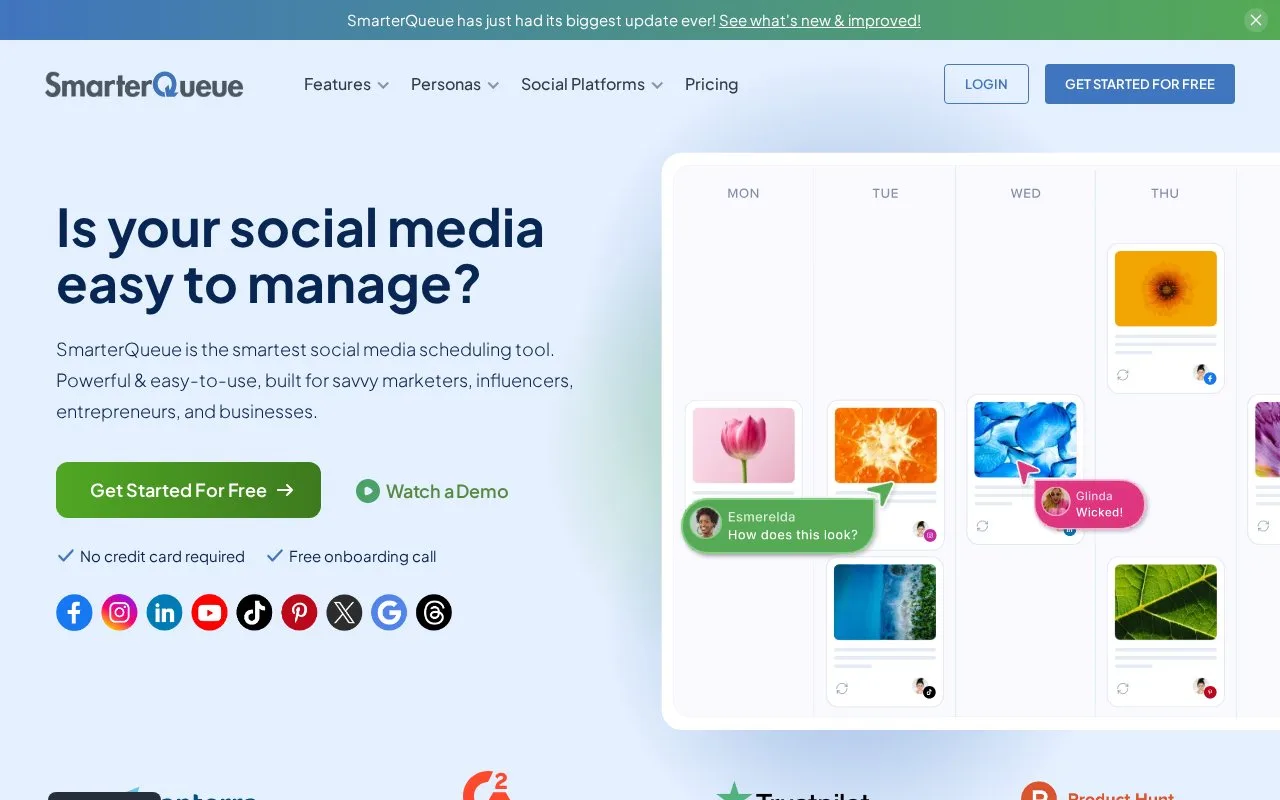
SmarterQueue organises social publishing through content categories, evergreen recycling, a visual calendar and posting queues. Each social profile can have its own posting plan, while the Team plan separates clients or brands into workspaces. A seven-day trial requires no card and starts once a posting plan and first queued post are ready.
Practical tips, product updates and event reminders can each have a place in a SmarterQueue posting plan. Categories organise that mix, and each connected profile can follow its own schedule. Reusable posts can return through evergreen recycling, while RSS feeds supply new articles to import or review.
The queue has its own capacity allowance, separate from the number of posts published each month. Post variations for different profiles need their own room. Pausing the queue is useful while preparing a campaign, and manual dates, recurring schedules and expiry settings provide different ways to decide when content should appear.
Plans and trial
The following GBP prices apply to the five-profile configuration on annual billing. VAT is additional where applicable.
| Plan | Monthly equivalent | Workspaces / users | Queued posts per profile | Published posts per profile each month |
|---|---|---|---|---|
| Pro | GBP 17 | 1 / 1 | 100 | 100 |
| Team | GBP 34 | Unlimited / 3 | 250 | 200 |
Both plans can be customised with add-ons, and monthly billing is also offered.
After creating a trial account, set up a Posting Plan and queue the first post to start the seven-day trial. No credit card is needed. If you do not subscribe, publishing pauses when the trial ends, but the saved plan and content remain so you can resume after subscribing.
Strengths
- Categories and individual profile schedules organise a varied publishing plan
- Recurring schedules, expiry settings and queue controls help manage reusable posts
Watch out for
- Queued content and monthly published posts have separate per-profile limits
- Multiple brand workspaces and additional users require Team or suitable add-ons
Best for
- Social teams maintaining a repeatable mix of evergreen and new content
Sources
- SmarterQueue - Social Media Publishing & Scheduling Tool (Oct 25, 2026)
- SmarterQueue Pricing and Plan Features (Oct 27, 2026)