
What it does
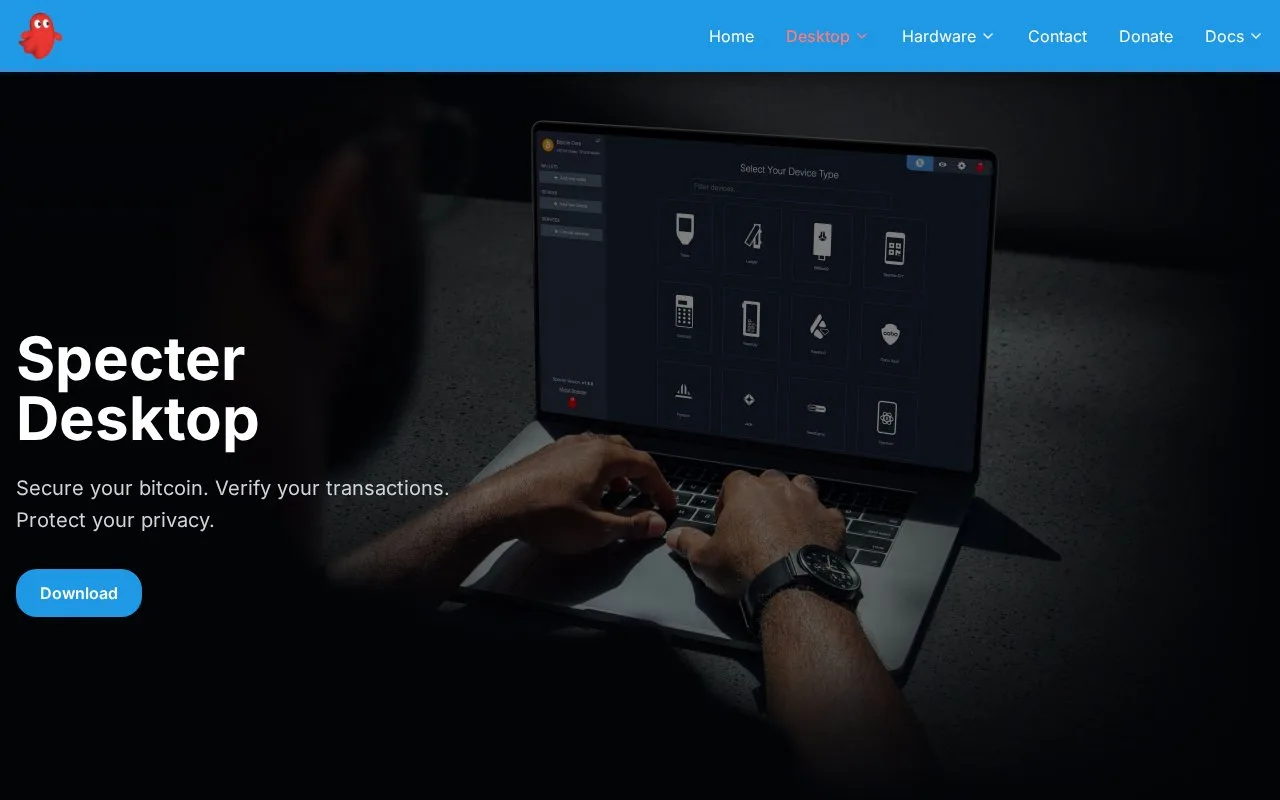
Specter Desktop is free Bitcoin software for coordinating signing devices, node connections and labelled transaction history. It prepares payments and collects signatures while keeping hardware keys on their separate devices.
Specter Desktop is useful when a Bitcoin wallet involves several signing devices. A multisignature wallet sets how many keys must approve a payment. Specter coordinates that arrangement, prepares the transaction and collects approvals through QR codes, SD cards or USB. It also supports a single signing key.
Install the desktop app, choose the Bitcoin connection, then add the signing devices and import their public keys. The current setup offers an Electrum server or a Bitcoin Core node. For a local Core setup, the default data folder can be detected automatically; a non-default arrangement needs the appropriate connection details. Next, create the wallet, select its type and participating devices, and configure the approval requirement. These are local wallet settings, with no hosted account registration needed.
Before receiving a payment, compare the address shown by Specter with the one on the signing device. On the sending side, choose coins, recipients and a fee. Specter estimates confirmation speed and can include several recipients in one transaction. Its Partially Signed Bitcoin Transaction format, labelled PSBT, lets each required device add its signature before broadcast.
Individual unspent amounts can also be frozen to keep them out of automatic spending. A frozen coin stays in the wallet; it has not been transferred elsewhere.
Back up the wallet configuration as well as the signing devices' recovery words. Wallet Settings can export a printable PDF or a JSON configuration file containing the public-key information needed to reconstruct a multisignature wallet. Restoring the Bitcoin balance does not automatically restore your labels; those need the Specter backup.
Specter is free MIT licensed software. Its application password controls access to the session but does not encrypt the entire data folder. That folder can reveal addresses, labels and transaction details, so encrypted storage and protected backups matter even when private spending keys stay on hardware devices.
Strengths
- Search transaction history by label or transaction identifier
- Exports wallet configuration separately from the signing keys
Watch out for
- Multisignature recovery needs the wallet configuration as well as enough signing keys
- The app password does not encrypt the whole local data folder
Best for
- Bitcoin users maintaining a wallet across several signing devices
- Node operators who want searchable labels and transaction controls
Sources
- Specter Desktop Bitcoin wallet software (Oct 27, 2026)
- Specter Desktop setup and connection guide (Oct 27, 2026)
- Specter Desktop frequently asked questions (Oct 27, 2026)