
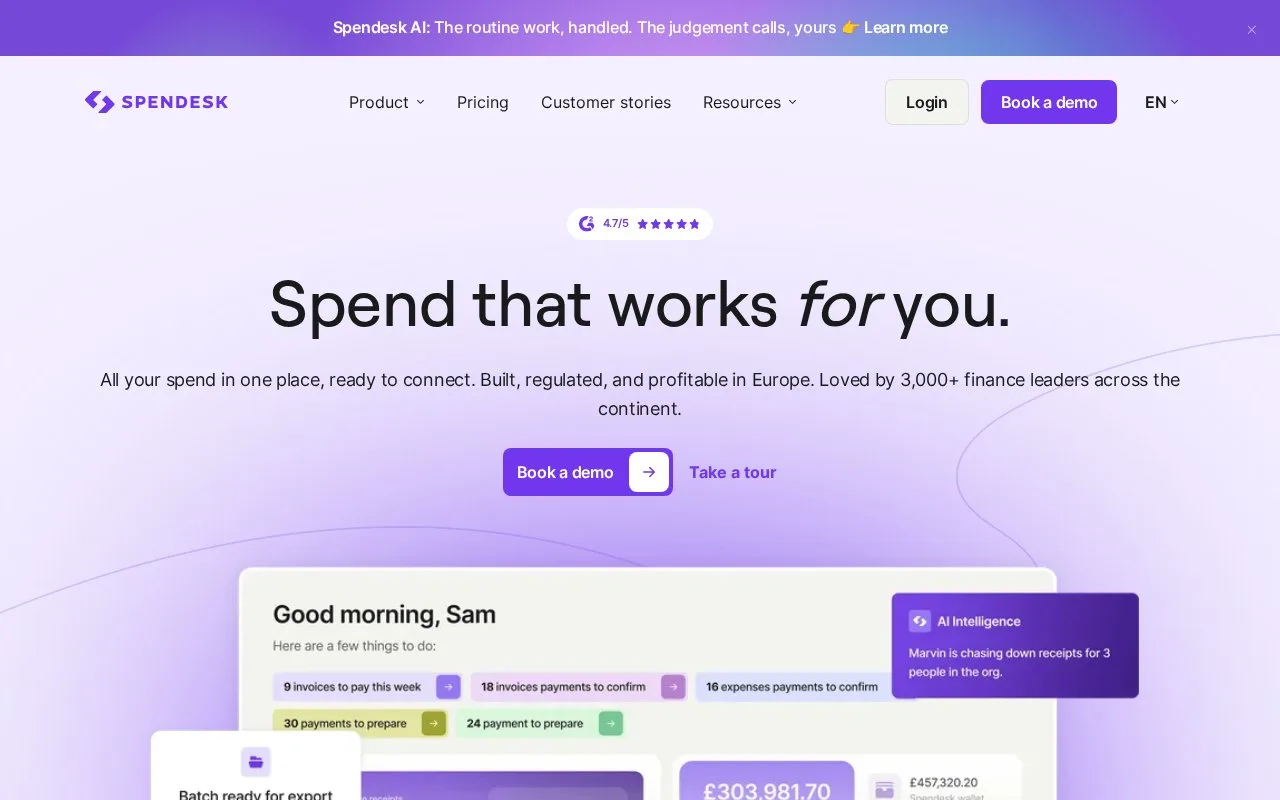
What it does
Spendesk combines company cards, expenses, accounts payable and purchasing workflows. Accounting and ERP connections carry spend data into a wider finance process.
Spendesk brings purchase requests, company cards, employee claims and supplier invoices into the same spending process. Its procurement tools start before the invoice arrives: upload a quote, review the extracted supplier and line items, and send the request through the configured finance, legal or IT approvals. An approved request can become a purchase order sent to the supplier. Finance can then see committed spending alongside the eventual payment.
Supplier records keep contracts and renewal dates together. Renewal reminders arrive four months and one month before the date, giving the responsible team time to review the purchase. Approval history can be exported. Procurement and more advanced approval arrangements are add-ons, so choose the required workflow when discussing the package.
The paid Foundations package has a fixed monthly platform charge plus a variable transaction charge. Transactions include card purchases, invoice payments and expense claims. Users and cards are unlimited, and physical card ordering has no extra charge. Spendesk offers demos, with no free tier or trial.
An employee joins through an invitation from the company’s owner or administrator. Open the newest invitation, choose the login method and complete email verification. Account activation happens on desktop; the mobile app is available afterward. The separate AI Connect service can answer questions and retrieve records, but cannot approve purchases or make payments.
Strengths
- Purchase orders show committed costs before supplier invoices arrive
- Supplier records connect contracts with renewal reminders
- Approval history can be exported
Watch out for
- Procurement and advanced approval arrangements require add-ons
- New members must activate their accounts on desktop before using the mobile app
Best for
- Organizations unifying purchasing and expense records
Sources
- Spendesk spending and accounting workflows (Oct 27, 2026)
- Spendesk Foundations and add-on pricing (Oct 27, 2026)
- Spendesk procurement requests and purchase orders (Oct 27, 2026)
- Spendesk account activation (Oct 27, 2026)
- Spendesk expense software comparison and own trial policy (Oct 27, 2026)