
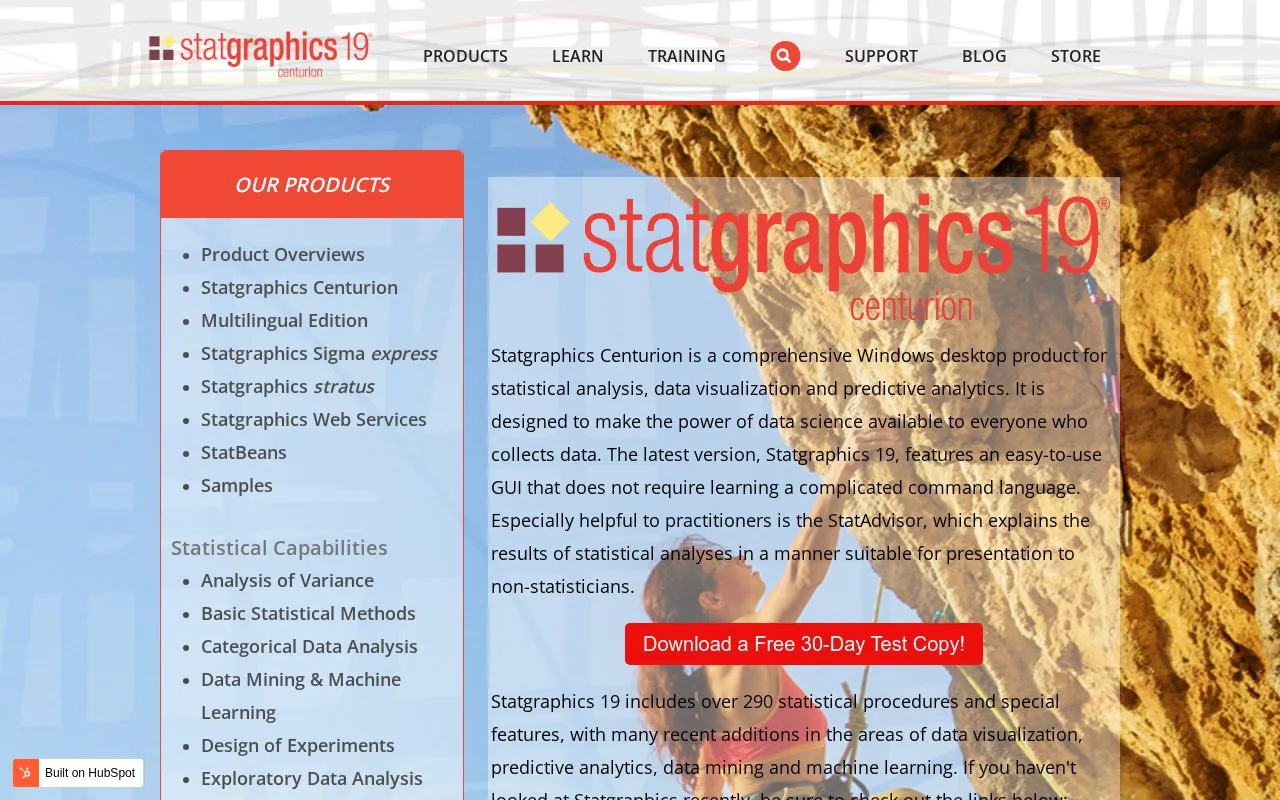
What it does
Statgraphics Centurion is a Windows desktop application for statistical analysis, visualization and predictive analytics. Its graphical interface provides procedures for quality improvement, experiments, regression, forecasting and other quantitative work, with StatAdvisor explanations alongside statistical output.
Statgraphics Centurion combines statistical procedures with visual exploration on Windows. StatAdvisor adds written explanations to the output, while R and Python interfaces support additional analytical work.
For a single numerical column, One Variable Analysis calculates summaries and confidence intervals and offers histograms, box plots and other displays. Two Sample Comparison examines independent groups, with comparisons of means, variances or medians and plots such as a dual histogram. Outlier Identification can save a flag column for use in later procedures, so an identified observation can be handled consistently across subsequent analyses.
Licensing and trial access
Standard subscriptions last 12 months and include email support and new versions. Organisation type and the number of available languages affect the commercial terms.
| Licence | Who can use it |
|---|---|
| Single user | One named person, including use on several computers |
| Network | A pool of users, limited by concurrent seats |
| Site | Everyone within the licensed organisation |
The full 30-day trial needs no credit card. Create a Statgraphics registration account, verify the email, then launch the installed program and choose Evaluate. Enter the registered email and select Begin trial period. A purchased licence is required to continue after the trial. Additional interface and output languages depend on the licence selected.
Strengths
- Combines statistical procedures with interactive visualization and explanatory output.
- Supports custom analytical work through R and Python integration.
Watch out for
- The desktop application requires Windows.
- Network use is limited to the licensed number of simultaneous users.
Best for
- Business and process analysts exploring supplied measurements and preparing statistical explanations
Sources
- Statgraphics Centurion Product Details (Oct 27, 2026)
- Download Statgraphics Centurion 19 (Oct 27, 2026)
- Installing and Activating a Statgraphics 19 Trial (Oct 27, 2026)
- Basic Statistical Methods | Statgraphics (Oct 27, 2026)
- STATGRAPHICS | Data Analysis Solutions (Oct 26, 2026)