
What it does
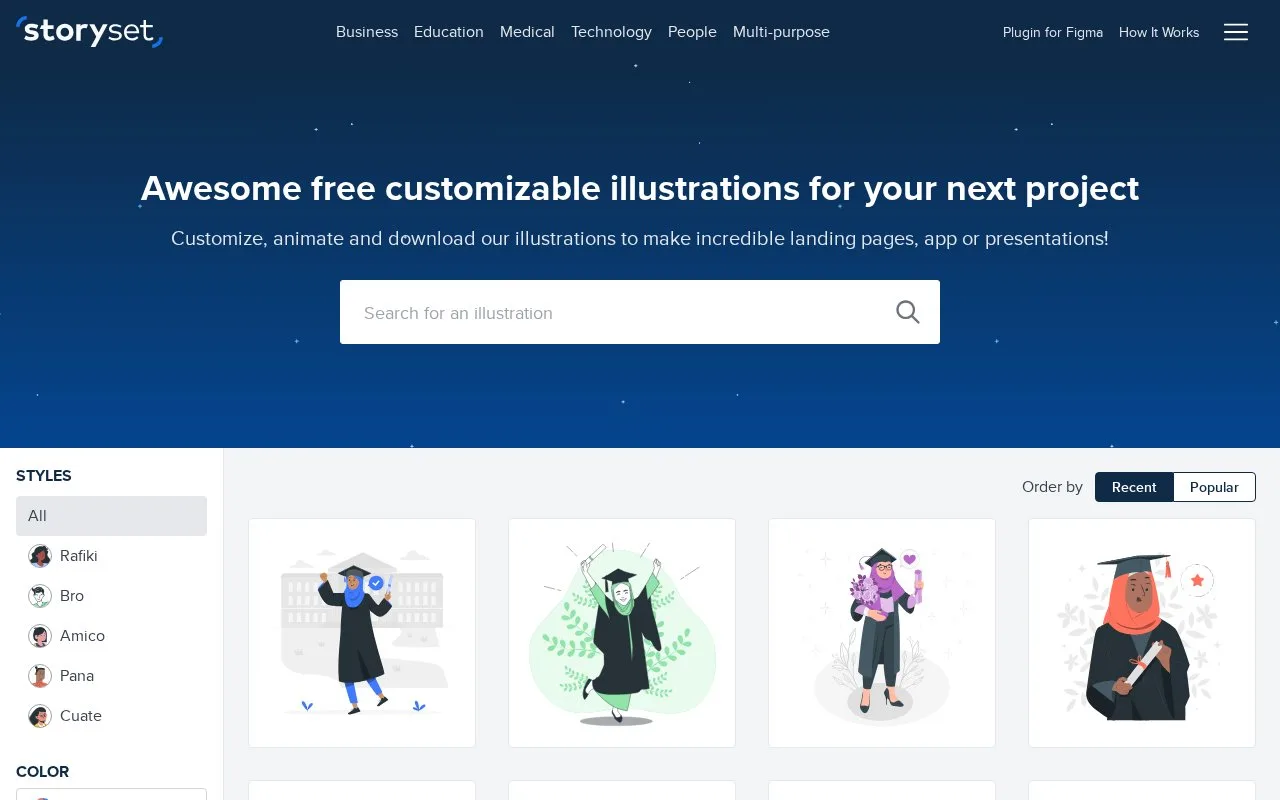
Storyset provides themed illustrations in several visual styles. Its online tools change colours, hide scene elements and apply animations, with SVG and PNG exports for still illustrations.
To prepare a still illustration:
- Choose the topic and a style, such as isometric Amico or the more detailed Pana.
- Set the main colour with the RGB or hex control.
- Hide unwanted elements with the eye controls in the layer panel.
- Choose the background detail available for that style, then download SVG or PNG.
Free use requires a Storyset credit. A qualifying Flaticon Premium subscription removes that attribution requirement for illustrations downloaded while the subscription is active. The licence does not permit repackaging the files as a stock library or reselling them as standalone assets.
Animate it opens entrance and looping effects with duration, delay and easing controls. Animated illustrations can be exported for the web or as GIF and MP4. GIF and MP4 cannot combine entrance and looping effects in one export, so a combined treatment requires separate exports.
Strengths
- Layer visibility reduces a scene without redrawing it.
- Animation controls include timing and delay.
Watch out for
- Free use requires attribution.
- GIF and MP4 exports cannot combine entrance and looping effects in one export.
Best for
- Illustrated educational pages
- Simple animated explainers
Sources
- Storyset: Customize, animate and download illustrations (Oct 27, 2026)
- Frequently Asked Questions: Storyset (Oct 27, 2026)
- How it works: Storyset (Oct 27, 2026)
- Terms of use: Storyset (Oct 27, 2026)