
- SI Score
- 74/100
- Pricing
- Subscription
- Free plan
- Not confirmed
- Sign-up required
- Not confirmed
Ask SI about SUAPP AI
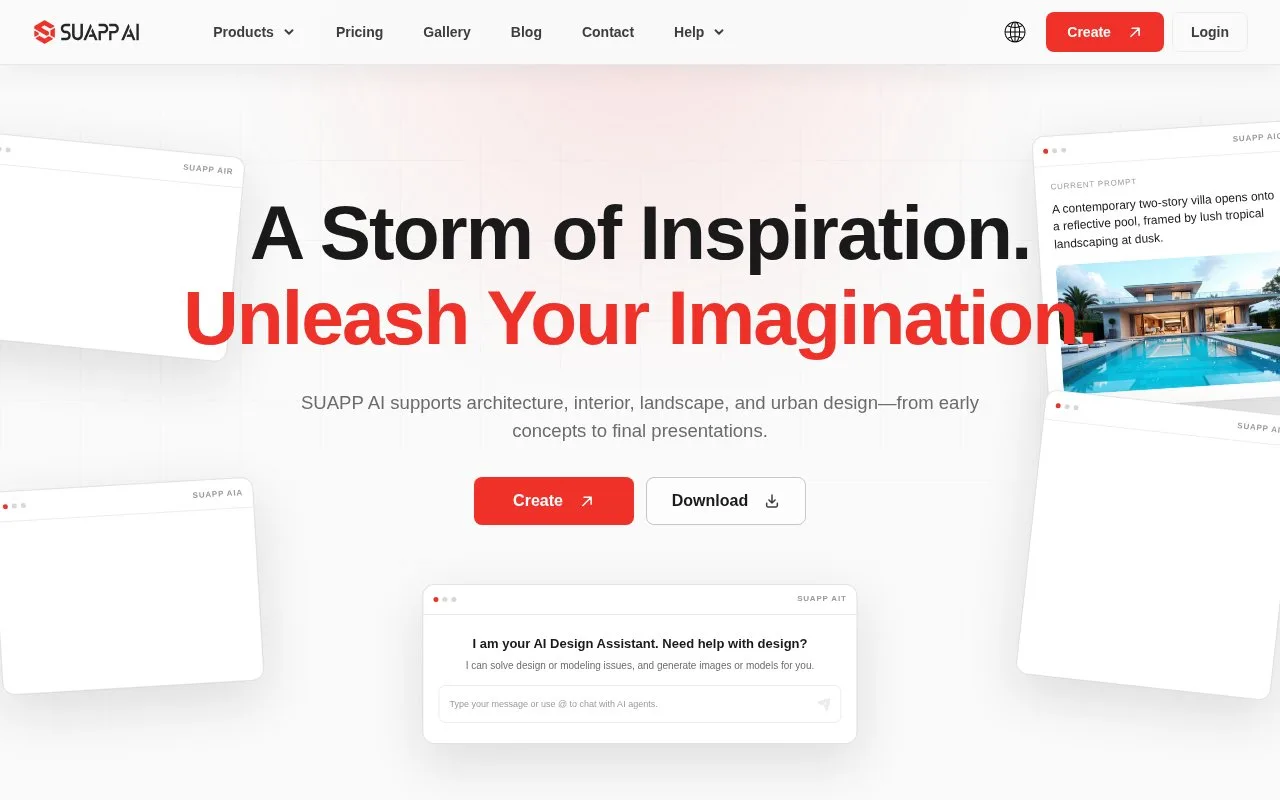
Answers use saved listing facts and recorded sources.Homepage screenshot
What it does
SUAPP AI is a cloud-based creative ecosystem for spatial design. It brings six tools together: AI Render, AI Concept, AI Animation, AI Modeling, AI Talk, and AI Flow. The tools cover visualization, concept exploration, animation, 3D modeling, and design dialogue. It is built for architecture, interior, landscape, and urban design teams.
SUAPP AI is a set of six AI tools for spatial design work. The tools are AI Render, AI Concept, AI Animation, AI Modeling, AI Talk, and AI Flow. They cover visualization, concept images, motion from still images, 3D models from images, design dialogue, and a shared canvas. The site says the workflow runs on cloud GPUs, so you can use a browser instead of a high-end workstation. It also says you can start from a massing sketch, a reference image, or a simple description rather than writing complex prompts. The FAQ states that typical explorations appear in about 20 seconds, though speed may vary by tool, content, and system load. The pricing page lists four paid plans: Basic, Standard, Pro, and Max. Credits are monthly, and the Basic plan is listed at 99 for 3 months. The site does not mention a free plan. Plugin support differs by plan. The Standard plan adds plugins for SketchUp, Rhino, Revit, 3ds Max, Blender, Photoshop, and AutoCAD. The Pro plan adds AIF, AIM, AIT, AIC, and AIA. The Max plan lists unlimited credits and unlimited renderings. The site does not state whether an API is available, and it does not state that the software is open source.
- Six tools cover rendering, concept, animation, modeling, design talk, and a shared canvas
- Cloud GPUs let the core workflow run in a browser without a high-end computer
- Plugin support for SketchUp, Rhino, Revit, 3ds Max, Blender, Photoshop, and AutoCAD on higher plans
- No free plan is mentioned on the pricing page
- Some tools, such as AIF, AIM, AIT, AIC, and AIA, are listed only on the Pro plan and above
- The site does not state whether an API is available