
What it does
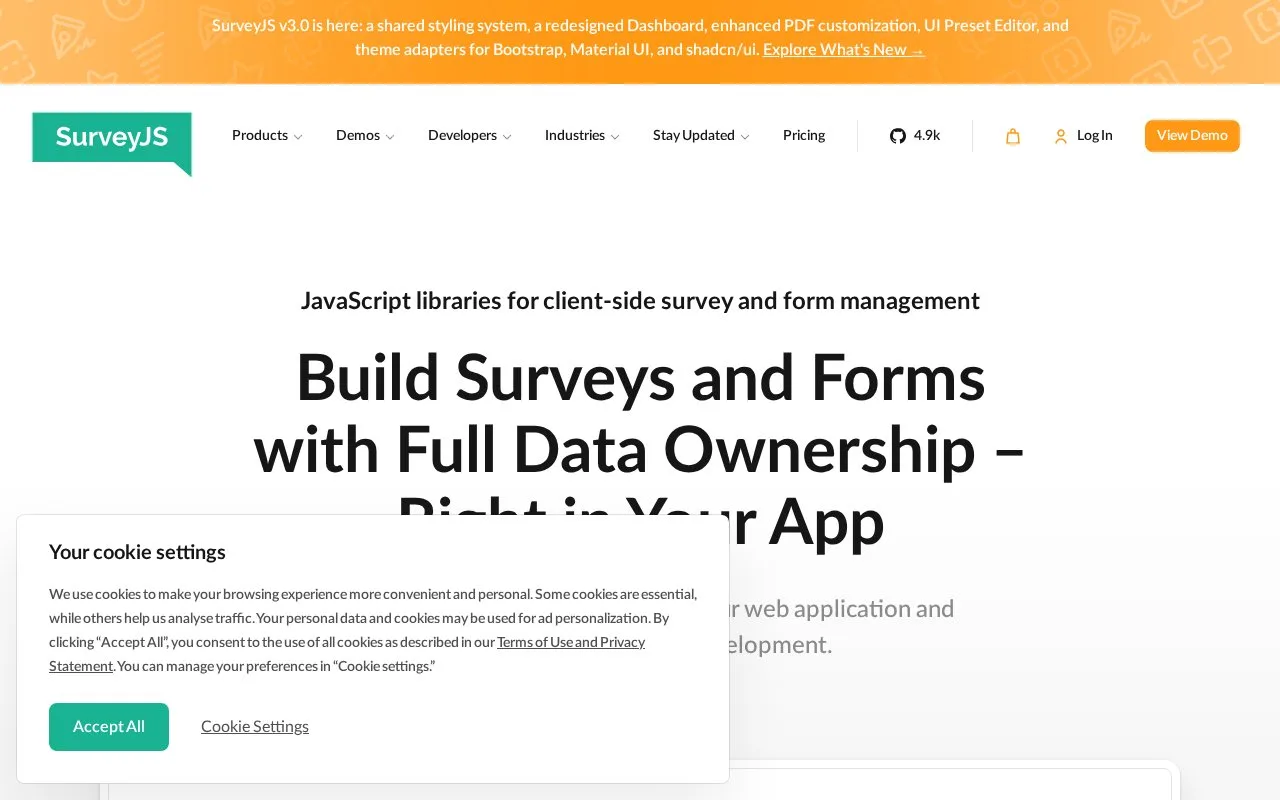
SurveyJS supplies JavaScript components for displaying forms, designing questions, reporting and PDF output. Developers embed them in their own applications and handle response storage. The Form Library runtime is free under MIT; commercial tools use perpetual developer licences.
SurveyJS fits a development project that needs its own form interface and storage. In a plain JavaScript page, load survey-core, its stylesheet and survey-js-ui. Define questions as JSON, pass that structure to Survey.Model, and render it into a page element. An onComplete handler receives answers in survey.data; connect that handler to your server to store them.
For a mandatory field, set isRequired and provide a helpful requiredErrorText. Use requiredIf when the requirement depends on another answer. Validation normally occurs at the next page. Set checkErrorsMode to onValueChanged to check after leaving an input, and add textUpdateMode: onTyping when text should be checked while it is typed.
| Package | Initial licence price | Included components |
|---|---|---|
| Essential | Free | Form Library |
| Basic | USD 589 per developer, once | Form Library and Survey Creator |
| PRO | USD 1,059 per developer, once | Basic plus Dashboard and PDF Generator |
| Enterprise | From USD 2,359 | Developer licences and additional assistance |
Commercial purchases include 12 months of updates and support. You can keep using covered versions indefinitely; renewing maintenance is optional. The licence follows each developer working on the integration, with no extra licence per respondent or application.
The MIT Form Library runs without a SurveyJS account in the documented JavaScript setup. Your own application may add authentication. SurveyJS components do not supply the database and server implementation for you.
Strengths
- Required-state rules and validation timing are configurable.
- Form rendering can feed JSON answers directly into your own application.
Watch out for
- Production storage and server integration are your responsibility.
- Later updates and support require optional maintenance renewal.
Best for
- Development teams embedding forms, authoring tools and reports in their own web applications
Sources
- SurveyJS pricing (Oct 27, 2026)
- Data validation (Oct 27, 2026)
- JavaScript Form Library getting started (Oct 27, 2026)
- Form Library MIT License (Oct 25, 2026)
- Survey and Form Management Software - SurveyJS (Oct 25, 2026)