
What it does
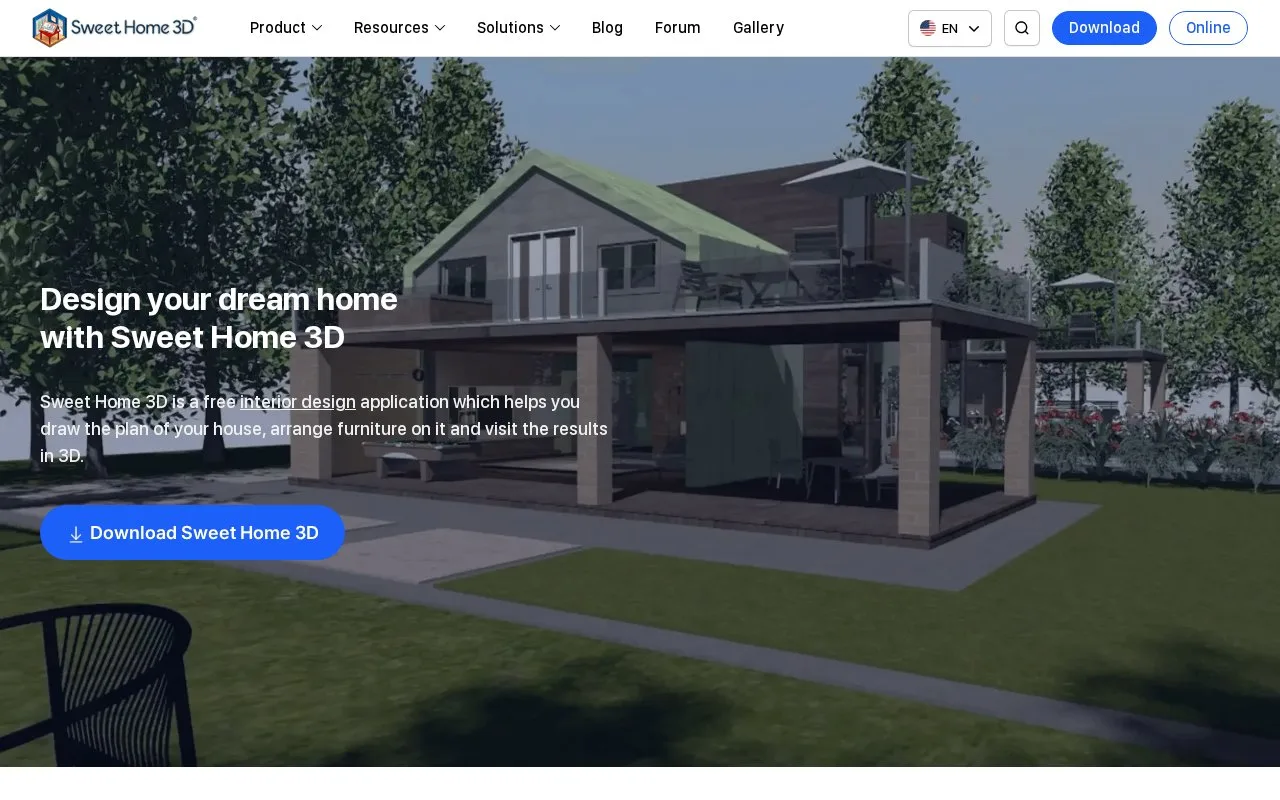
Sweet Home 3D combines a 2D home plan with a 3D interior view. Its desktop application draws walls, positions furniture, imports models and exports scenes, while online and mobile editions have different output limits. The desktop installer and online edition are free for personal and commercial use under the project's GPL terms.
Use a known measurement to scale an existing floor-plan image. Choose Plan, Import background image, select a BMP, JPEG, GIF or PNG drawing and continue. Align the scale line with that measurement, enter its real length, continue to set the origin and finish. Draw walls over the reference, then place doors, windows and furniture while checking the 3D view.
For a desktop model handoff, choose 3D view, Export to OBJ format. The export contains visible objects and produces an OBJ file with an MTL file and texture images; keep these files together. OBJ export is unavailable in the online and mobile editions. The online edition also omits custom 3D-model import and photo or video creation.
The free desktop installer and online edition allow personal and commercial use under the project's GPL terms. The linked US Mac App Store edition is free to download with premium subscriptions; listed in-app offers include US$19.99 monthly and US$49.99 or US$69.99 yearly. Several offer variants appear, so these are listed options rather than a single price for every user. Store subscriptions and furniture-library terms should be considered separately from the free application's licence.
Strengths
- A scaled background image provides a reference for drawing walls.
- The desktop OBJ export includes materials and texture files for further 3D work.
Watch out for
- Online and mobile editions cannot export OBJ scenes.
- The online edition omits custom 3D-model import and photo/video creation.
Best for
- Homeowners comparing furniture layouts
- Designers tracing measured floor plans into 3D interiors
Sources
- Sweet Home 3D | Free Interior Design Software (Oct 28, 2026)
- Sweet Home 3D | User's Guide (Oct 28, 2026)
- Sweet Home 3D | Licence and Distribution FAQ (Oct 28, 2026)
- Sweet Home 3D | Desktop and Mobile Downloads (Oct 28, 2026)
- Sweet Home 3D | Officially Linked US Mac App Store Listing (Oct 28, 2026)