
What it does
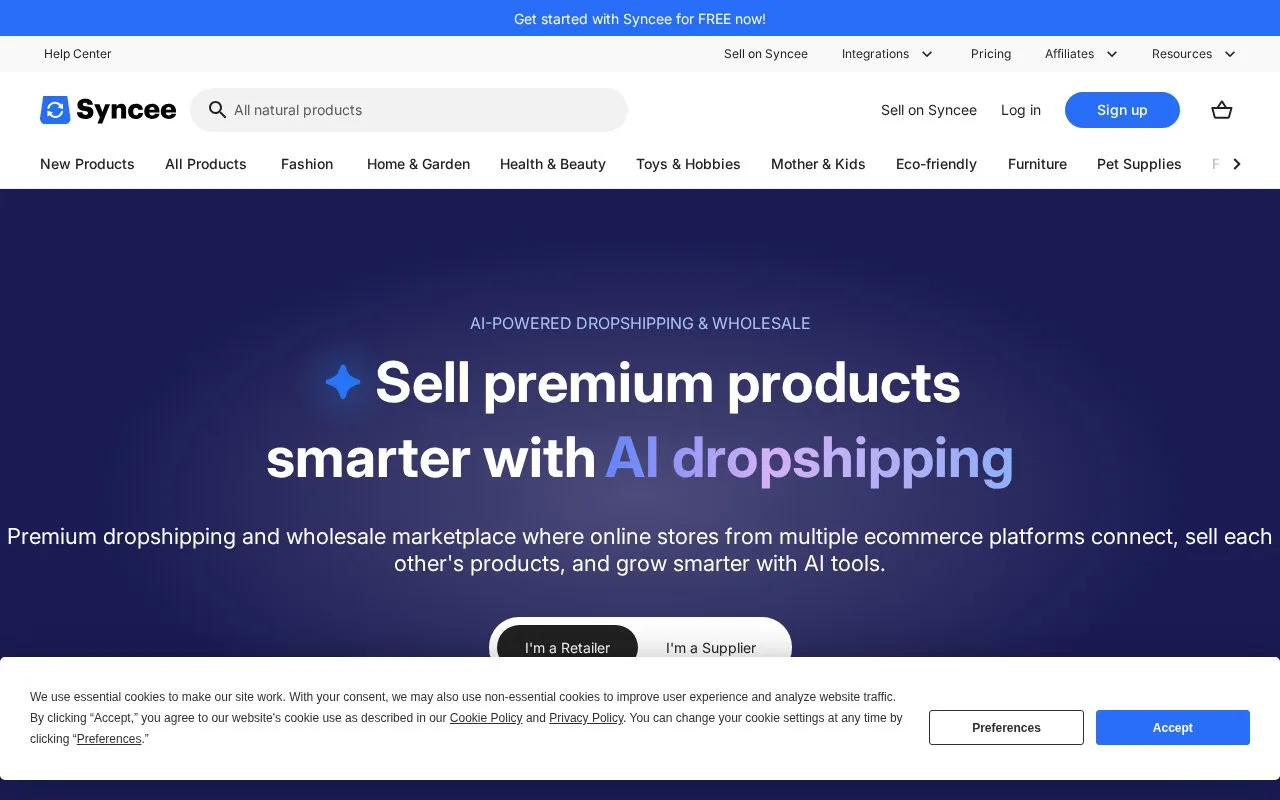
Syncee connects retailer stores with supplier products for dropshipping and wholesale. Import lists organize product selection and merchandising updates. An account is required; free discovery access is available, and paid subscriptions provide larger importing allowances.
For a Shopify item, open its Import List and select the row's pencil control. Edit the name, description, tags, vendor or unique price, then Save and choose More actions > Sync modified products to send the changes to the store.
Default updates cover Cost per item, Price, Inventory Quantity and Published status. Other merchandising edits need the explicit sync. Alternatively, choose Update from an import list's three-dot menu, or More actions > Update inside the list, select the fields and run the one-time update. This lets a description change be handled separately from a supplier stock refresh.
The Shopify listing quotes these recurring charges in USD per 30 days:
| Plan | Price | Included use |
|---|---|---|
| Free | 0 | Product discovery and favorites |
| Basic | 39.99 | Up to 100 imported products |
| Pro | 59.99 | Up to 250 imported products |
| Business | 99.99 | Up to 10,000 imported products |
Paid plans have a three-day trial. Review the selected plan's current supplier and import-list allowance when installing the app.
Strengths
- Individual import-list edits can be sent explicitly to the connected Shopify store
- One-time updates can target selected product fields
Watch out for
- Default updates do not carry every edited merchandising field into the store
Best for
- Retailers adapting supplier catalog content before and after Shopify import
Sources
- Changing specific product details in import lists on Shopify (Oct 27, 2026)
- How to update specific fields from your import lists (Oct 27, 2026)
- Syncee Pricing (Oct 27, 2026)
- Syncee Collective Dropshipping on Shopify (Oct 27, 2026)