
What it does
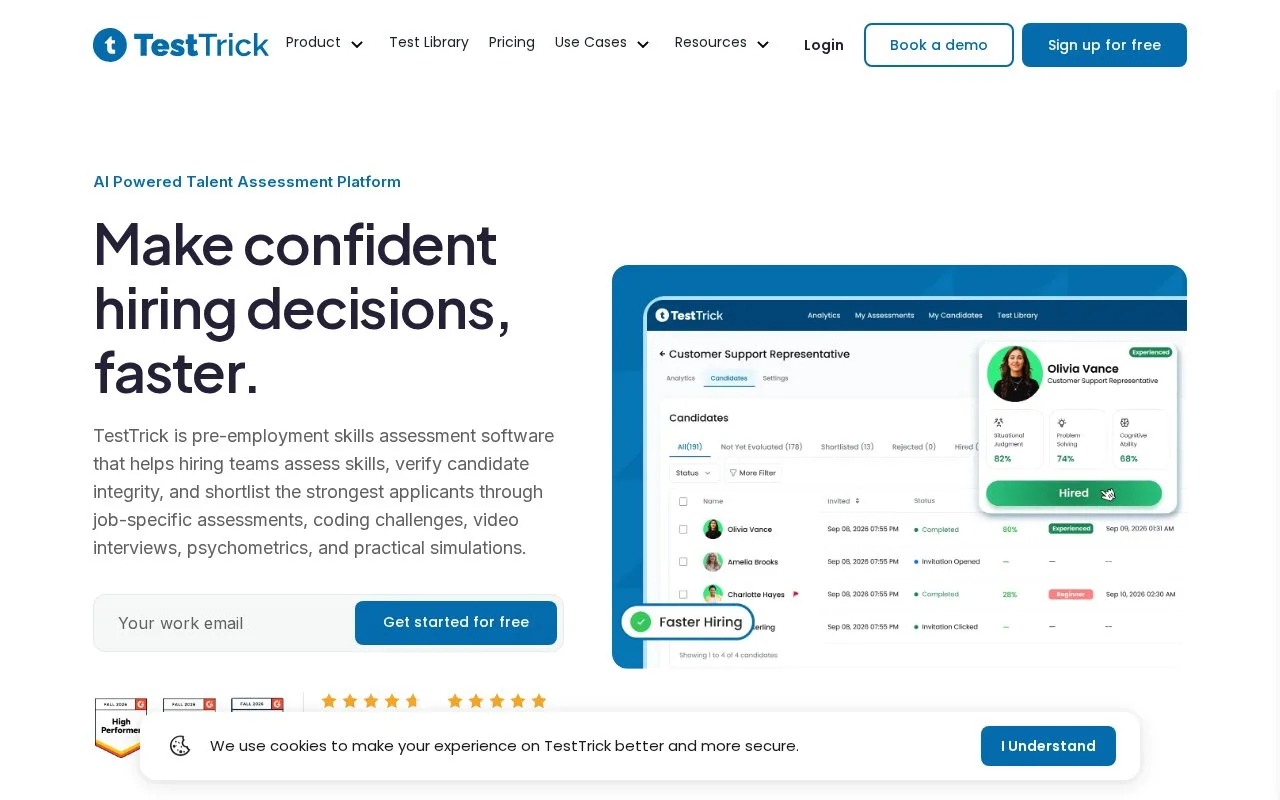
TestTrick is a talent-assessment platform combining skills tests, practical simulations, coding tasks, psychometric measures and video responses. Hiring teams can create role-related assessments, invite applicants and review performance together with recorded activity signals.
TestTrick uses a candidate credit when an assessment is submitted as complete. Creating the assessment and sending invitations do not spend credits, so estimate completed volume when choosing a plan.
From the dashboard, select Create Assessment and choose the job role. Add library or custom tests, adjusting their timing, question count and randomization. Set candidate access, grading and reviewer permissions, then use Save and Finish before inviting applicants. Results show scores by test and question as well as overall comparisons. For a sales vacancy, inspect the actual responses alongside the score and any recorded activity flags.
Annual allowances
| Plan | Candidate credits | Team users |
|---|---|---|
| Starter | 600 | 3 |
| Basic | 1,200 | 5 |
| Business | 1,800 | 7 |
| Enterprise | Agreed volume | Agreed users |
The plans share their assessment features. Extra credits are available without changing plans. A seven-day trial starts without card details, using a TestTrick account.
Strengths
- Credits are charged when candidates complete assessments.
- Test timing, question counts, randomization and reviewer access can be adjusted before invitations.
Watch out for
- Plans still limit candidate credits and team users even though feature scope is shared.
Best for
- Hiring teams planning assessment access around completed volume and reviewer seats
Sources
- TestTrick - Pricing (Oct 27, 2026)
- Talent Assessment Platform for Hiring Teams | TestTrick (Oct 27, 2026)
- How to Create an Assessment in TestTrick – Complete Flow - Testtrick Help Center (Oct 27, 2026)