
What it does
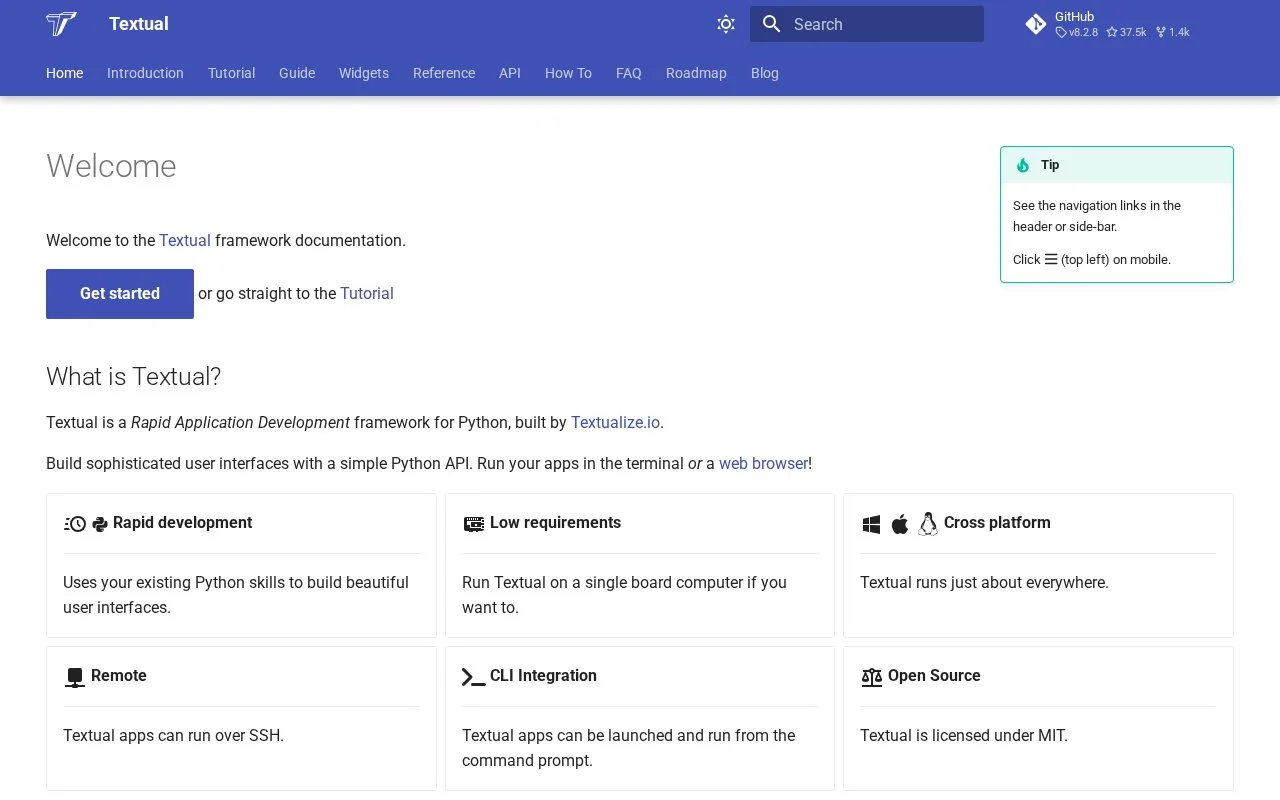
Textual is a Python framework for interactive terminal user interfaces. Applications are written as Python classes, composed from widgets, and can define styling and key bindings in code. The getting-started guide requires Python 3.9 or later and documents Linux, macOS, and Windows; it suits teams who want a full-screen terminal app rather than only formatted console output.
Textual's getting-started guide begins with pip install textual and a recent Python environment. The tutorial then builds an app by subclassing App, yielding widgets from compose(), and defining a key binding for an action. A small stopwatch or status dashboard is a practical first project: keep application state in Python, use widgets for the visible controls, and add CSS for layout or theme adjustments. Textual runs in a terminal, so users interact with the application through keyboard input and terminal-rendered widgets. Its Python-and-CSS approach is different from manually printing a line-oriented status message. For a tool that only needs formatted logs or tables, Rich may be simpler; choose Textual when the user needs an interactive screen with navigation or controls. The project documentation lists Python 3.9 or later and support for Linux, macOS, and Windows. Textual's repository is MIT-licensed. It is a separate Textualize project from Rich: the libraries can complement each other, but Rich is not a Textual runtime or edition.
Strengths
- A Python App can be composed from widgets and expanded with key bindings and CSS.
- The documented platform list includes Linux, macOS, and Windows.
- The tutorial provides an incremental app-building path rather than requiring a browser front end.
Watch out for
- The current getting-started guide requires Python 3.9 or later.
- A terminal UI must be implemented in Python; Textual is not a visual app designer.
Best for
- Python developer tools that need an interactive terminal screen rather than a sequence of printed lines.
- Status dashboards, configuration utilities, and keyboard-driven workflows for terminal users.
- Developers who want to compose interface widgets and styling in the same Python project.
Sources
- Textual (Oct 25, 2026)
- Getting started (Oct 25, 2026)
- Tutorial (Oct 25, 2026)
- Textualize/textual (Oct 25, 2026)
- MIT License (Oct 25, 2026)
- Textualize/rich (Oct 25, 2026)