
What it does
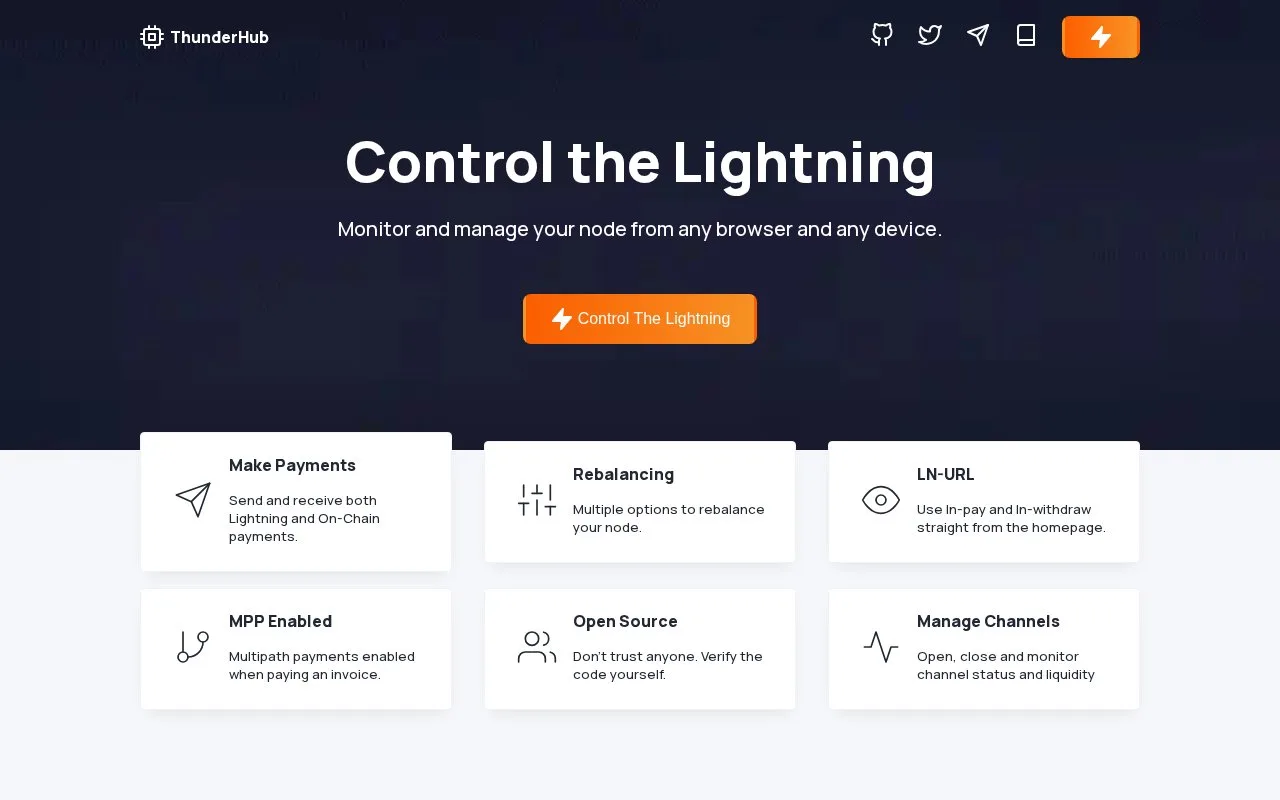
ThunderHub is an open-source browser interface for operators of nodes running LND (Lightning node software) or Lightning Terminal. It brings channel balances, payments, rebalancing and on-chain activity into one dashboard, with Taproot Asset tools for compatible nodes. The MIT-licensed software is self-hosted and connects to a node you already run or can access.
Working with channels and payments
ThunderHub lets operators open and close channels, change channel fees in bulk and rebalance channel liquidity. Payment views include invoices, outgoing payments and forwarded transactions. It also supports LNURL payment requests and channel backups.
For a node using Taproot Assets, the interface adds asset balances, invoices, transfers and Magma trading tools. These functions depend on the connected node and are not capabilities of a browser wallet alone.
Decide who can use the dashboard
A single operator can configure accounts in a YAML file, a text configuration file. Teams can instead use database-backed users and add nodes through the interface. A deployment inside Lightning Terminal can reuse its login through single sign-on. These are operator login choices for your deployment, not a ThunderHub-hosted wallet account.
Installation choices
The setup guide offers Docker, a source build, Fly.io and a connection to a Voltage node. A source build needs Node.js 24 or later; Docker avoids that local Node.js requirement. In every case, ThunderHub needs a reachable LND or Lightning Terminal node and its connection credentials. Installing the dashboard does not set up or synchronize the underlying Bitcoin node.
Strengths
- Bulk channel-fee changes and circular rebalancing
- Separate login options for single operators, teams and Lightning Terminal
- Dashboard includes invoice, forwarding and on-chain views
Watch out for
- Requires a reachable LND or Lightning Terminal node
- A source installation needs Node.js 24 or later
Best for
- LND operators managing channel liquidity
- Teams sharing a Lightning node-management interface
Sources
- ThunderHub Lightning node manager (Oct 28, 2026)
- ThunderHub official repository (Oct 28, 2026)
- ThunderHub introduction (Oct 28, 2026)
- ThunderHub accounts (Oct 28, 2026)
- ThunderHub getting started (Oct 28, 2026)