
What it does
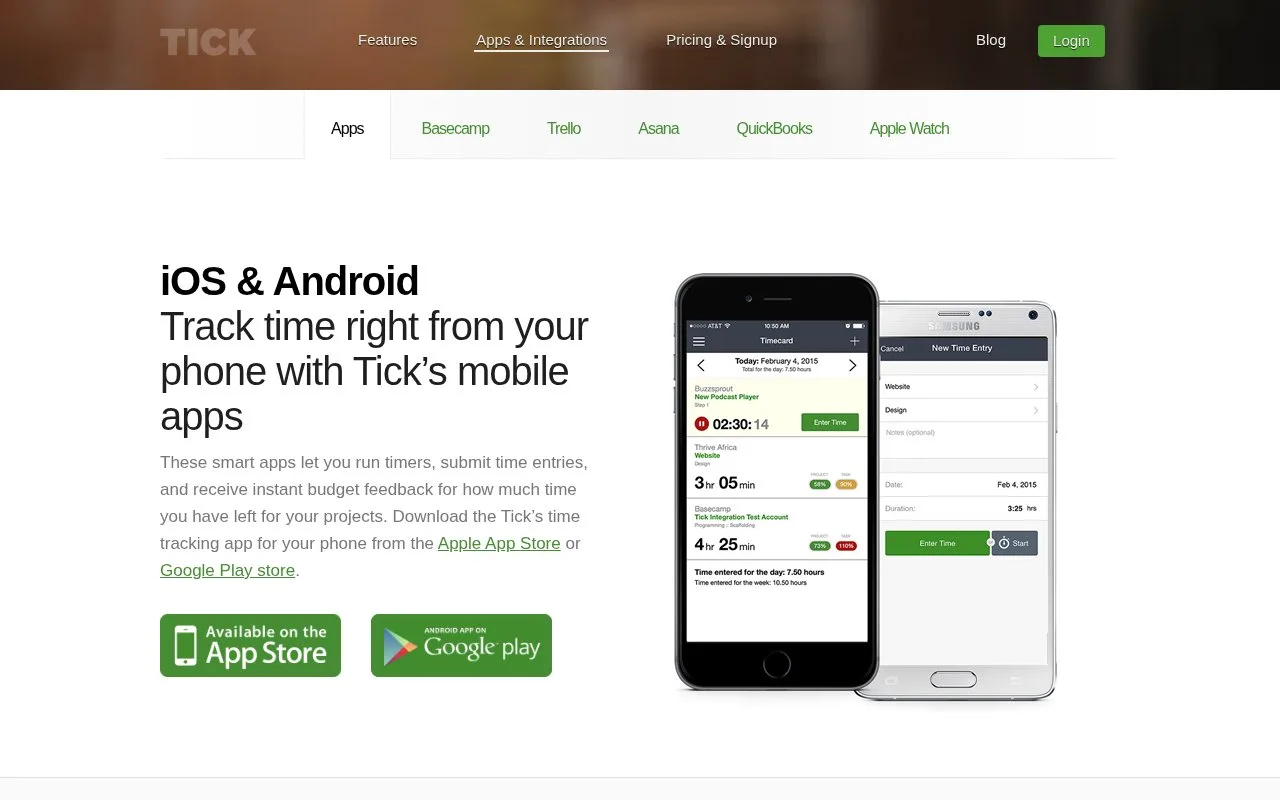
Tick is a project time tracker built around task-level entries and budget feedback. Its apps let users enter time or run timers from mobile devices, a Chrome extension or a Mac app, while the project budget view breaks hours down by task and team member. It also connects time tracking with project tools such as Basecamp, Asana and Trello.
For a client project, a manager can set budgets at the project or task level and assign the people responsible for the work. Team members choose the project and task when entering time; Tick then updates remaining-budget feedback in the timecard, while managers can review hours by task and person. That is useful when the main question is not only how long work took, but whether a project is consuming its allotted hours.
The official product pages describe timers and time-entry workflows across phone, browser and Mac options, plus a 30-day free trial. They do not establish current paid prices or plan limits in the pages reviewed, so confirm those terms before choosing the service. The scenarios above describe documented setup, not a project or timer created during research.
Strengths
- Shows remaining project and task budget as time is entered.
- Managers can inspect hours by task and by team member.
- Offers time-entry options for mobile, Chrome and Mac workflows.
Watch out for
- The workflow depends on projects, tasks and budgets being configured in advance.
Best for
- Agencies that need to detect project-budget overruns while work is underway
- Teams already using a project platform that Tick integrates with