
What it does
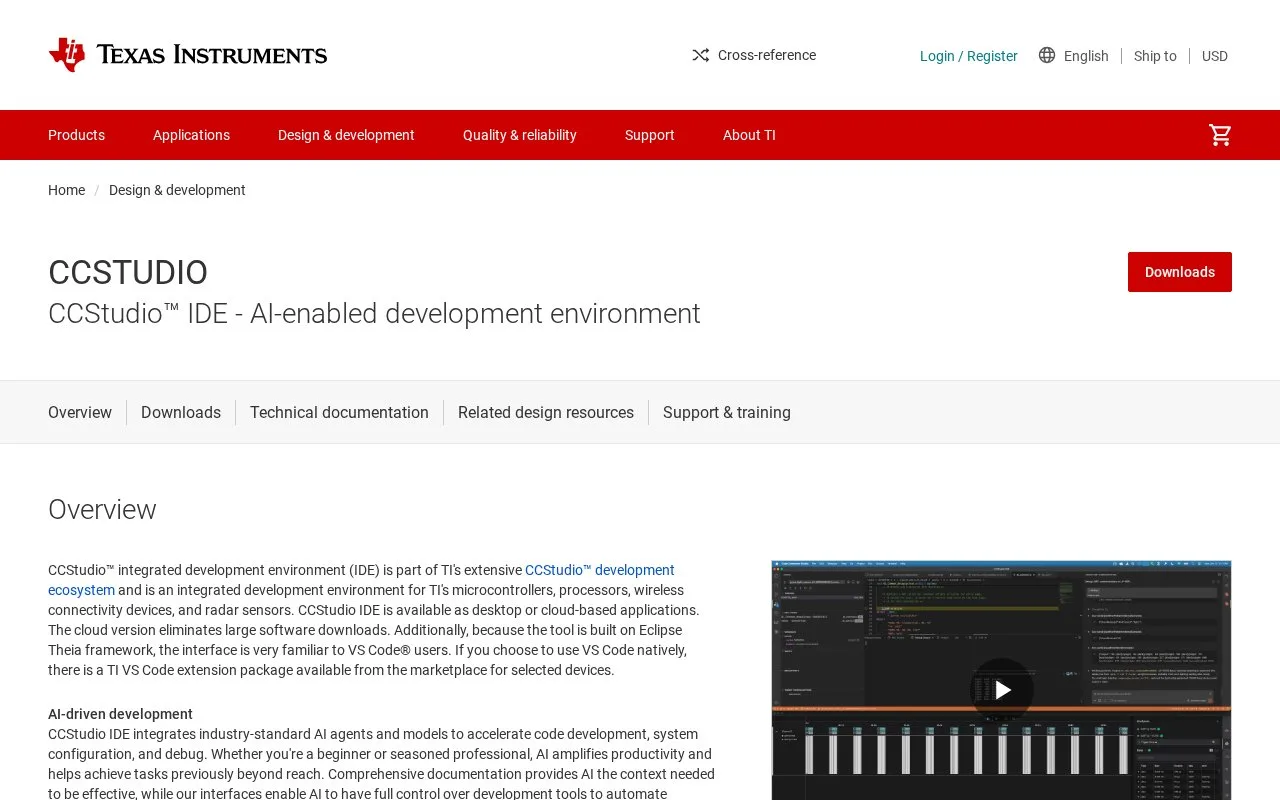
CCStudio IDE is TI's current integrated environment for developing with its microcontrollers, processors, wireless devices and radar sensors. TI offers desktop and cloud-based forms, with a C/C++ editor, optimized compilers, project builds, debugger, profiler and device-specific material in Resource Explorer. SysConfig helps configure pins, peripherals, drivers and radios, while debug tools can inspect RTOS objects and trace execution. It is a vendor-focused environment rather than a general IDE for unrelated hardware.
TI's Resource Explorer provides a useful starting point: select the target family and browse its SDKs, examples, training and documentation. The IDE can detect connected development boards and tailor its getting-started actions to the device. Once a project is open, write or import C/C++ source, configure device resources in SysConfig, build with a TI compiler and start a debug session. TI also lists profiling, runtime RTOS-object inspection, execution tracing and scripting for automated testing or benchmarking.
The choice between desktop and cloud matters. TI says the cloud version avoids a large local software download; the desktop version suits a locally installed toolchain and board workflow. The current IDE is built on Eclipse Theia, whose interface TI says will feel familiar to VS Code users. TI also publishes a separate VS Code extension package for selected devices, so do not confuse that extension with the full CCStudio IDE.
Physical debugging depends on the device and setup. Confirm the board and debug probe supported by the target; TI's product page lists several probe and evaluation-board families. The published pages reviewed here establish the tool's embedded scope and core workflow, but do not give a current license price or a complete desktop operating-system matrix.
Strengths
- Resource Explorer brings device-specific SDKs, example code, training and documentation into the development workflow.
- SysConfig covers configuration of pins, peripherals, drivers and radios alongside project builds.
- The tool offers desktop and cloud-based IDE choices, with advanced debug, profiling and scripting capabilities.
Watch out for
- The IDE is built for TI's device portfolio; teams targeting other vendors need a different toolchain.
Best for
- Firmware developers building for TI microcontrollers, processors, wireless devices or radar products.
- Embedded teams that use TI SDK examples and SysConfig as part of their project setup.
- Developers who want to switch between a desktop environment and a cloud-based TI IDE.
Sources
- CCSTUDIO IDE, configuration, compiler or debugger | TI.com (Oct 26, 2026)
- CCStudio IDE User's Guide - CCStudio IDE 21.0.1 Documentation (Oct 26, 2026)