
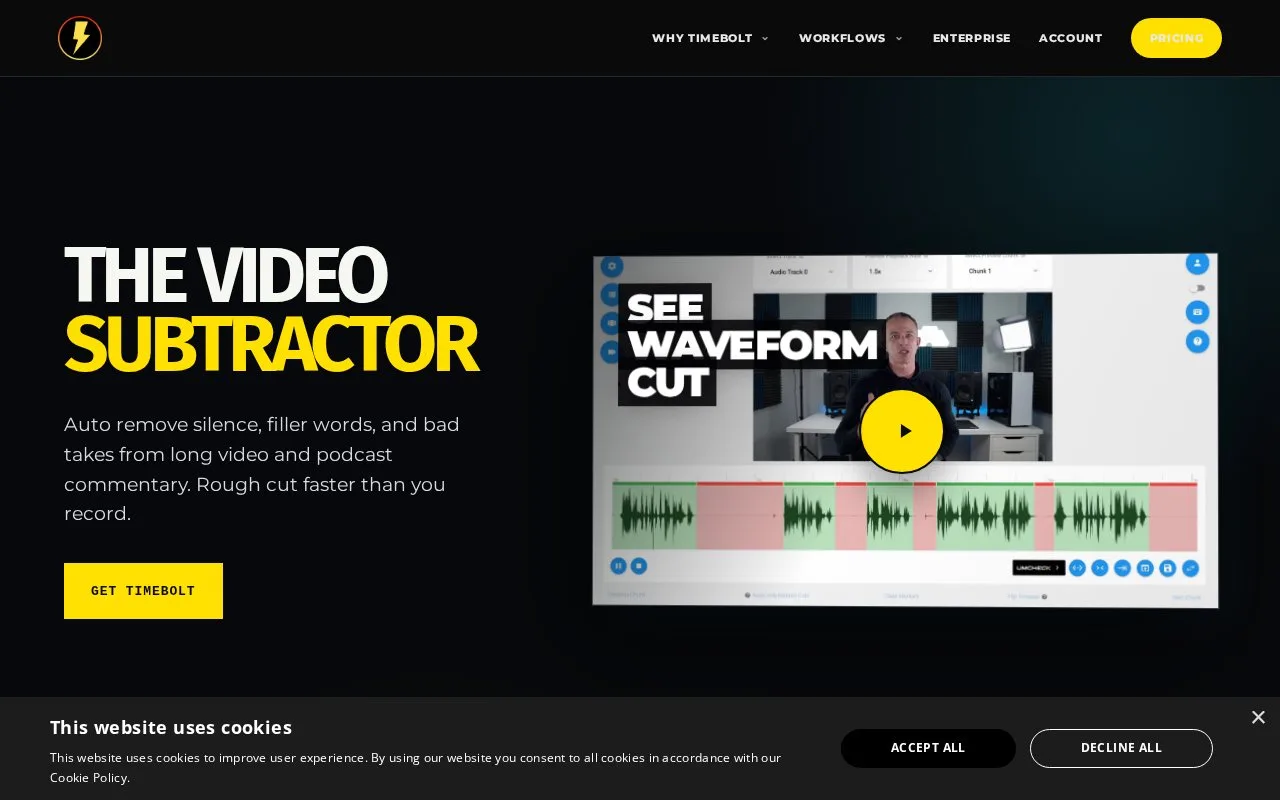
Picture a two-hour podcast take and a timeline full of dead air. TimeBolt is a local editor for Mac and Windows that finds silence, filler words and bad takes, then sends the cuts out as MP4, SRT, XML or FCPXML. You bring the recording; it handles the trimming pass before you open your usual editor.
Written from our directory record because the site could not be read automatically, and checked against that record on .
Our take
It fits people who record a lot of talking and would rather not scrub a waveform by hand. Podcasters and talking-head creators get the most from it, since the whole job is finding the parts where nobody is speaking. Footage with no dialogue gives it little to work on.
Features
-
Silence removal
Long stretches of quiet get marked for cutting.
-
Filler word cuts
Filler words and false starts are flagged alongside the silence.
-
Editor exports
Cuts leave as MP4, SRT, XML or FCPXML for common video editors.
Best for
- Podcasters trimming long commentary
- Creators removing filler words and false starts
- Editors jump cutting talking-head footage
Not for
- Footage with no dialogue to trim
FAQ
- What does TimeBolt do?
- It removes silence, filler words and bad takes from video and podcast recordings, then exports the cuts as MP4, SRT, XML or FCPXML.
- Does TimeBolt run on Mac and Windows?
- Yes. The catalogue record describes it as a local editing tool for both Mac and Windows.
Sources
- www.timebolt.io/ (opens in a new tab) Catalogue record describing the tool, its exports and platforms