
TimelinesAI
Connect WhatsApp numbers to your CRM and manage chats in one shared inbox
- SI Score
- 74/100
- Pricing
- Free Trial
- Free plan
- Not confirmed
- Sign-up required
- Not confirmed
Ask SI about TimelinesAI
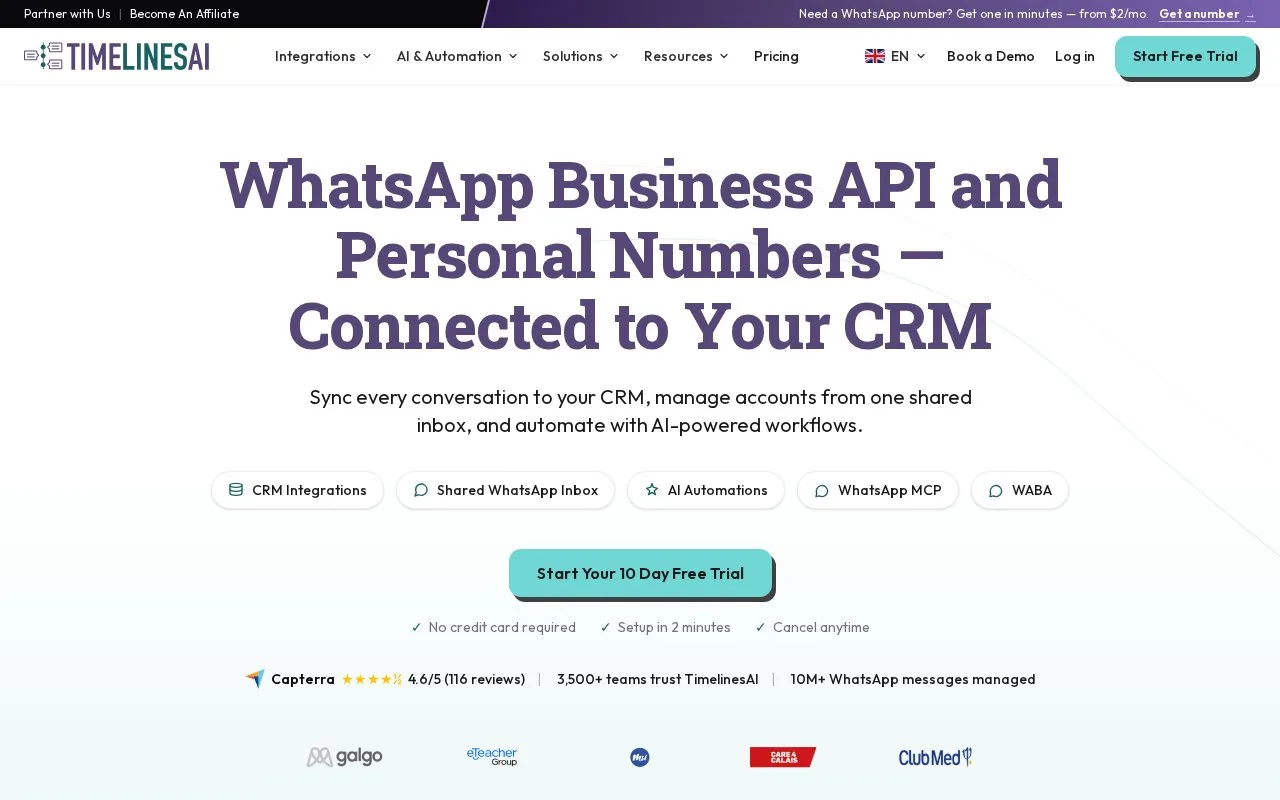
Answers use saved listing facts and recorded sources.Homepage screenshot
What it does
TimelinesAI syncs WhatsApp conversations to CRM tools such as HubSpot, Pipedrive, Salesforce and Zoho. It gives teams a shared inbox for multiple WhatsApp numbers and adds AI automation plus a public API. It is built for teams that handle WhatsApp at scale.
TimelinesAI is useful for teams that run sales or support on WhatsApp and want those chats inside their CRM. You connect a number by QR code, the official WhatsApp Business API, or a Coexistence setup, then messages and contacts sync to tools like HubSpot and Pipedrive. A shared inbox lets several people manage the same number, and the Workflow Builder or Zapier can automate replies and follow-ups. The pricing page lists a 10 day free trial with no credit card, then Starter at $35 per seat a month or $28 billed yearly, and Pro at $49 per seat a month or $39 billed yearly. Before committing, check which connection type fits your number, since QR and API setups differ on fees and template messaging, and confirm your CRM appears in the integrations list.
- Syncs WhatsApp chats and contacts into many CRMs
- Shared inbox for teams using one or more numbers
- Offers QR, Coexistence and official WABA connections
- Some features depend on Meta approval and per-message fees
- No mobile app is mentioned on the site