
- SI Score
- 74/100
- Pricing
- One-Time Purchase
- Free plan
- Not confirmed
- Sign-up required
- Not confirmed
Ask SI about Timemator
Answers use saved listing facts and recorded sources.Homepage screenshot
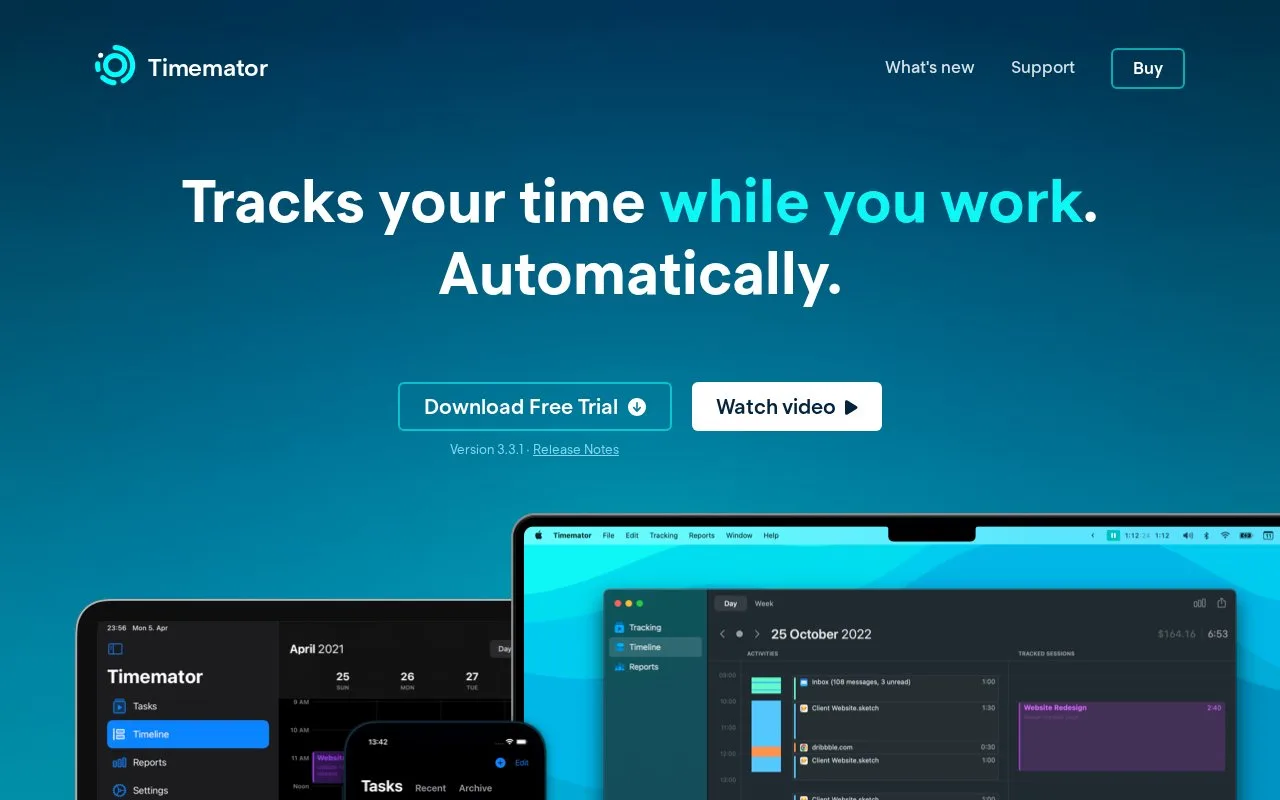
What it does
Timemator records your working time automatically by watching the apps, project files and websites you use on your Mac. You can review sessions on a timeline, assign them to projects, set hourly rates and export reports for clients. It is built for freelancers and other professionals who bill by the hour.
Timemator is a Mac time tracker that watches what you do and turns it into a timeline you can edit. Once you set rules for apps, files or websites, it starts and stops sessions in the background, so you do not have to remember a timer. You can group work by project or client, set an hourly rate and export a report with revenue totals. The iPhone, iPad and Apple Watch app syncs through iCloud, and data stays on your device. A careful user should check that the auto-tracking rules match their real workflow, and note that Mac and iOS apps are sold separately.
- Automatic tracking based on apps, files and websites
- Billable reports with hourly rates and revenue
- Offline use with local data and automatic backups
- Mac and iOS apps are sold separately
- No Windows version yet
- Auto-tracking needs setup to be useful