
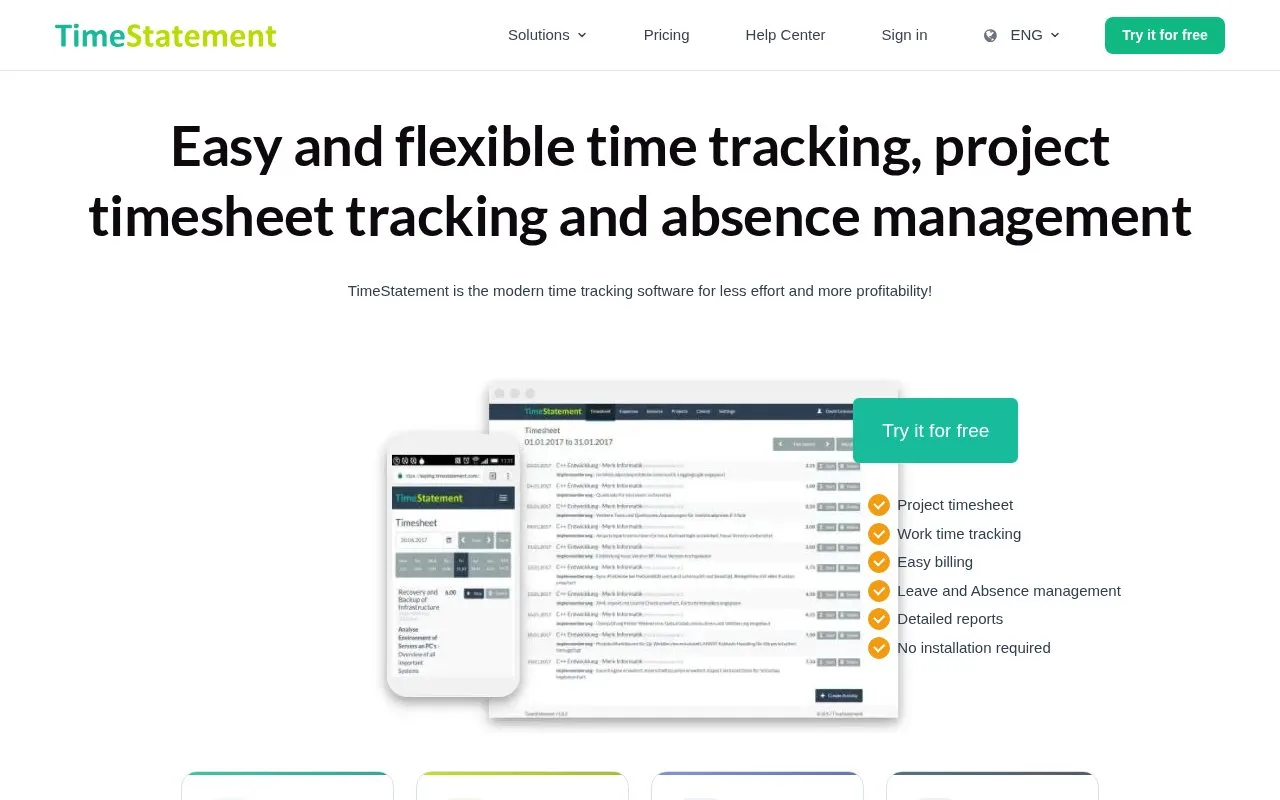
What it does
TimeStatement records work and project hours through web, mobile, or time-clock entry. Its product pages describe budgets, reports, expenses, and invoicing within a broader time, absence, and expense system. The pricing page lists a free plan for one user and up to two projects; Starter is $4.50/user/month billed annually or $7.50 monthly, and Pro is $12.45 annually or $18.95 monthly.
TimeStatement suits project-based businesses that need time capture connected to budgets and client billing. Staff can record hours through a web interface, mobile app, or time-clock workflow, then review project budgets, reports, expenses, and invoices. The product is broader than a timer because it also covers absences and expenses. The official pricing page lists a free plan for one user and two projects, Starter at $4.50/user/month with annual billing or $7.50 monthly, and Pro at $12.45 with annual billing or $18.95 monthly. Check project and feature limits on the vendor’s current plan page before choosing a tier.
Strengths
- Supports time entry through web, mobile, or time-clock workflows.
- Connects recorded hours to budgets, reports, expenses, and invoicing.
Watch out for
- The product combines time tracking with absence and expense management.
- The free plan is limited to one user and two projects.
Best for
- Small service firms tracking client work and project budgets
- Teams that need timesheets connected to expenses and invoicing
Sources
- Time tracking, project timesheet made easy and fast (Oct 25, 2026)
- Project Time Tracking App & Software | TimeStatement (Oct 25, 2026)
- Time Tracking Pricing Overview TimeStatement (Oct 25, 2026)