
- SI Score
- 70/100
- Pricing
- Freemium
- Free plan
- Yes
- Sign-up required
- Not confirmed
Ask SI about ToonCrafter
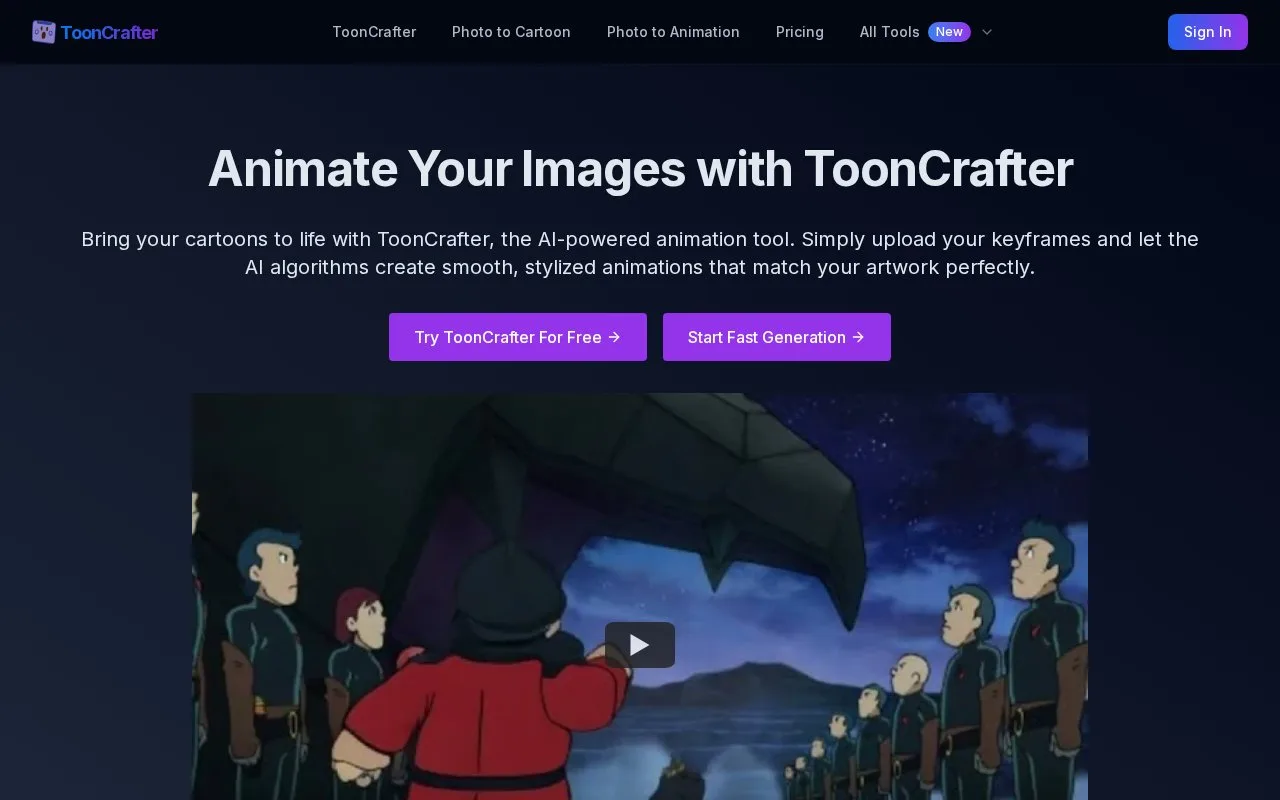
Answers use saved listing facts and recorded sources.Homepage screenshot
What it does
ToonCrafter is an AI animation tool that generates smooth transitions between cartoon keyframes. Users upload two to four images, optionally add a text prompt, and the tool creates an MP4 animation. It is built for animators, content creators, and anyone who wants cartoon animation without drawing every frame.
ToonCrafter creates short animations from cartoon keyframes. You upload two to four images, optionally describe the motion you want, and the tool generates an MP4 clip. The site says generation takes around 20 seconds, though this depends on input settings and system load. Style transfer learning helps the generated frames match the original art style, and pixel-level detail extraction pulls in fine lines and textures. The free plan lets you upload two keyframes and generate one animation segment. Paid plans add credits, faster processing, multiple keyframe uploads, and access to dynamic portrait tools. The pricing page lists an Unlimited Animation feature marked as unstable on every plan, including the free one. The site also notes that detail processing has room for improvement. Check the credit limits and the unstable label before relying on it for regular production work.
- Generates animations from two to four keyframes
- Style transfer learning helps match the original art style
- Free plan available for testing basic features
- Unlimited Animation is labeled unstable on the pricing page
- Detail processing has room for improvement
- Free plan is limited to two keyframes and one animation segment