
What it does
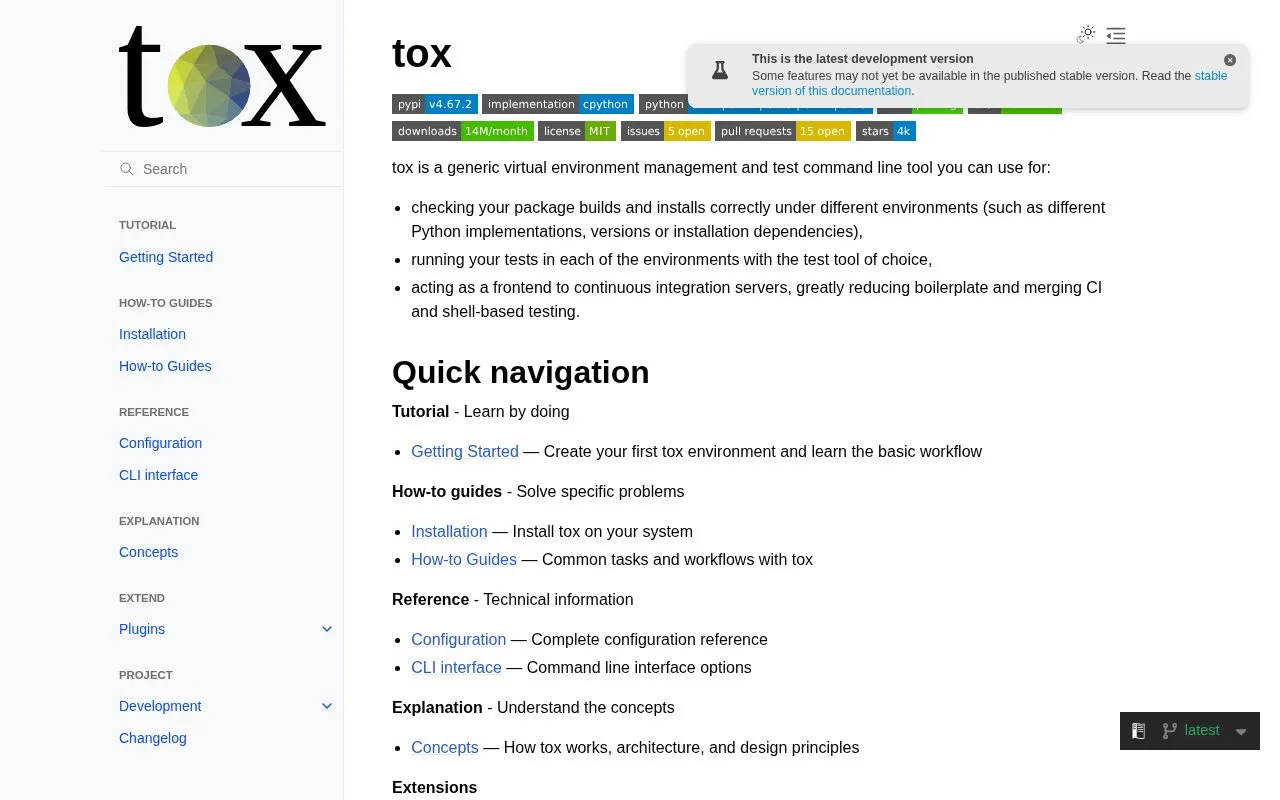
tox is a command-line tool for managing virtual environments and running configured commands across them. A project can use it to check package builds and installations, run its chosen test suite under different Python implementations or dependency sets, or reduce repeated setup in local and continuous-integration workflows. tox orchestrates the commands; the project chooses the test framework and defines what those commands verify.
A tox setup starts with the project you want to validate and a configuration file at its root. The current getting-started guide recommends tox.toml for new work and marks the older INI configuration as deprecated for new features. In TOML, define the environments to run, the dependencies each environment needs, and the commands that should execute. The guide's example uses pytest for tests and Ruff for linting across selected Python versions.
That separation is important: tox creates and runs the environments, but it does not decide whether your application is correct. You provide the Python package or source tree, the test suite, and each environment's test command. A CI system can then use tox as the common entry point instead of maintaining separate environment setup in multiple jobs. The official tox repository license is MIT.
Strengths
- One configuration can run a project's chosen commands across several Python versions or dependency environments.
- The current tutorial documents TOML configuration and a pytest-plus-lint example, while retaining INI support for existing projects.
- The project describes tox as a front end for CI that can reduce duplicated shell and pipeline setup.
Watch out for
- tox is an orchestrator, not a test assertion framework; the project must provide its tests, dependencies, and configured commands.
- The official tutorial requires Python 3.11 or later for the documented setup.
Best for
- Python maintainers who want repeatable test runs across supported interpreter versions
- Projects that need local and CI jobs to share the same environment and command configuration
Sources
- tox (Oct 25, 2026)
- Getting Started - tox (Oct 25, 2026)
- tox/LICENSE at main · tox-dev/tox · GitHub (Oct 25, 2026)