
What it does
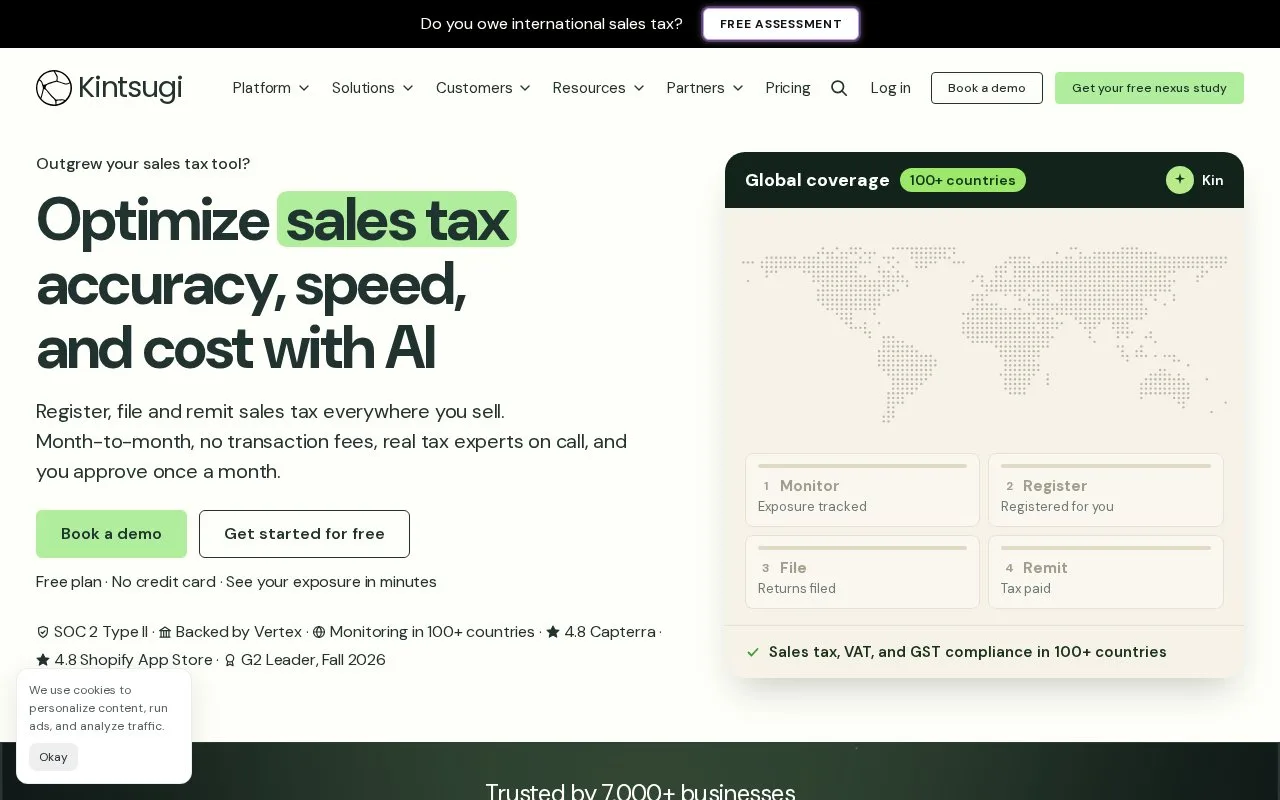
Kintsugi connects sales records to tax-exposure monitoring, product classification, registration and return filing. A free plan monitors exposure and prepares data; paid plans add filing and operational support. Setup includes the business’s physical presence and registration history as well as its sales transactions.
Kintsugi combines transaction data with product categories, delivery addresses and business details to work out tax exposure and prepare returns. Its Kin assistant answers questions using account data, while paid service levels add tax-operations support.
Set up the record behind a return
In Data Sources, choose Connect and use a supported integration, a custom API connection or the CSV template. Import the previous full calendar year through the current date where available, so historical exposure is included.
Add offices, employees and inventory locations separately; sales records alone do not describe the company's physical presence. Review product categories and use Tasks to resolve incomplete addresses. Exemption certificates belong in Exemptions.
The Nexus page shows monitored obligations and a Register action. Existing registrations need their effective dates and filing frequencies. Once the first return is ready, review it in Filings and select Approve. After that first approval in a registered jurisdiction, Kintsugi files and remits there on schedule. Bank details and authorization are needed before the first filing.
Free monitoring and paid compliance
| Plan | Charge | Main scope |
|---|---|---|
| Free | USD 0; no credit card | Exposure monitoring, alerts, historical-liability analysis, product classification and Kin |
| Starter | USD 75 per action in the US and Canada | Registration, filing, amendments, back filings and deregistration |
| Scale | Quoted monthly amount | Broader country coverage, invoice tax calculation and operational assistance |
| Premium | Quoted monthly amount | Advanced exemptions, custom API/SDK work, reporting and additional specialist support |
Kintsugi does not add transaction or onboarding fees. Paid plans are generally month to month; Premium back-filing and voluntary-disclosure work can require an annual commitment.
Notices still need attention
No plan monitors state or provincial online portals for you. Kintsugi Mail provides a destination for jurisdiction mail, and Scale or Premium includes help with notices you forward. Assign someone to check portal messages and send them to the team; an automated filing schedule does not cover that separate task.
Strengths
- Connects exposure monitoring to registration and scheduled filings
- Free monitoring includes historical-liability analysis and product classification
- Existing registrations retain their effective dates and filing schedules
Watch out for
- Sales history does not supply physical-presence details automatically
- State and provincial portal notices are not monitored on any plan
- Custom API/SDK work and advanced exemption controls are listed under Premium
Best for
- Businesses bringing sales-tax monitoring and filing into one account
- Finance teams prepared to review classifications and manage portal correspondence
Sources
- Kintsugi sales tax platform (Oct 27, 2026)
- Kintsugi plan prices and limits (Oct 27, 2026)
- Getting started with Kintsugi (Oct 27, 2026)