
What it does
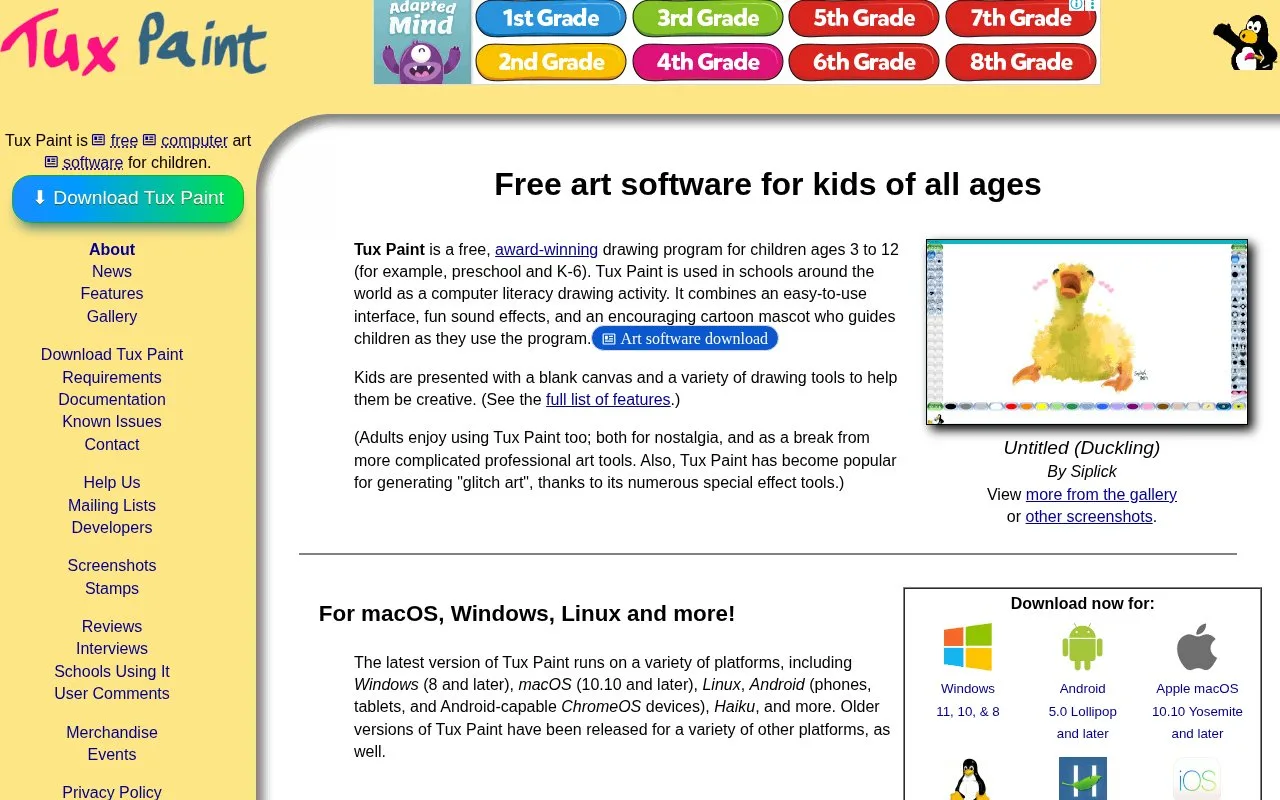
Tux Paint is free drawing software for children. It uses thumbnail-based saving, a fixed-size canvas, drawing tools, stamps and a mascot that provides hints.
Choose New for a blank picture, a background scene or a colouring outline. Brush, Stamp and Fill tools build the picture; stamps can be resized, flipped and rotated. The Label tool keeps text editable and movable after it is placed.
Save adds the drawing to a thumbnail picturebook without asking for a filename. Open shows those thumbnails; a changed picture can replace its earlier version or become a new one. Export sends an image to a folder such as Pictures. Slides arranges saved drawings into a presentation, with a speed control and animated-GIF export.
Parents and teachers can turn off printing and sound effects, set a delay between prints, or choose a shared folder for saved work. The official application is free and has no advertisements. Tux Paint’s privacy policy says its official desktop and Android apps have no networking functionality.
Strengths
- Thumbnail saving avoids a filename workflow.
- Adults can add brushes and categorized stamps.
Best for
- Children learning digital drawing
- Classroom picture activities
Sources
- Tux Paint: Free art software for kids of all ages (Oct 27, 2026)
- Features of Tux Paint (Oct 27, 2026)
- Tux Paint: Privacy Policy (Oct 27, 2026)