
What it does
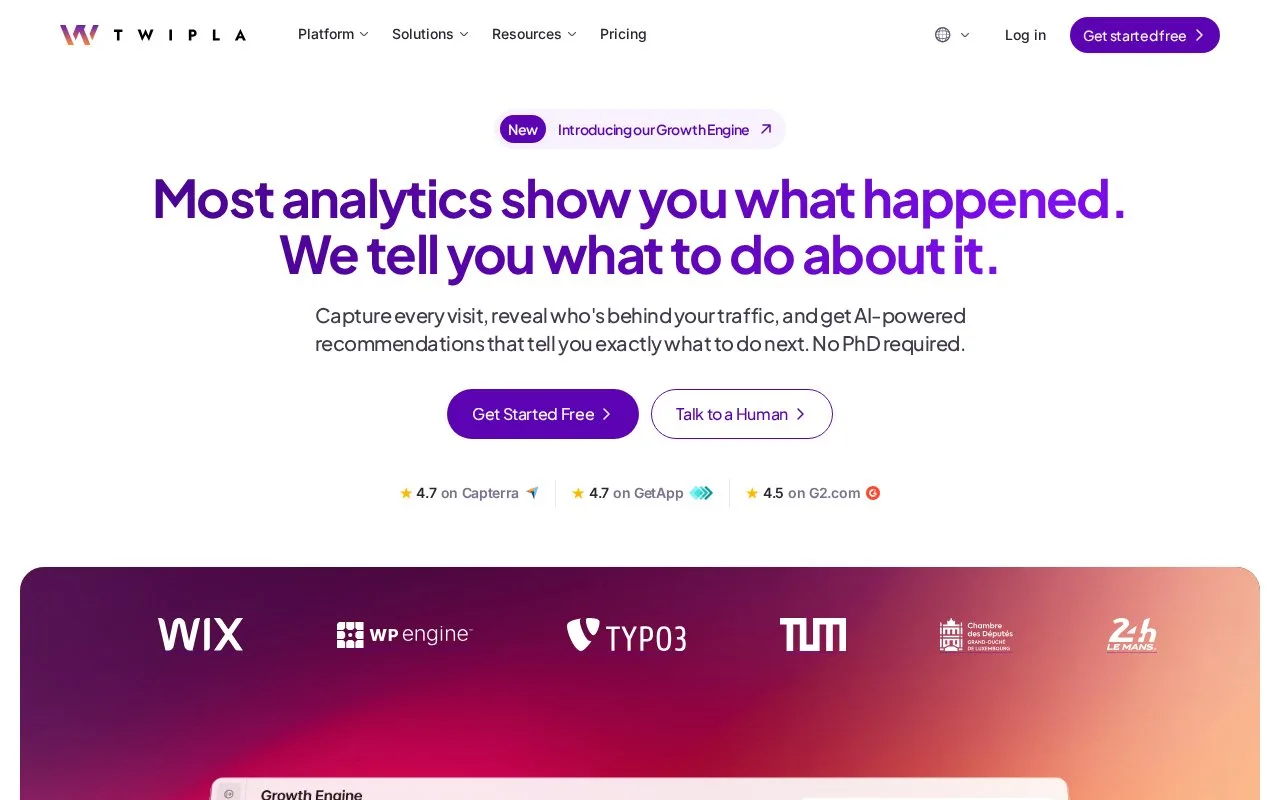
TWIPLA combines website traffic, audience, campaign and behavioral analytics, including events, heatmaps, session recordings and funnels. Its wider platform includes feedback collection and AI-assisted analysis and content features.
TWIPLA combines traffic reports with recordings, heatmaps, events and funnels. Its Growth Engine also uses analytics to suggest content opportunities and prepare editable drafts.
For an HTML site, create an account, verify the email and add the website. Choose the site's Data Privacy Mode and notification settings. Copy the generated tracking snippet, place it before the closing body tag and publish the site changes. Click Verify Snippet Installation, then Open Dashboard. A visit to the live website followed by a dashboard refresh checks that visits are arriving.
| Standard plan | Pageviews/month | Events/month | Recordings |
|---|---|---|---|
| Free | 400 | 20 | 25 |
| Starter | 500 | 100 | 100 |
| Basic | 10,000 | 1,000 | 500 |
| Advanced | 25,000 | 2,000 | 2,500 |
| Pro | 50,000 | 4,000 | 5,000 |
| Enterprise | Custom | Custom | Custom |
Free access continues indefinitely. Each website has its own plan and bill. Ordinary plans stop collecting at the pageview ceiling until the next month or an upgrade; missed visits cannot be recovered. Growth Engine tokens are a separate allowance, included from Basic upward. Wix installations use their own marketplace plans.
Strengths
- Combines aggregate traffic with event, funnel and visual behavior reports.
- Includes an installation-verification workflow for the tracking snippet.
Watch out for
- Pageview-limit collection gaps cannot be filled retrospectively.
- Each tracked website has its own separately billed plan.
Best for
- Website teams examining traffic and behavior around a defined conversion journey
Sources
- TWIPLA pricing (Oct 27, 2026)
- Install TWIPLA on HTML websites (Oct 27, 2026)
- TWIPLA website analytics (Oct 27, 2026)