What it does
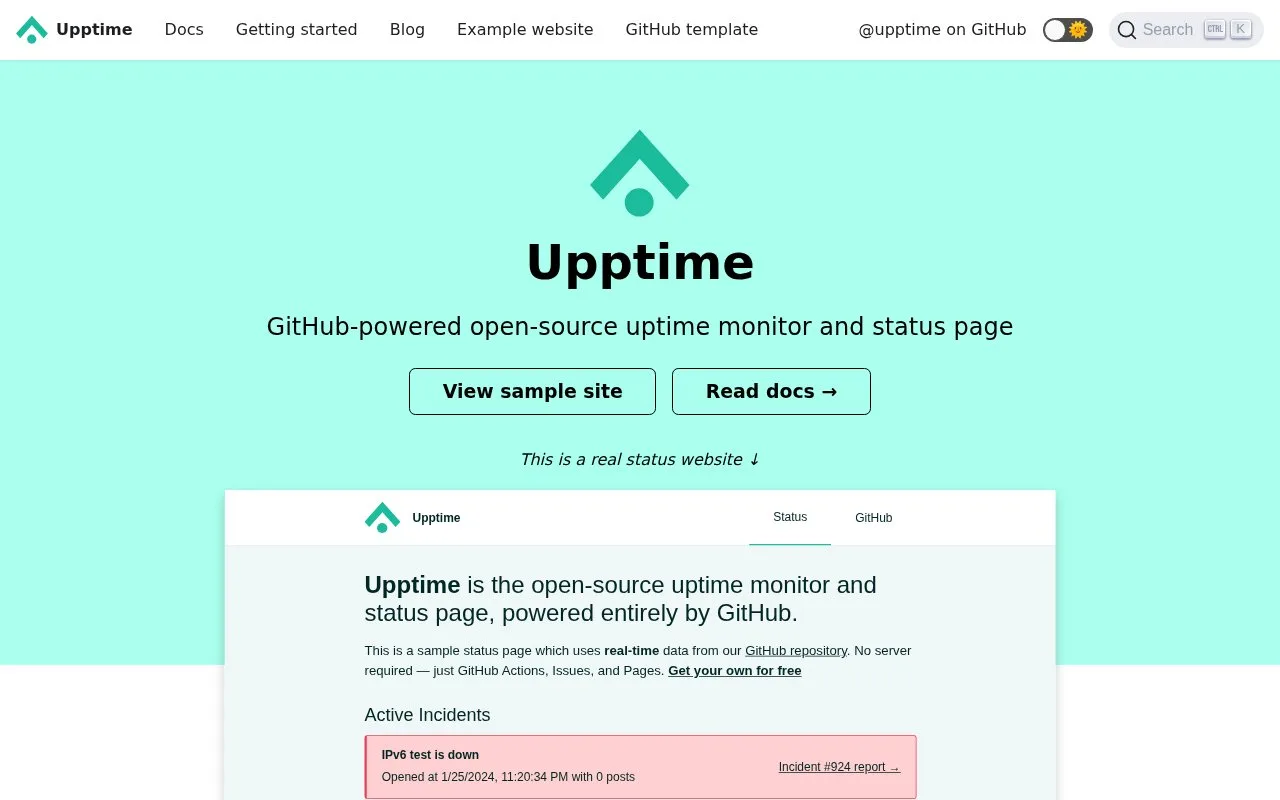
Upptime turns a GitHub repository into a self-managed uptime monitor and status site. Scheduled GitHub Actions check configured endpoints, GitHub Issues track detected incidents, and GitHub Pages can publish the generated status website. Response-time data is committed to the repository for historical charts. The repository, workflows, issues, and Pages configuration are the operating surface, so this is a source-controlled alternative to a separate hosted monitoring dashboard.
Build from a repository
Start from the official upptime/upptime GitHub template and include all branches. In .upptimerc.yml, set the repository owner and name, then list each endpoint with a readable name and URL. For example:
sites:
  - name: API
    url: https://api.example.com
Enable the repository's Upptime workflows in the Actions tab. If you want a public status website, enable GitHub Pages for the generated gh-pages branch. The upstream instructions also describe repository secrets and tokens used by workflows; keep credentials in GitHub's secret store rather than in the configuration file.
Checks become an incident history
The scheduled workflow visits endpoints at intervals no shorter than five minutes. Response times are written to Git history once per day, which supports longer trend charts without a separate metrics database. When a monitored endpoint is down, Upptime can open a GitHub Issue for incident notes and close it when service returns. Its static status page combines current state, incident history, and response-time charts.
This arrangement suits maintainers who already work in GitHub and want monitoring configuration and history alongside their code. It is not an application-performance monitor: it checks configured endpoints and shows availability context, but engineers still investigate the underlying service and deploy a fix.
Plan around GitHub's limits
Upptime is MIT-licensed and has no separate subscription. GitHub Actions minutes and GitHub Pages are still part of the operating cost: the documentation notes that private repositories may incur charges for the build minutes Upptime uses. Publishing a status site from a private repository also requires an authenticated API proxy. The five-minute minimum interval is a poor fit when a team needs near-immediate alerting.
Strengths
- Combines scheduled checks, issue-based incident records, and a static status page without a separate monitoring server.
- Keeps endpoint configuration and response-time history in a Git repository that can be reviewed and versioned.
- Supports notifications and issue assignment as well as configurable HTTP and TCP checks.
Watch out for
- Scheduled endpoint checks run no more frequently than every five minutes.
- Private repositories may incur GitHub Actions charges, and publishing a status site from one requires an authenticated API proxy.
Best for
- GitHub-based teams that want source-controlled uptime checks and public status history
- Small services that can use five-minute checks and do not need a hosted observability workspace
Sources
- How it works | Upptime (Oct 26, 2026)
- Upptime GitHub repository (Oct 26, 2026)
- upptime/LICENSE at master · upptime/upptime · GitHub (Oct 26, 2026)
- Getting started (Oct 26, 2026)
- Configuration (Oct 26, 2026)