
What it does
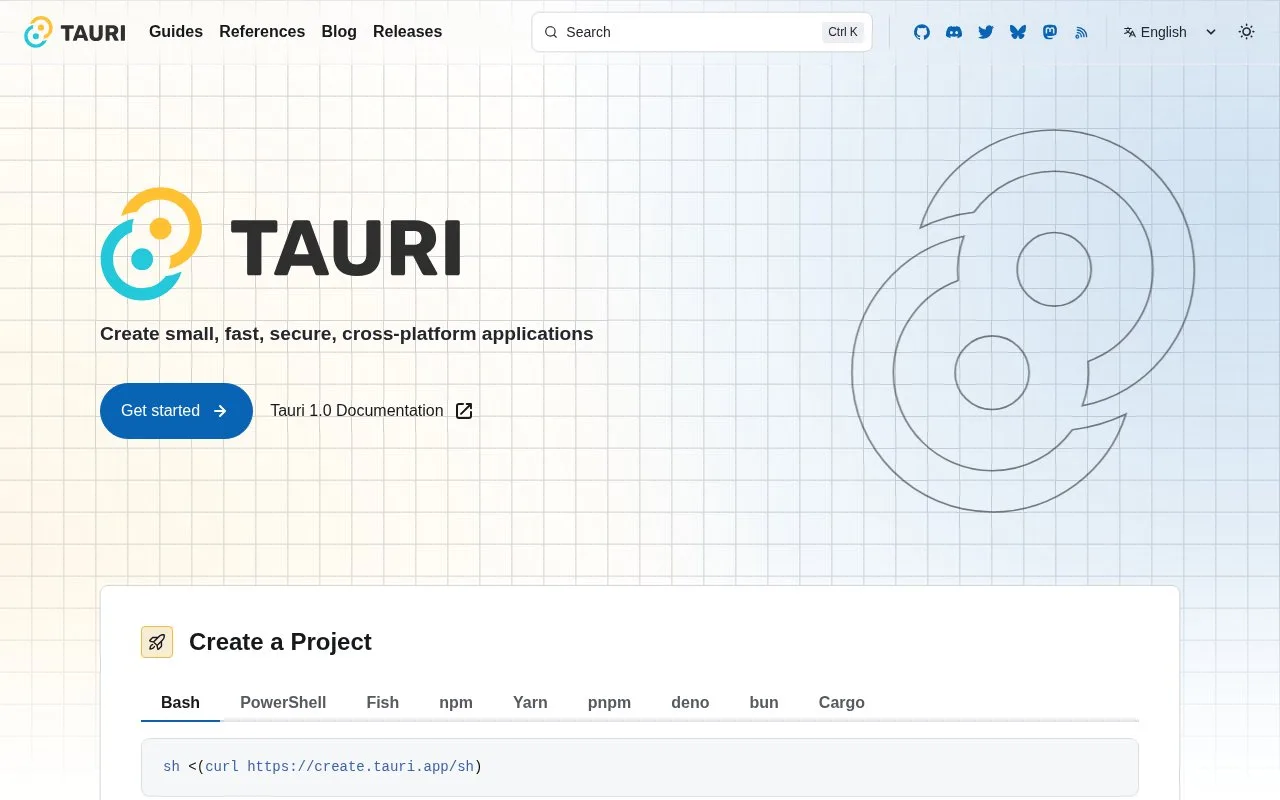
Tauri is an application framework that connects a web frontend to Rust-based system code. Its architecture renders HTML in a platform WebView and uses message passing between the frontend and Rust backend. The create-project guide can scaffold a new app around a selected frontend framework, making Tauri useful for web developers who want native desktop or mobile packaging and controlled access to system APIs.
Tauri's create-project guide starts by choosing a frontend, then uses create-tauri-app or the Tauri CLI to generate the project. The generated app combines frontend code with a Rust side that can provide operating-system capabilities. This is a practical fit when a team already has a web UI and wants to package it as a desktop or mobile application without bundling a browser engine in the same way as Electron. ### Think about the bridge, not only the screen
The architecture guide explains that HTML is displayed in a system WebView and can communicate with Rust through message passing and optional APIs. That makes the framework frontend-agnostic, but a project still needs its own frontend build and must decide which native capabilities to expose. A useful first prototype is a small window that displays a page and calls one deliberately narrow Rust command, so the web-to-system boundary is explicit. Tauri and Electron both target desktop applications, but they are distinct frameworks: Tauri combines Rust with a system WebView, while Electron uses Chromium and a Node.js main process. Tauri's official architecture documentation says the core is licensed under MIT or Apache-2.0. Direct fetches of the repository's root license-file URLs returned 404 during this check, so this record does not make a broader claim about licenses for every bundled dependency or plugin.
Strengths
- The frontend can use a range of frameworks that compile to HTML, JavaScript, and CSS.
- The architecture connects a system WebView to Rust-based native functionality through message passing.
- The project generator offers a guided way to choose a frontend and initialize Tauri.
Watch out for
- A project needs both a frontend build and Rust-side application code, so the toolchain is broader than a browser-only site.
Best for
- Web developers packaging an existing frontend as a desktop or mobile app.
- Applications that need selected operating-system features behind a Rust backend.
- Teams that prefer a system WebView and want to choose their own frontend framework.
Sources
- Tauri 2.0 (Oct 25, 2026)
- Create a Project (Oct 25, 2026)
- Tauri Architecture — License section (Oct 25, 2026)
- tauri-apps/tauri (Oct 25, 2026)