What it does
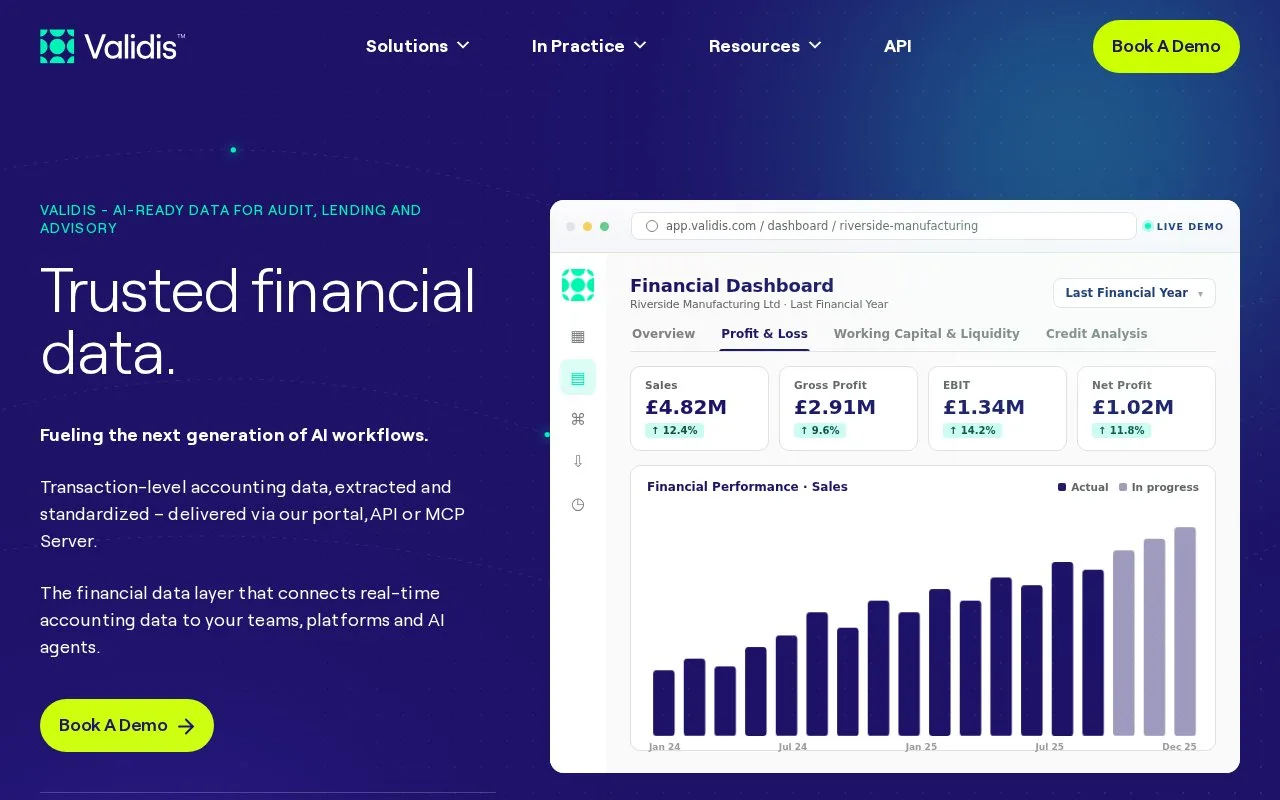
Validis extracts and standardizes general-ledger, trial-balance and subledger data from accounting systems for audit, lending and advisory workflows. Teams receive the structured data through a portal or software integration, with access arranged under a subscription.
Validis provides the accounting-data layer beneath an audit or advisory workflow. It collects ledger and payable or receivable records so the team can work from a consistent dataset across clients. A software interface, or API, can deliver that data to other applications.
The connection method depends on the client's accounting package. For QuickBooks Desktop, open the relevant Engagement in the Validis portal and choose Share Data Now. Select QuickBooks Desktop, download and install vClient, then choose the correct installation and company file. You need the accounting package's administrator credentials and single-user mode. Keep vClient open until the upload finishes; the portal then tracks the share through loading, processing and completion.
Cloud connections work differently. A Mac can share data from a cloud package such as Xero or QuickBooks Online, but Validis's desktop-package extraction does not run on a Mac. For the Upload & Share route, prepare the ledger and trial balance in CSV, XLS, XLSX or XLSB, with each file no larger than 500 MB. Export the required fields directly from the accounting system instead of manually rearranging the report.
The firm's order sets the subscription term and fees. The published agreement excludes VAT or other sales tax from quoted fees and can include separately agreed implementation work. Arrange the required packages, uploads and integration scope with Validis. The resulting data still needs the engagement's analysis and review; Validis supplies the structured input those downstream tools consume.
Strengths
- Standardizes ledger, trial-balance and subledger records across accounting packages
- Supports direct connections and a spreadsheet-report upload route
- Makes structured data available through a portal and API
Watch out for
- QuickBooks Desktop extraction requires administrator access and single-user mode
- Desktop-package extraction is unavailable on Macs
- Upload & Share files have a 500 MB limit
Best for
- Audit firms collecting client ledgers before testing
- Lending and due-diligence teams that need consistent transaction data
Sources
- Validis Financial Data Infrastructure (Oct 27, 2026)
- Validis Frequently Asked Questions (Oct 27, 2026)
- Sharing Your QuickBooks Desktop Data (Oct 27, 2026)
- Are MacBooks Supported? (Oct 27, 2026)
- General Guidance on Downloading GL and TB for Upload and Share (Oct 27, 2026)
- Validis Subscription Agreement (Oct 27, 2026)