
- SI Score
- 80/100
- Pricing
- Not confirmed
- Free plan
- Not confirmed
- Sign-up required
- Not confirmed
Ask SI about Vectorizer.AI
Answers use saved listing facts and recorded sources.Homepage screenshot
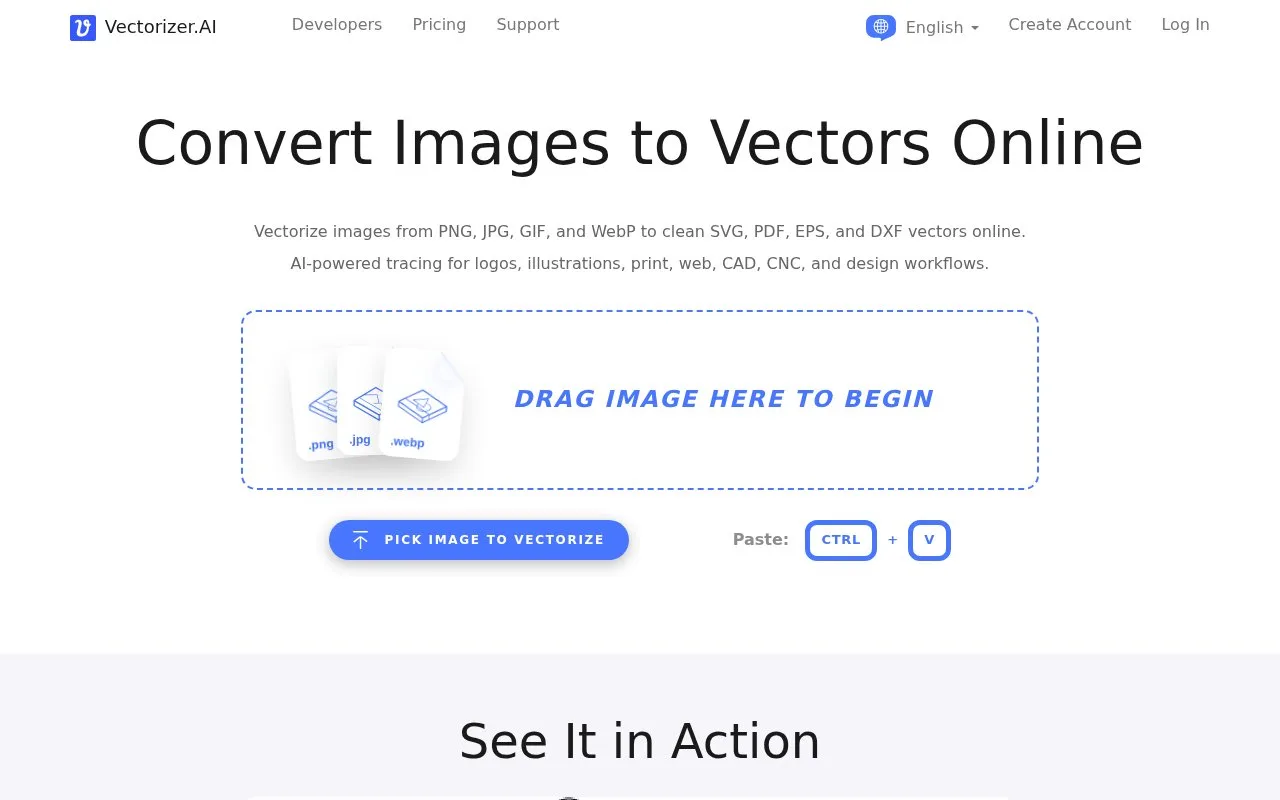
What it does
Vectorizer.AI converts raster images into vector files in the browser. It accepts PNG, JPG, GIF, BMP and WebP input and exports SVG, EPS, DXF and PDF, plus cleaned up PNG. A full preview is shown before download. The site offers account creation, pricing, support and a developer API. The interface is available in many languages. The About page states the service is run by Cedar Lake Ventures, Inc.
Uploaded images are processed by AI models and geometric shape fitting to produce editable outlines. Output formats include SVG, EPS, DXF and PDF. The maximum input is 3 megapixels and 30 megabytes. Full 32-bit ARGB transparency is supported. An interactive preview allows panning and zooming. Corner Control lets you set corners as sharp or rounded. Palette size can be adjusted after automatic color detection. A pre-crop step lets you keep only part of the image within the resolution limit. A developer API and a pricing page are linked from the site. Support is reached by email at [email protected], with a voicemail phone number and a postal address in Excelsior, Minnesota, United States.