
What it does
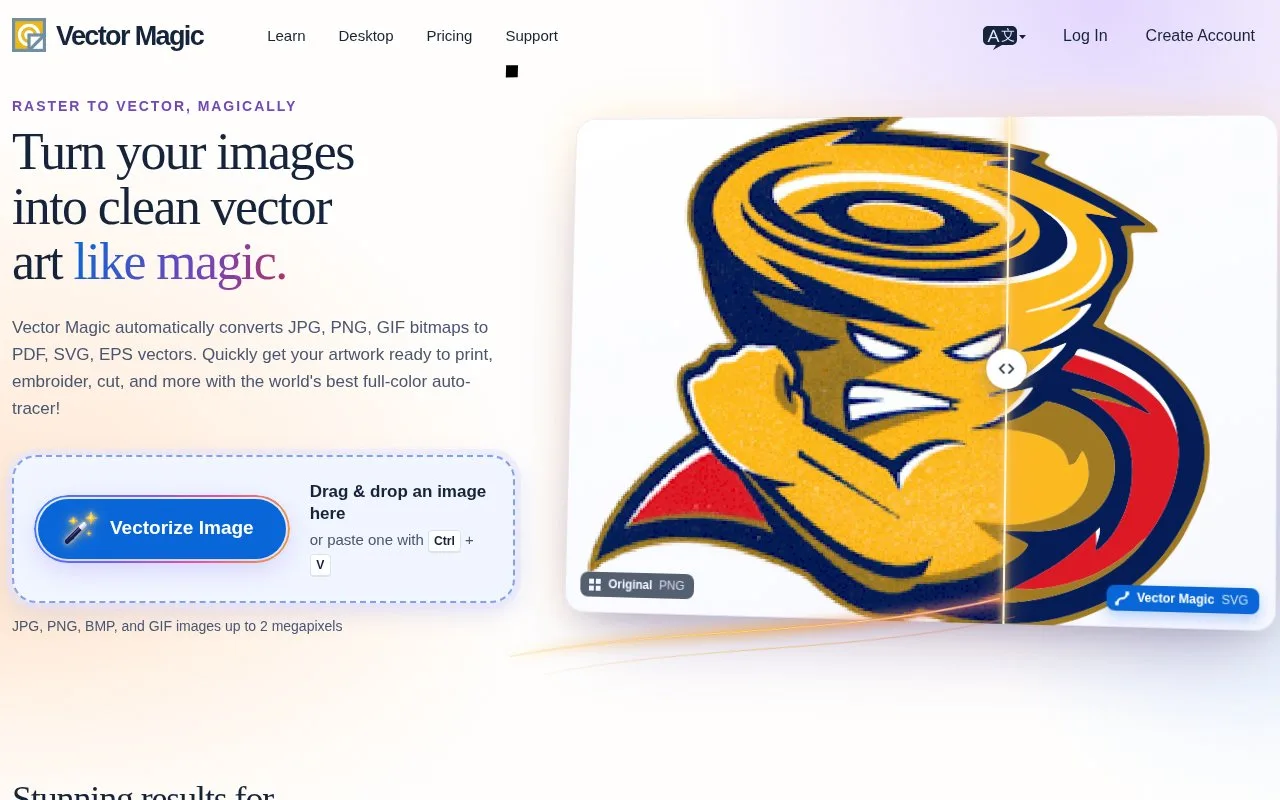
Vector Magic turns bitmap artwork into vector shapes through an online service or desktop app. It includes controls for correcting the regions that make up a trace.
A narrow gap in a scanned symbol can decide whether the shape reads correctly. Vector Magic lets you compare the original bitmap, its separated regions and the finished vectors. In Edit Result, join a broken region, separate touching shapes or remove unwanted fragments before accepting the trace.
Detail and colour choices change the outcome. A higher detail setting follows smaller features but retains more complexity; a lower setting rejects more noise. A custom palette can prevent an unwanted edge colour becoming its own shape. The guide advises keeping meaningful anti-aliasing in the input instead of posterising it first.
Online previews are available before payment, with a subscription required to download. The online service reduces inputs above two megapixels and exports SVG, EPS and PDF. The separately purchased desktop edition works offline and adds batch processing and finer controls. AI export is available on desktop; DXF is a Windows desktop option. Save online segmentation edits with Next before leaving the page, or those edits are lost.
Strengths
- Region corrections address joined shapes and broken gaps.
- Custom palettes and detail settings control the trace’s complexity.
- The desktop edition supports offline batch processing.
Watch out for
- Online downloads require a subscription.
- Online inputs above two megapixels are reduced.
- Desktop format support differs between Windows and Mac.
Best for
- Correcting scanned symbols before vector editing
- Repeated offline bitmap tracing
Sources
- Vector Magic overview and input limits (Oct 27, 2026)
- How to Use Vector Magic (Oct 27, 2026)
- Vector Magic pricing and edition comparison (Oct 27, 2026)
- Vector Magic Terms of Use (Oct 27, 2026)