
What it does
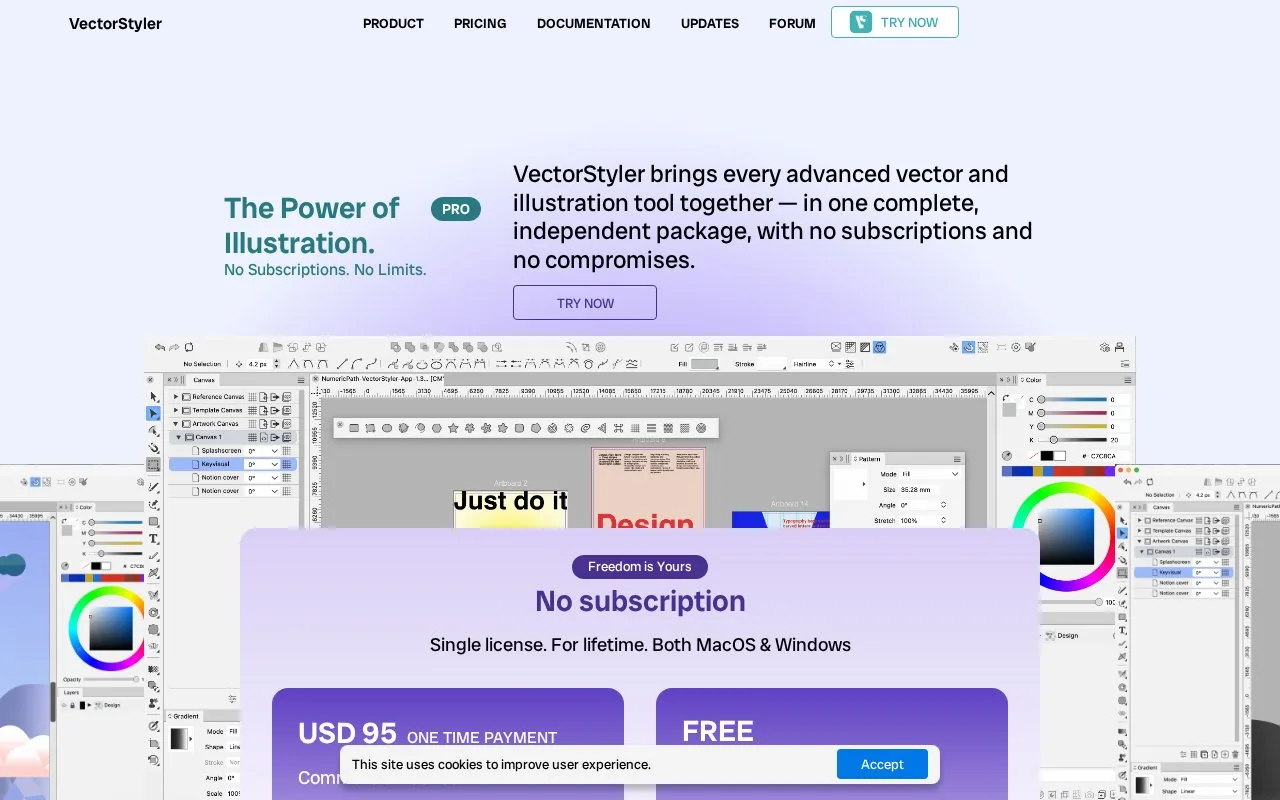
VectorStyler is vector illustration software for Mac and Windows. It includes multi-stroke path sketching, shape construction, dynamic contours and editable effects. A $95 USD one-time commercial licence covers both platforms, and a fully enabled 42-day trial is available.
Build and revise a silhouette
Path Sketch creates a shape from several strokes and lets you paint over it to add or remove regions. Trim and Join resolves intersecting paths, while Offset Path changes distances locally along an outline. These controls suit illustrations whose contours need repeated refinement.
Dynamic contours follow later changes to the original shape and can use variable widths. Shape effects remain editable, including effects applied only to a fill or stroke.
Files and access
VectorStyler imports native Illustrator artwork and exchanges formats including SVG, PDF, PSD, PNG, TIFF, DWG and DXF. It also supports spot colours for print and export.
The commercial licence is a one-time purchase covering Mac and Windows. The 42-day trial enables all features. Free educational licences are offered by application for schools, universities, teachers and teaching events; they are a separate route from general commercial access.
Strengths
- Path Sketch builds complex contours from multiple strokes
- Live contours update with the original shape
- One commercial licence covers Mac and Windows
Watch out for
- General free evaluation ends after 42 days
- Free educational access requires an application
Best for
- Illustrators refining editable vector contours
- Designers moving vector artwork between print and screen formats
Sources
- VectorStyler features, prices and trial FAQ (Oct 27, 2026)
- VectorStyler drawing, contour and shape effects (Oct 27, 2026)