
What it does
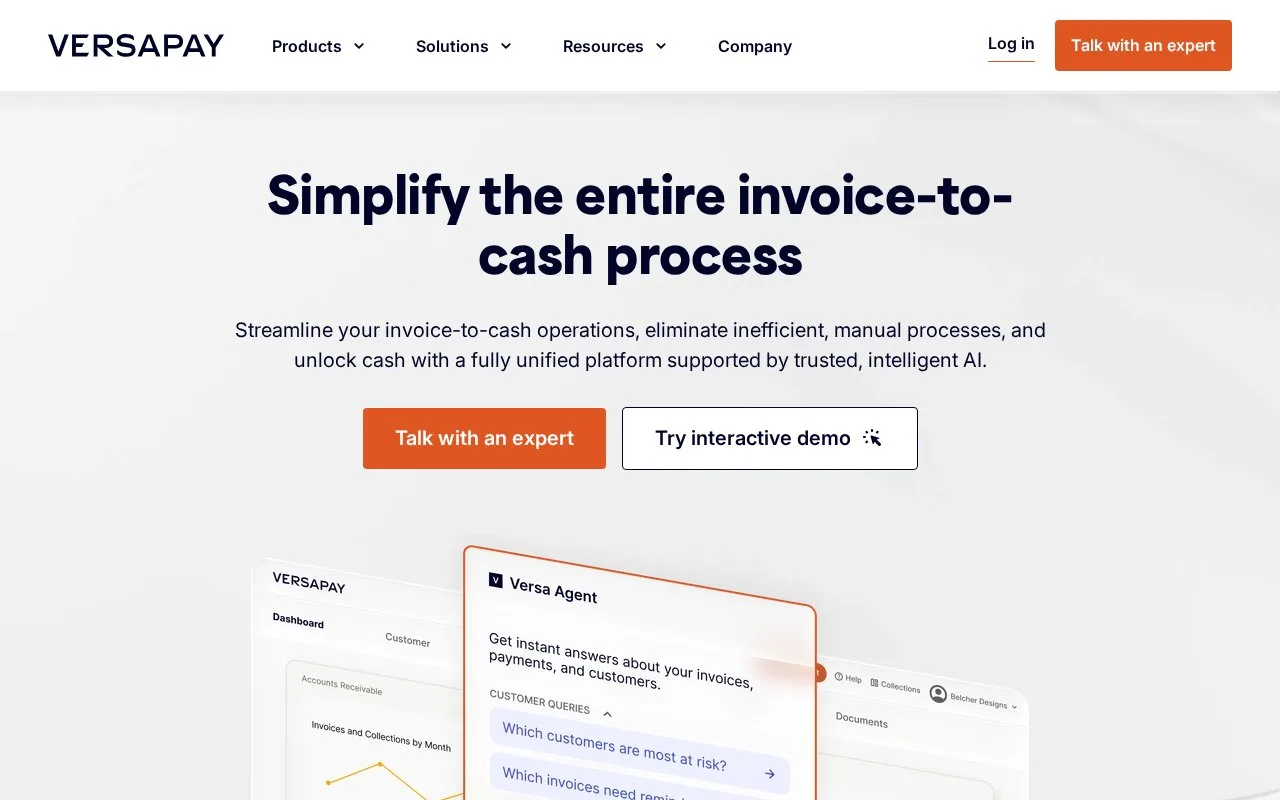
Versapay connects a business's receivables team with its customers through supplier and customer portals. Buyers can review invoices, pay, apply credits and discuss disputed amounts, while staff set payment terms and monitor collections. Businesses arrange access and implementation with Versapay; its API supports moving invoice, customer and payment data between systems.
Put the invoice conversation beside the balance
Versapay's customer portal combines outstanding invoices, account history and payment activity. Buyers can use stored payment methods, schedule future payments, apply credits or pay several invoices together. When an amount is disputed or short-paid, comments keep that discussion attached to the invoice. Suppliers can share supporting documents through the portal.
The supplier side controls due dates, grace periods and recurring terms. Automated reminders cover upcoming and overdue invoices, while delivery and engagement tracking help staff see whether an invoice reached its audience. These tools suit businesses that regularly exchange invoice copies, supporting documents and payment questions with their customers.
See promises, disputes and unapplied cash
The reporting view separates promised payments expected in the next 30 days from overdue promises. It also shows invoice balances under dispute and payments that have not yet been matched to invoices. That gives a collections team distinct follow-up lists instead of treating every open balance as the same problem.
Connect the customer portal to your systems
Versapay's API imports and exports customer, invoice and payment data, with a separate UAT environment that simulates settlement for integration testing. An account and API credentials are needed. For custom dispute reporting, each export request returns at most 100 open and 100 closed disputes, so larger histories need successive requests.
Strengths
- Customers can combine invoice payments, apply credits and schedule future payments
- Invoice comments and shared documents give disputes a common place for discussion
- Reports distinguish promised payments, overdue promises, disputed balances and unapplied payments
Watch out for
- Custom dispute exports require pagination beyond 100 open or 100 closed records per request
Best for
- B2B suppliers handling recurring invoice questions and disputes
- Receivables teams tracking customer payment promises
- Businesses connecting a customer payment portal to existing finance data
Sources
- Digital invoicing and customer portal (Oct 28, 2026)
- Reporting and reconciliation (Oct 28, 2026)
- Versapay API reference (Oct 28, 2026)
- Book a Versapay demonstration (Oct 28, 2026)
- Versapay Terms of Use (Oct 28, 2026)