
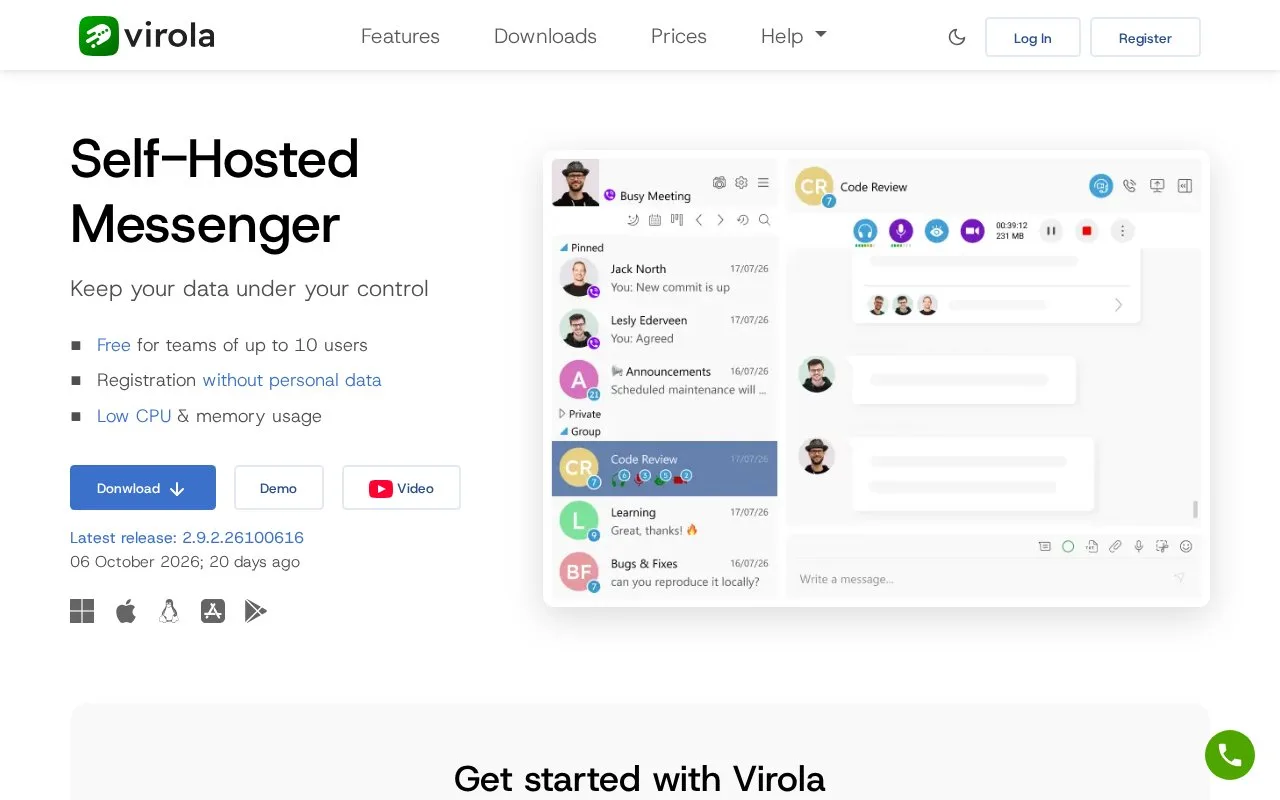
What it does
Virola is a self-hosted corporate messenger with private and group chats, voice and video meetings, screen sharing, and collaboration tools such as an integrated Kanban board. Its pricing page lists a free license for up to 10 concurrent online users and paid monthly, annual, and perpetual server-license options.
Keep messaging on a server your organization operates
Virola is presented as a self-hosted messenger: an organization installs the Virola Server, then invites members using desktop or mobile clients. The product pages list private and group chats, discussions, audio and video meetings, screen sharing, and an integrated Kanban board. The homepage also advertises file sharing and task management as part of the collaboration platform, rather than positioning Virola as chat alone.
Check the user limit and license terms
The pricing page lists a free Small Team license for up to 10 online users and paid monthly, annual, and perpetual licensing options for the self-hosted server. Its policy defines an online user as someone currently connected through a client and says the perpetual license covers one major version. The page's rendered text did not expose the paid per-user amounts, so compare the live calculator before budgeting. This model is useful to teams that want to run the service themselves, but means someone must provision and maintain the server. No installation, client, or meeting was tested.
Strengths
- The product is designed for self-hosted deployment and offers a free license for up to 10 concurrently online users.
- Chat is combined with voice and video meetings, screen sharing, and an integrated Kanban board.
- The vendor lists monthly, annual, and perpetual server licensing options.
Watch out for
- Teams must install and operate the server rather than relying on the listed self-hosted product to manage itself.
- A perpetual license covers one major version; upgrading to the next major version requires payment.
Best for
- Small organizations that want to self-host team messaging and meetings
- Teams looking for chat alongside screen sharing and lightweight Kanban work
Sources
- Free Self-Hosted Chat Server | Private On-Premises Messenger (Oct 25, 2026)
- Prices and Licensing Policy | Virola Messenger (Oct 25, 2026)