What it does
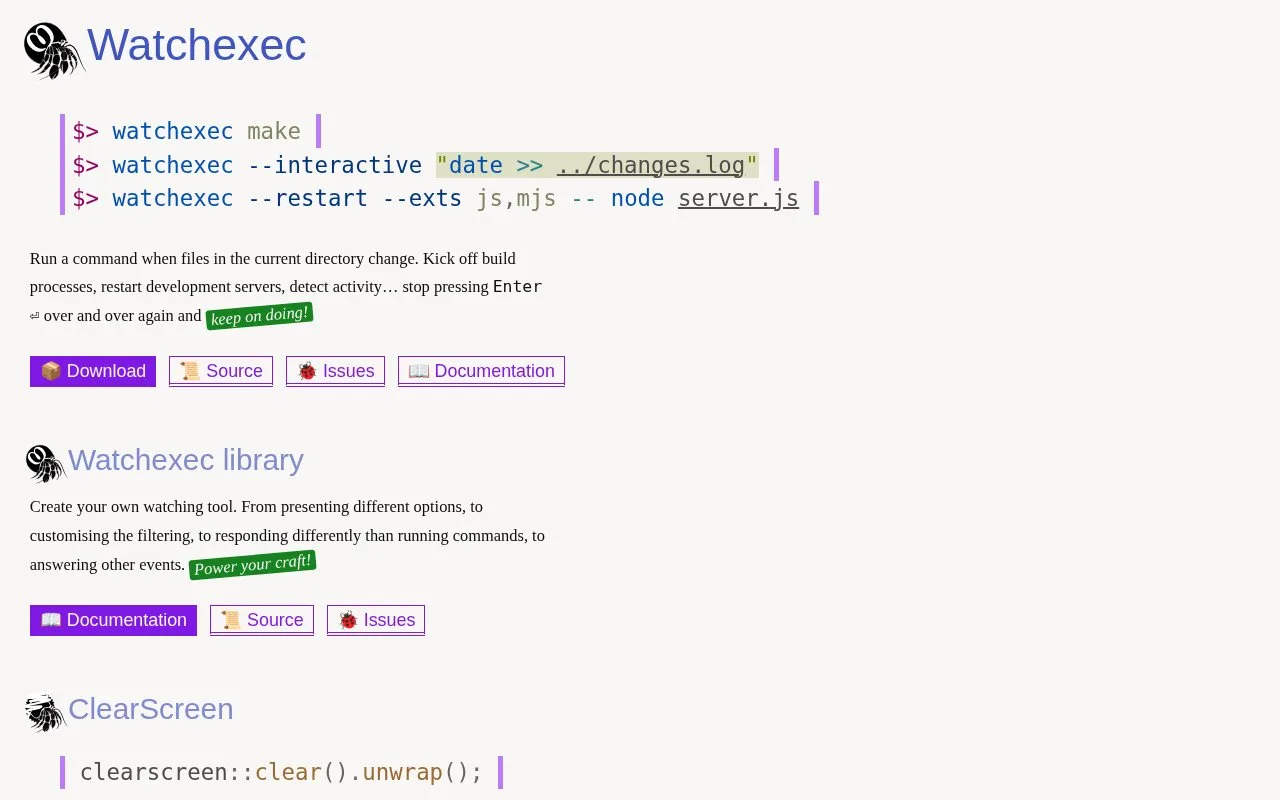
Watchexec is a standalone command-line file watcher for development work. It monitors a directory tree and starts a command when matching files change, making it useful for rebuilding assets, rerunning checks, or restarting a local server. It can respect .gitignore and .ignore rules, coalesce groups of save-related file events, and expose changed paths to the command. The project describes support for Linux, macOS, and Windows and does not require a language-specific runtime.
Put a repeatable command on watch
Install Watchexec through a package manager, use a prebuilt binary, or install it from source with Cargo. From a project directory, the project README documents this example for rebuilding when JavaScript, CSS, or HTML files change:
watchexec -e js,css,html npm run build
Watchexec supplies the trigger, while the build command and its output come from the tools in your project. The same pattern can rerun a test command or restart a development server.
The watcher covers the current directory and its subdirectories. It loads .gitignore and .ignore files and can pass changed paths through environment variables or standard input, so scripts can react to the affected files rather than doing a full rebuild.
Tune filters deliberately
Extension filters are useful for a quick local loop; glob filters give finer control. The official guide explains that patterns are matched against paths attached to filesystem events, and that ** can span path components but has syntax limitations. If a custom pattern unexpectedly misses files, check the documented matching rules before broadening the watch.
Watchexec is a command trigger, not a build system or an end-to-end CI scheduler. You still choose and configure the command that should run, and custom filtering benefits from understanding the glob rules. The CLI is Apache-2.0 licensed; the sources checked do not establish a separate hosted or commercial pricing plan.
Strengths
- Runs the same watcher workflow across Linux, macOS, and Windows.
- Coalesces bursts of filesystem events, including save patterns used by some editors.
- Can honor common ignore files and provide changed paths to the invoked command.
- Works across language ecosystems without requiring a language-specific runtime.
Watch out for
- Custom glob filters have path-matching details and documented syntax limitations.
- It triggers commands but does not replace the build, test, or CI tools those commands use.
Best for
- Rebuilding frontend assets after source changes
- Rerunning tests or linters while editing a project
- Restarting a local development server when relevant files change
Sources
- Watchexec (Oct 25, 2026)
- GitHub - watchexec/watchexec: Executes commands in response to file modifications (Oct 25, 2026)
- Glob pattern syntax and issues - Watchexec (Oct 25, 2026)
- Apache License, Version 2.0 (Oct 25, 2026)