
What it does
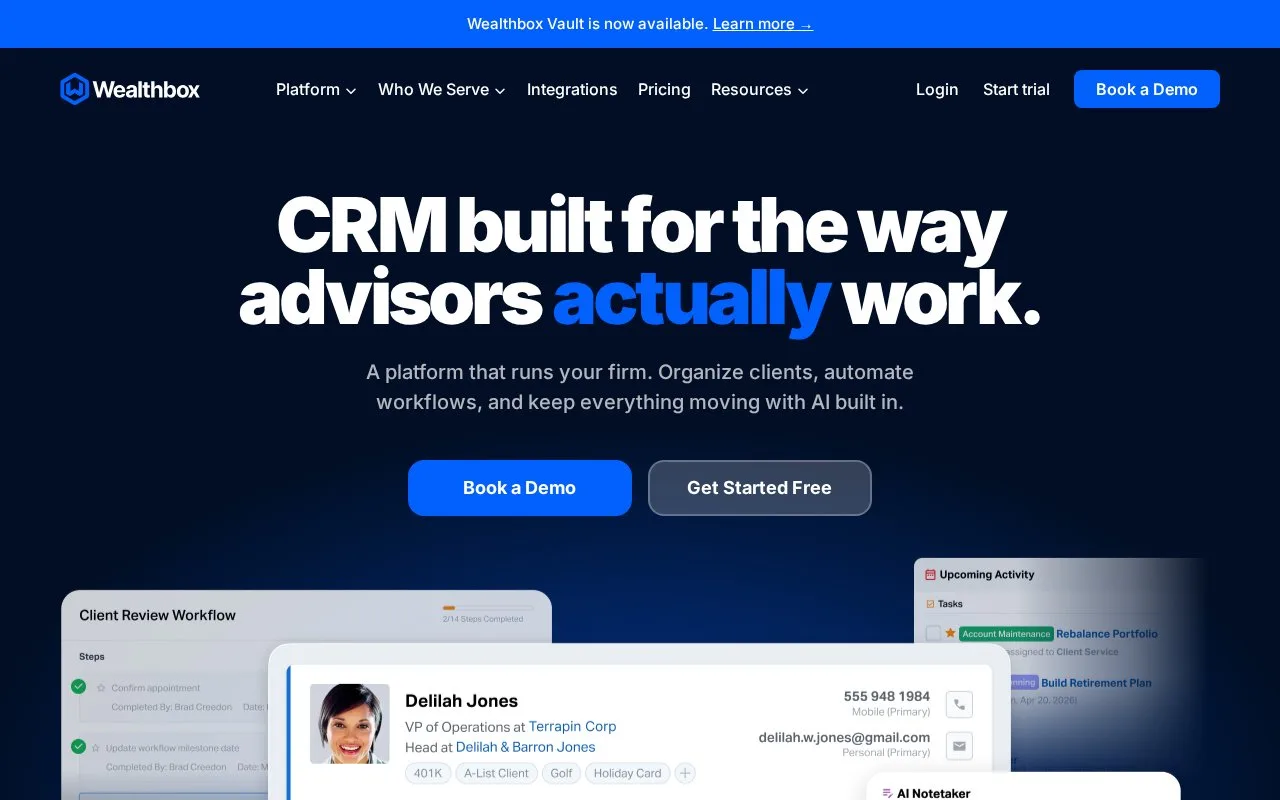
Wealthbox is a CRM for financial advisory teams. Published workflow templates organize recurring client and practice tasks around contacts, opportunities or projects.
Publish a Wealthbox workflow template before trying to start it. In Workflows > Start Workflow, select the template and the related record type it permits. Starting from a contact, opportunity or project fills in that record automatically.
Selecting several records creates a separate workflow for each, not one shared workflow. Give repeated instances a cycle-specific label, such as an annual-review year, so the team can tell them apart. A future start date schedules the instance; if the template uses a milestone, supply its date before starting.
Plan assignments in the template or update them during the work. A step cannot automatically inherit the person who completed the preceding step.
Workflow access
| Edition | Selected scope |
|---|---|
| Basic | Core CRM and one pipeline |
| Pro | Workflows, email tools and three pipelines |
| Premier | Custom dashboards and five workspaces |
| Enterprise | Quoted scope and unlimited workspaces |
Start a fourteen-day trial through the account application and use a representative client-review template to check the dates and assignments the team needs.
Strengths
- Workflow labels distinguish repeated processes for the same client
- A workflow can be scheduled and anchored to a milestone date
Watch out for
- Steps cannot dynamically inherit the assignee of the previous step
Best for
- Advisory operations teams coordinating recurring client workflows
Sources
- Wealthbox official product and access information (Oct 27, 2026)
- Wealthbox workflow creation and best practices (Oct 27, 2026)
- Wealthbox | The AI-Powered CRM Workspace for Financial Advisors (Oct 25, 2026)