
What it does
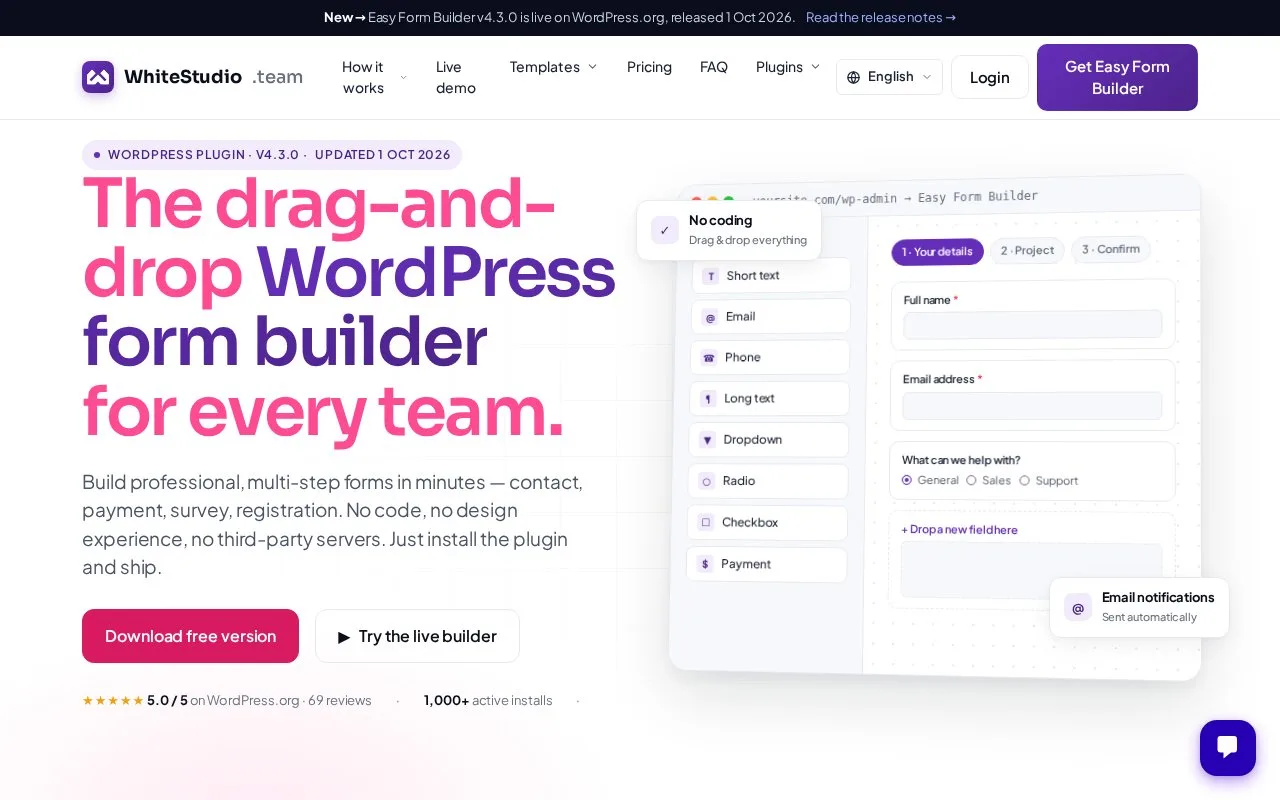
Easy Form Builder creates WordPress forms for surveys, enquiries and registrations. Authors publish saved forms and inspect responses in the site dashboard, with free and paid access.
In WordPress, open Easy Form Builder, Create and Survey Forms. Drag in the questions and save from the top menu. Basic survey fields include text, long text, radio buttons and checkboxes. Publish using the generated shortcode or select the saved survey in an Easy Form Builder block in Gutenberg or Elementor.
Open the survey under Easy Form Builder, Panel to inspect responses. Download CSV produces a spreadsheet file; use Free Plus or paid access for exports.
Free access and annual licences
| Option | Main scope |
|---|---|
| Free | Basic fields, unlimited forms and entries |
| Free Plus | Advanced fields, exports and limited logic; form-page credit |
| Basic | One site; annual licence |
| Premium | Three sites; annual licence |
| Agency | 25 sites; annual licence |
Free Plus permits three logic rules per form, two conditions per rule and two conditional email rules. Gateway and external-service additions depend on the paid package.
Strengths
- Saved surveys can be placed with either a shortcode or an editor block.
- The response panel provides a CSV download for spreadsheet analysis.
Watch out for
- Free Plus displays a form-page credit and limits conditional rules.
Best for
- WordPress owners collecting a short survey and reviewing its saved responses