
What it does
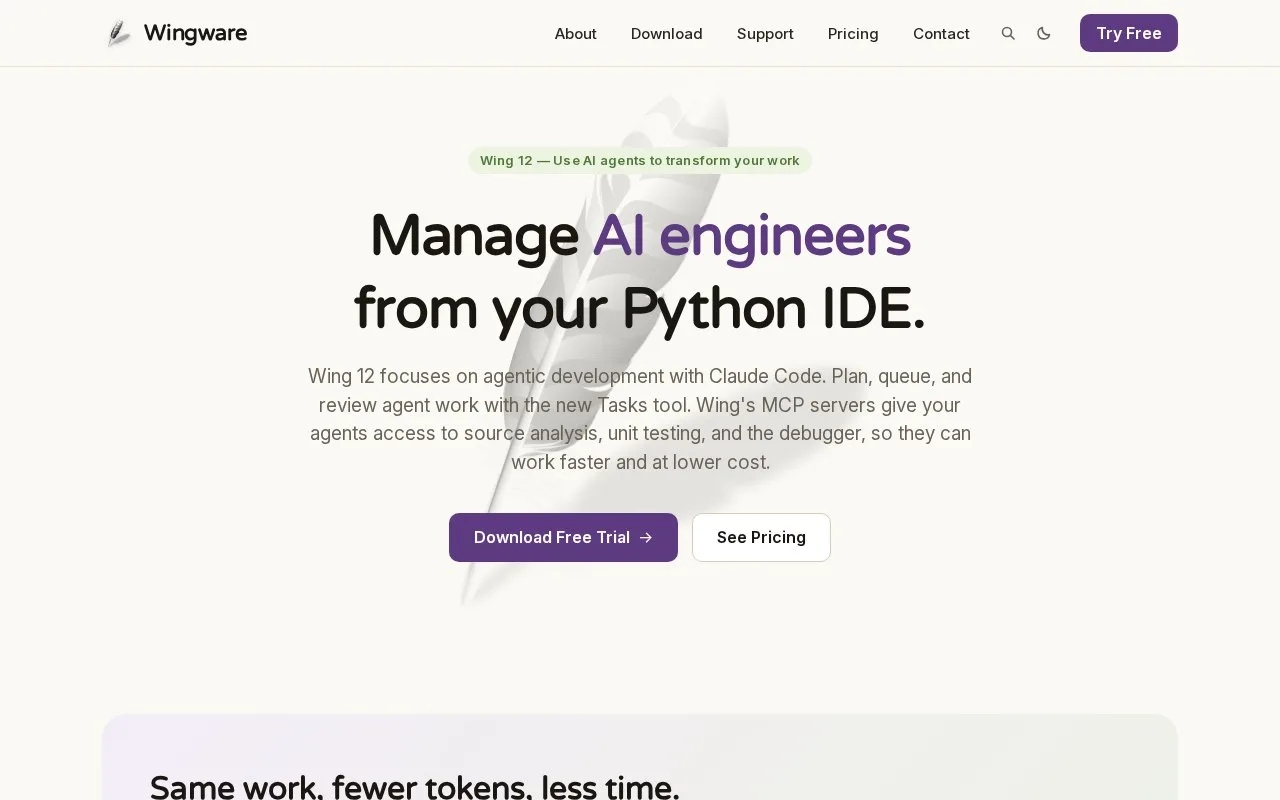
Wing Pro is the professional edition of Wing's Python IDE. It combines project and Python-environment setup with code navigation, refactoring, an interactive debugger, and tools for running unit tests. The current Pro edition also adds AI-agent development features to the traditional IDE workflow. Wing runs as a desktop application on Windows, macOS, and Linux, with some remote-development scenarios available through Pro.
Let the project own its Python setup
After launching Wing, choose New Project from the Project menu and select the source directory and Python environment. The quick-start guide says Wing can create environments using options such as virtualenv, Poetry, uv, pipenv, Anaconda, or Docker; an existing project can instead be added as a directory. This makes interpreter choice part of the project setup rather than a hidden global editor setting.
For a debugging task, set a breakpoint in the margin and launch the program from the Debug menu or toolbar. Wing's debugger can inspect program state in the Stack Data tool and can connect to code running on another host or in a container. Its Testing tool can add files from a project and run suites written for unittest, doctest, pytest, nose, or Django. These are documented workflows, not tests performed for this listing.
Wing Pro adds agent-development tools to the traditional editor. Wing currently offers a 30-day Pro evaluation, after which continued use requires a license; the vendor lists annual and perpetual license choices. The price page also lists Wing Classic separately, so check edition features before purchasing. Exact prices are omitted here.
Strengths
- Project setup can create or select a Python environment using common environment managers, including virtualenv, Poetry, uv, and Conda.
- The debugger supports breakpoints, stepping, and inspection of program state, including remote or container-based code.
- The Testing tool can run and debug several Python testing frameworks from project files.
Watch out for
- Wing Pro is a Python-focused desktop IDE, and a license is required for continued use after its evaluation period.
- Wing Pro and Wing Classic have different feature sets and license terms, so users should verify the selected edition.
Best for
- Python developers who want project-level interpreter and environment management
- Debugging Python applications locally, remotely, or in containers
- Running Python unit tests from the same IDE used to edit the project
Sources
- Manage AI coding agents - Wing Python IDE (Oct 25, 2026)
- Wing Quick Start Guide - Wing Python IDE (Oct 25, 2026)
- Unit Testing - Wing Python IDE (Oct 25, 2026)
- Supported Platforms - Wing Python IDE (Oct 25, 2026)
- Pricing - Wing Python IDE (Oct 25, 2026)
- License Terms - Wing Python IDE (Oct 25, 2026)